Case Study
Case Study
Transforming
Event Networking
Designing a Seamless Platform for Attendees
and Exhibitors to Connect Effortlessly
UI/UX Designer
Internship at QVIQ
Project Duration: 25 Days
Background & Context
Understanding the challenge of meaningful connections in large-scale events
The Networking Challenge
Large-scale events often leave attendees overwhelmed and struggling
to make meaningful connections. Traditional networking methods fall
short in crowded environments where valuable opportunities are
missed.
Digital-First Solution
The need for a comprehensive digital platform that enables seamless
discovery, connection, and follow-up between event participants while
maintaining the human element of networking.
The Problem
Identifying the core challenges in event networking
Difficulty in making meaningful
connections at overcrowded events
• Attendees struggle to identify relevant connections in large crowds
• Limited visibility of exhibitor offerings and expertise
• Inefficient manual exchange of contact information
• Lack of structured follow-up mechanisms post-event
"60% of visitors leave events without making
meaningful connections."
Industry Research Data
Target Audience
Understanding our primary users and their unique needs

Primary User
Visitors
Professionals and attendees looking to
connect with relevant exhibitors and peers
Key Needs
• Easy discovery of relevant connections
• Quick contact exchange
• Event schedule and navigation
• Meaningful follow-up opportunities
Secondary User
Exhibitors
Businesses aiming to showcase their
offerings and generate quality leads
Key Needs
• Digital booth presence
• Lead capture and management
• Visitor engagement tools
• Post-event follow-up system
The Solution
Transforming event networking through innovative technology
Comprehensive event networking
platform for meaningful
connections
Seamless discovery and connection tools for relevant networking opportunities
Interactive exhibitor showcases with real-time inquiry management
Efficient contact information exchange and follow-up mechanisms
Structured post-event relationship building and engagement tracking
"Transform 60% missed connections into
meaningful professional relationships."
Platform Impact Research
Design Process
A structured approach to solving complex networking challenges
Research Constraints
• Time constraints led to reliance on secondary research
• No historical user behavior data due to MVP stage
• Limited access to real event attendees before deployment
Understanding the Problem
Define research objectives and identify key pain points
Define
Create personas, journey mapping, and problem definition
Ideate
User flows, solution planning, and concept development
Design
Wireframes, UI concepts, and visual design systems
Prototype
Interactive prototypes and validation testing
Define Phase: User Persona & Journey Map
Deep user insights driving design decisions through comprehensive research and
analysis
User Personas
Visitor Persona
Exhibitor Persona
Rajiv Mehta
Marketing Manager, 28 years
Mumbai, India
Background:
MBA graduate who attends events to stay updated on industry trends, network with
professionals, and discover innovative tools. Values engaging sessions and
meaningful connections but feels overwhelmed by crowded spaces.
Education & Tech Level:
MBA in Marketing • Moderate Tech Savvy
Goals
• Learn about the latest industry trends and innovations
• Network with professionals and build meaningful connections
• Discover tools or services that can enhance work productivity
Frustrations
• Long queues and crowded booths make it hard to explore
• Generic sessions that don't provide actionable insights
• Limited availability of digital tools for effective networking
Motivations
• Gaining knowledge that can directly benefit their role
• Expanding professional network for future collaborations
• Finding unique solutions to bring back to the team
User Journey Maps
Visitor Journey
Exhibitor Journey
Visitor at an Event (Rajiv Mehta)
Journey Map
Actions
Task List
Pain Points
Opportunities
Feelings & Emotions
Register for the event
Fill out registration form, receive confirmation.
Long forms, unclear confirmation process.
Long check-in queues, no updates.
Overlapping sessions, unclear directions.
Awkward intros, unsure who to approach
Forgotten names, scattered contacts.
Streamlined signup via LinkedIn or WhatsApp
Wait in queue, collect badge.
QR-based fast check-in, real-time updates
Explore booths, read agenda
Personalized schedule, smart event map
Suggested contacts, profile previews
In-app follow-up, saved connections, reminders
Start conversations, exchange contacts
Try remembering people, send messages manually.
Check in at venue
Navigate event
Network with attendees
Post-event follow-up
Neutral, Slightly
Tired
Impatient, Anxious
Overwhelmed, Confused
Nervous, Uncomfortable
Regretful, Disconnected
😞
😐
😤
😕
😬
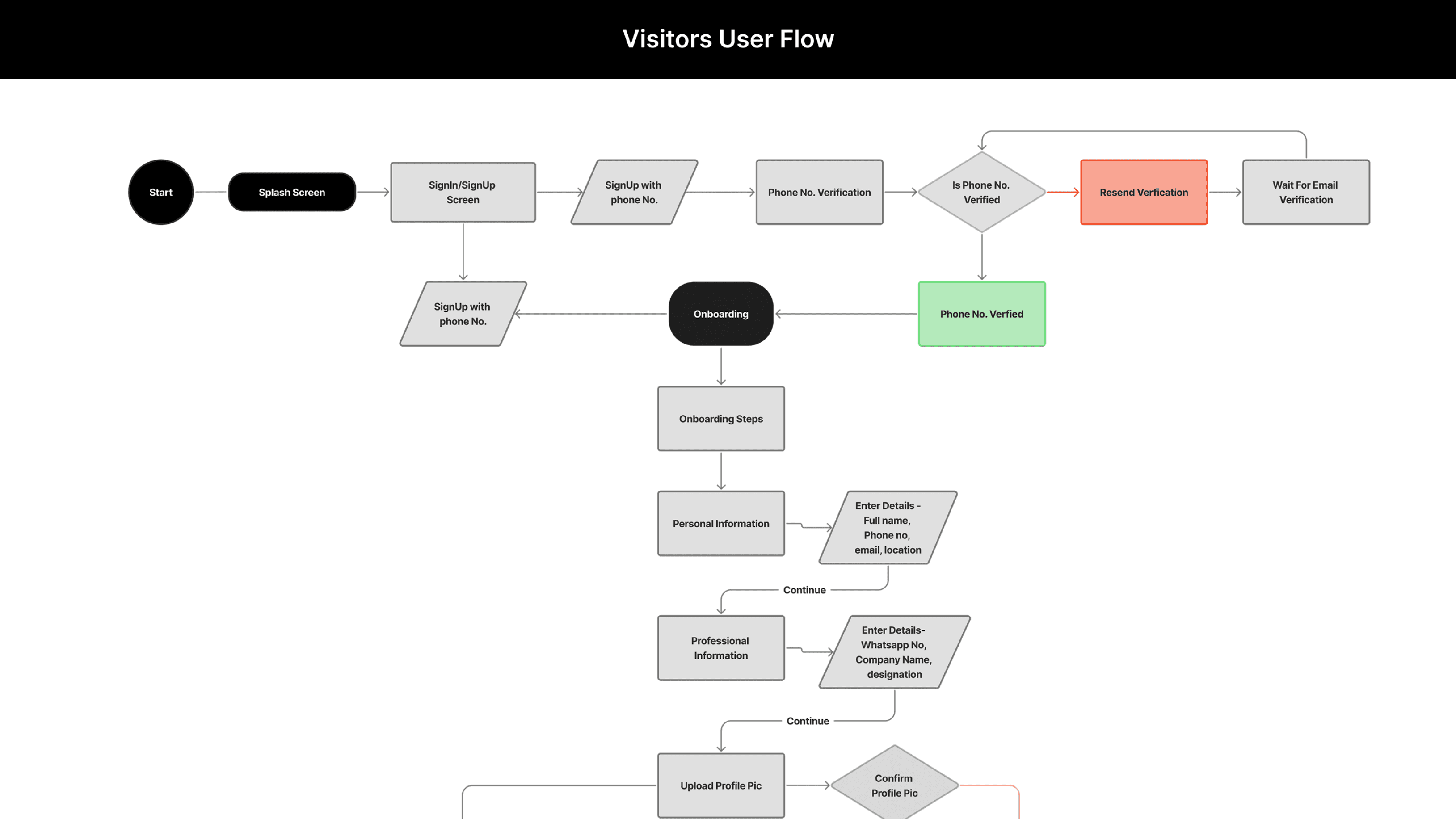
User Flow
Step-by-step user pathways mapping the complete journey from entry to goal completion across the
platform.
Visitors User Flow
Exhibitors User Flow
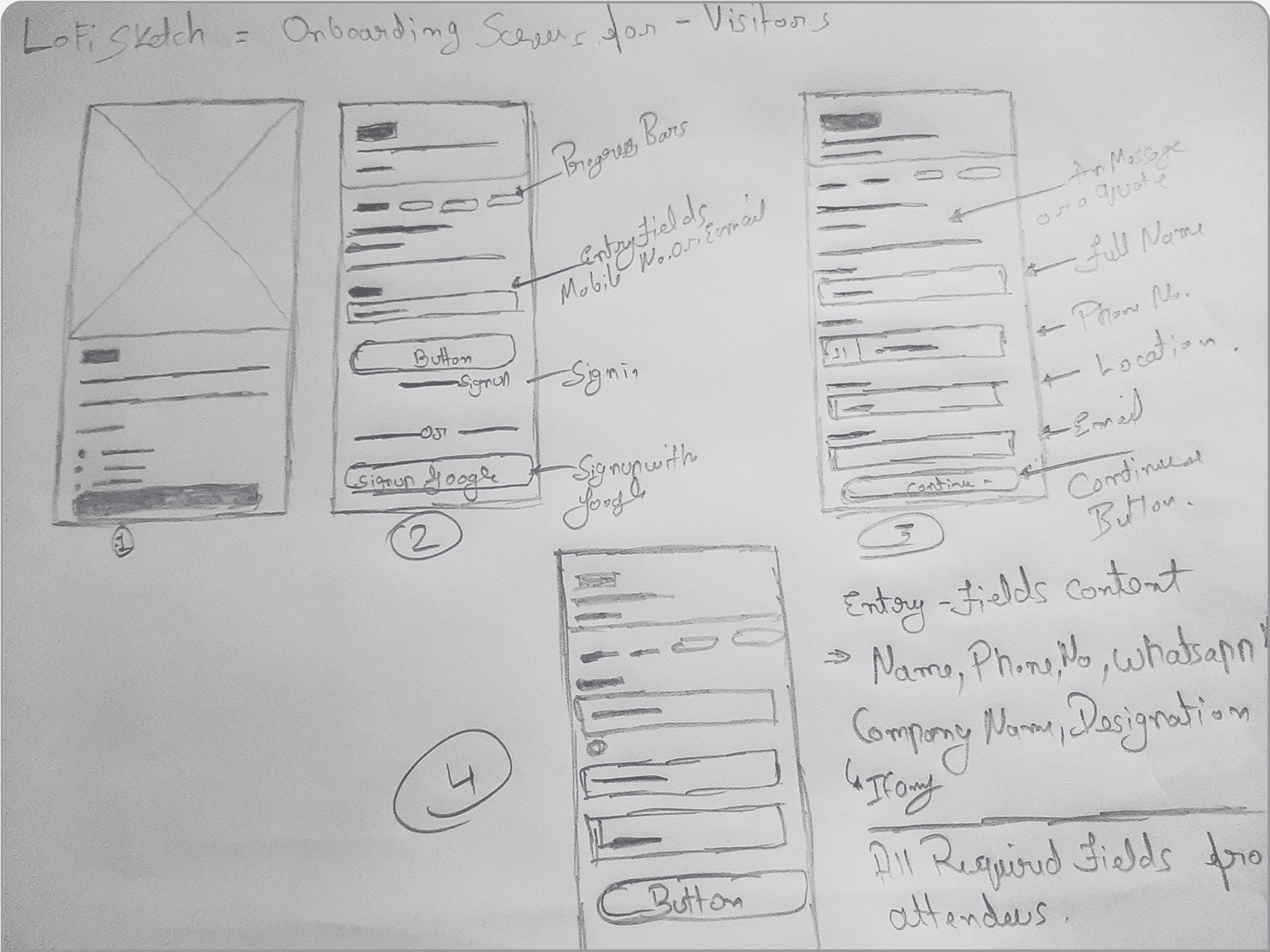
Low-Fidelity Wireframes
Initial concepts and user flow exploration through rapid sketching and ideation
Rapid Ideation
Quick sketches to explore different layout options and
interaction patterns for both visitor and exhibitor user flows.
Mobile-First Approach
Prioritized mobile experience since most event attendees
primarily use smartphones for networking and information
access.
Color Palette
Primary
#6B65DA
Secondary
#3B82F6
Success
#10B981
Dark Gray
#F59E0B
Warning
#F59E0B
Gray 100
#B3AEFF
Black Text
#111827
Typography & Controls
Plus Jakarta Sans
Typography Scale
Heading 1
Heading 2
Body Text
Caption Text
Button Variants
Primary Button
Secondary Button
Outline Button
A consistent visual language ensures scalability and maintainability across the product.
Design System Components
Components
join indie start up fest
Checkout trending startup ideas Checkout trending
Explore
Banner
Live Now
Bottom Nav Bar
live now
fireside chat with dipiender goyal
view

Icons
Profile Card
View Profile Card
VIP Profile Card
Pop UP Notification
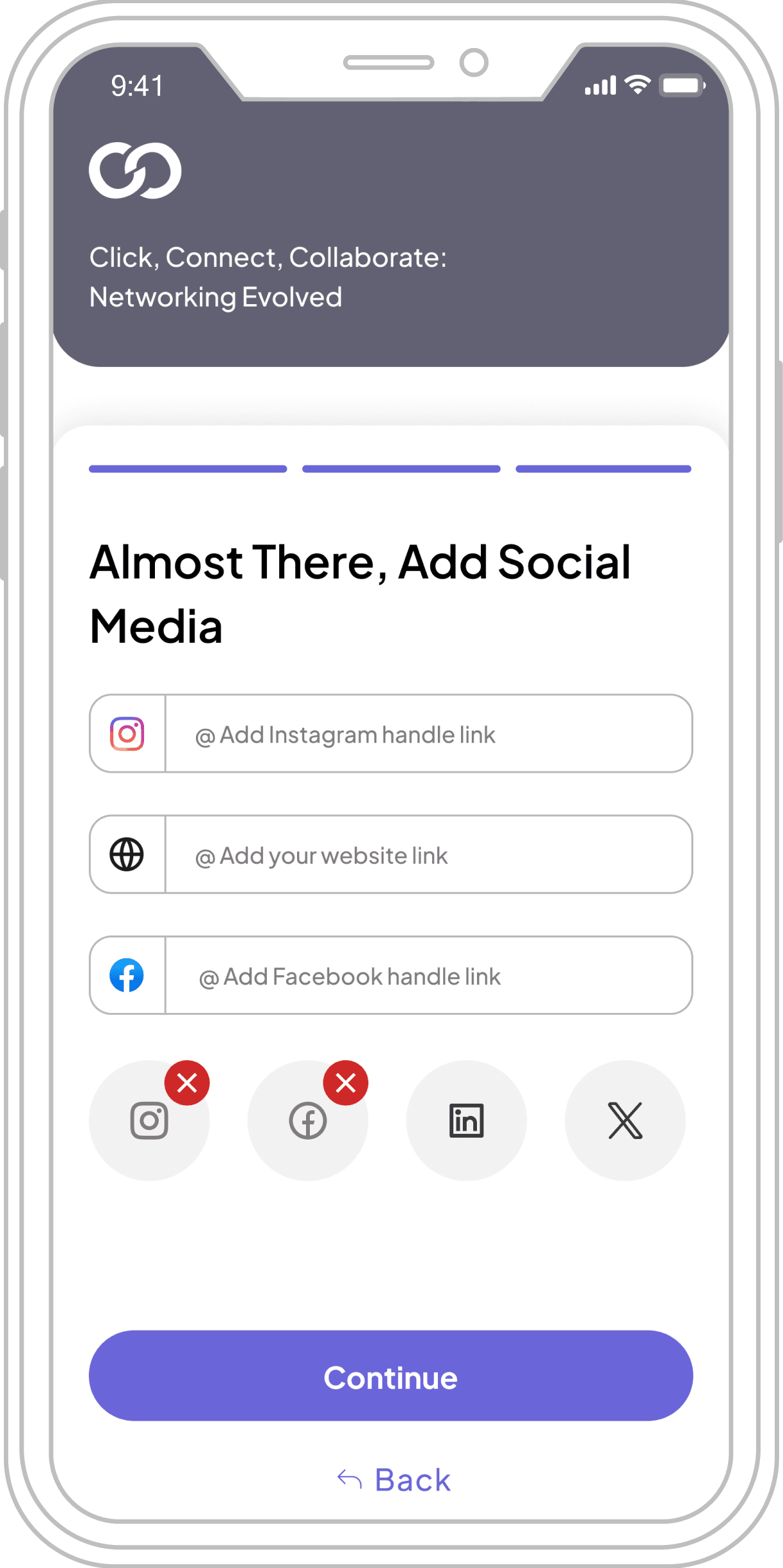
Social Media Icons
Notification & menu Icon
Other Icons
Inappropriate Behavior
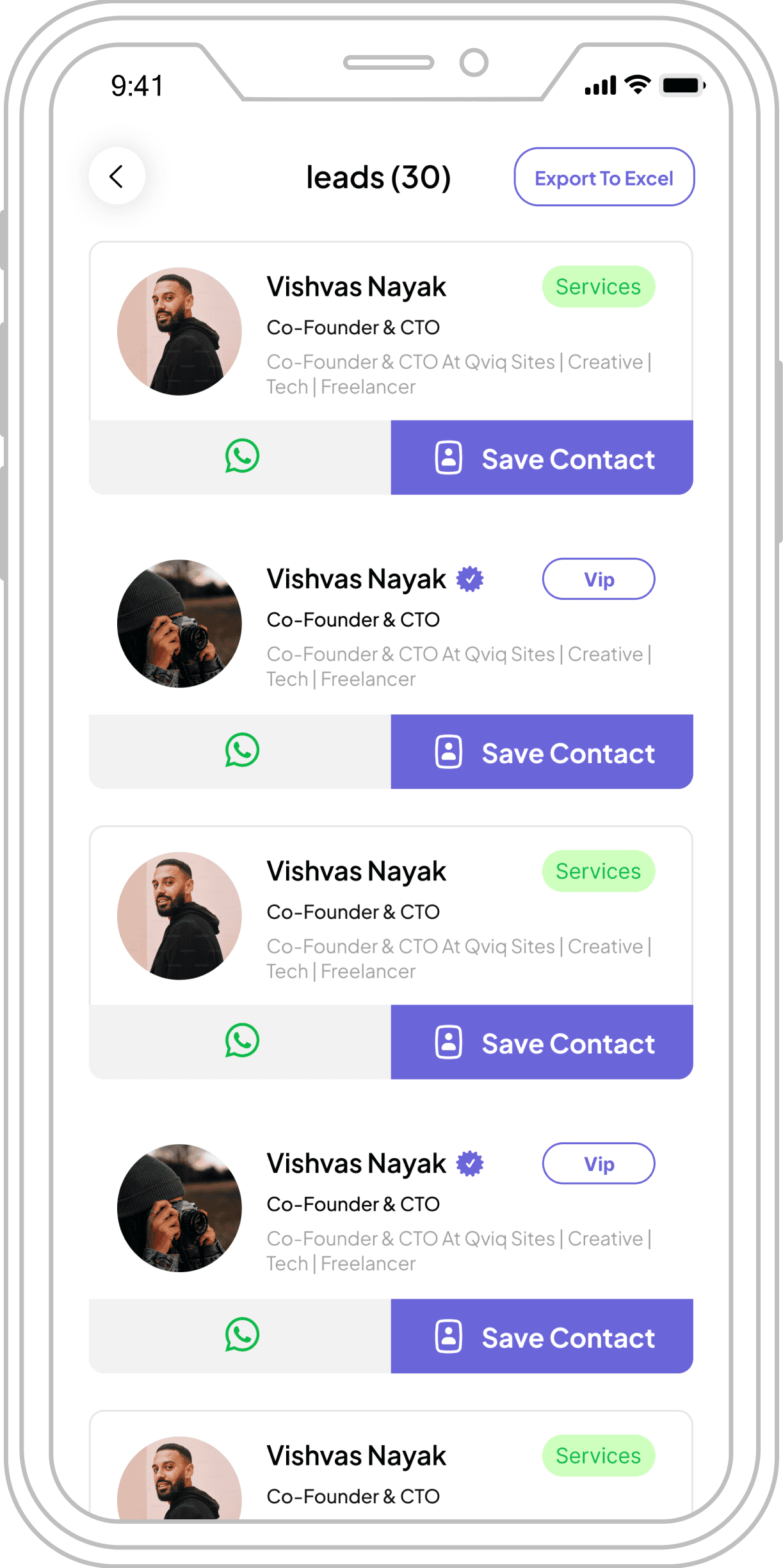
vishvas nayak
co-founder & cTO
co-founder & cTO at qviq sites | creative | tech | freelancer
Services

Save Contact
vishvas nayak
co-founder & cTO
co-founder & cTO at qviq sites | creative | tech | freelancer
vip

Save Contact
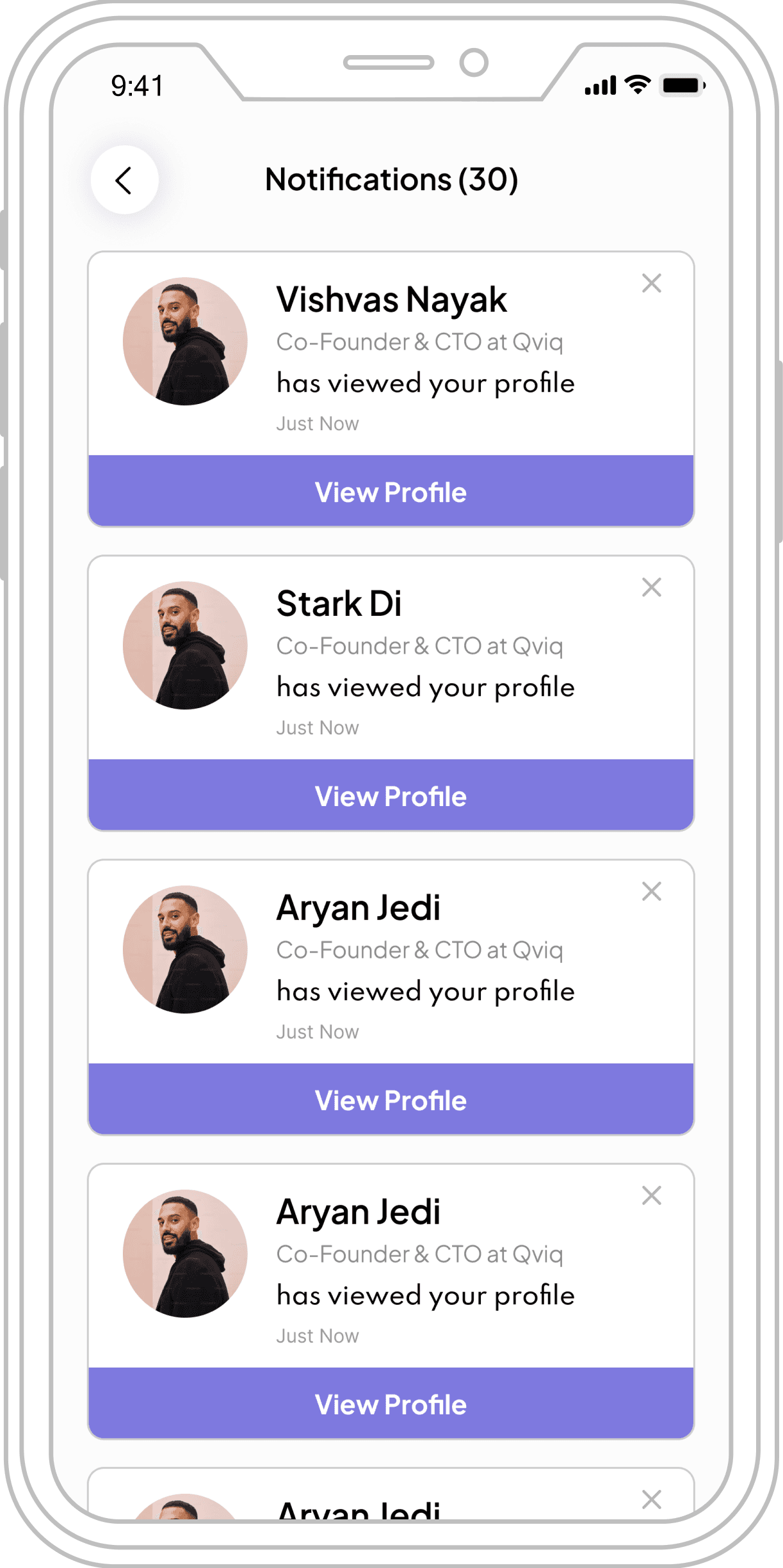
Vishvas Nayak
co-founder & cTO at qviq
has viewed your profile
Just Now
view profile
inappropriate behaviour
inappropriate behaviour
Sayaji
co-founder & cTO
Has Sent You A Request
Just Now
1
Due to company policy, I am unable to showcase the full design system, components, and other screens.
Final UI Screens
High-fidelity designs bringing the networking platform to life
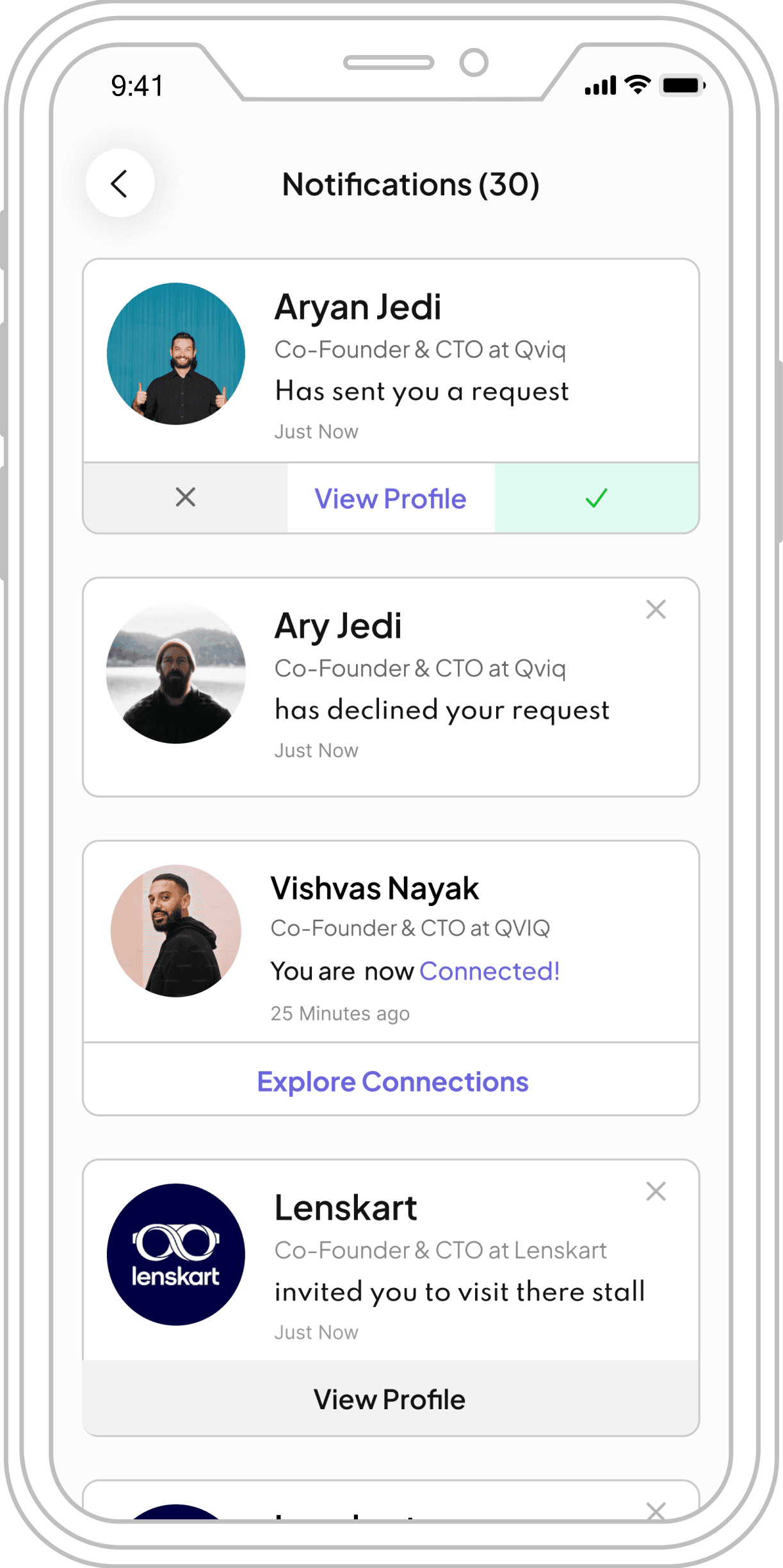
Visitors UI Screens
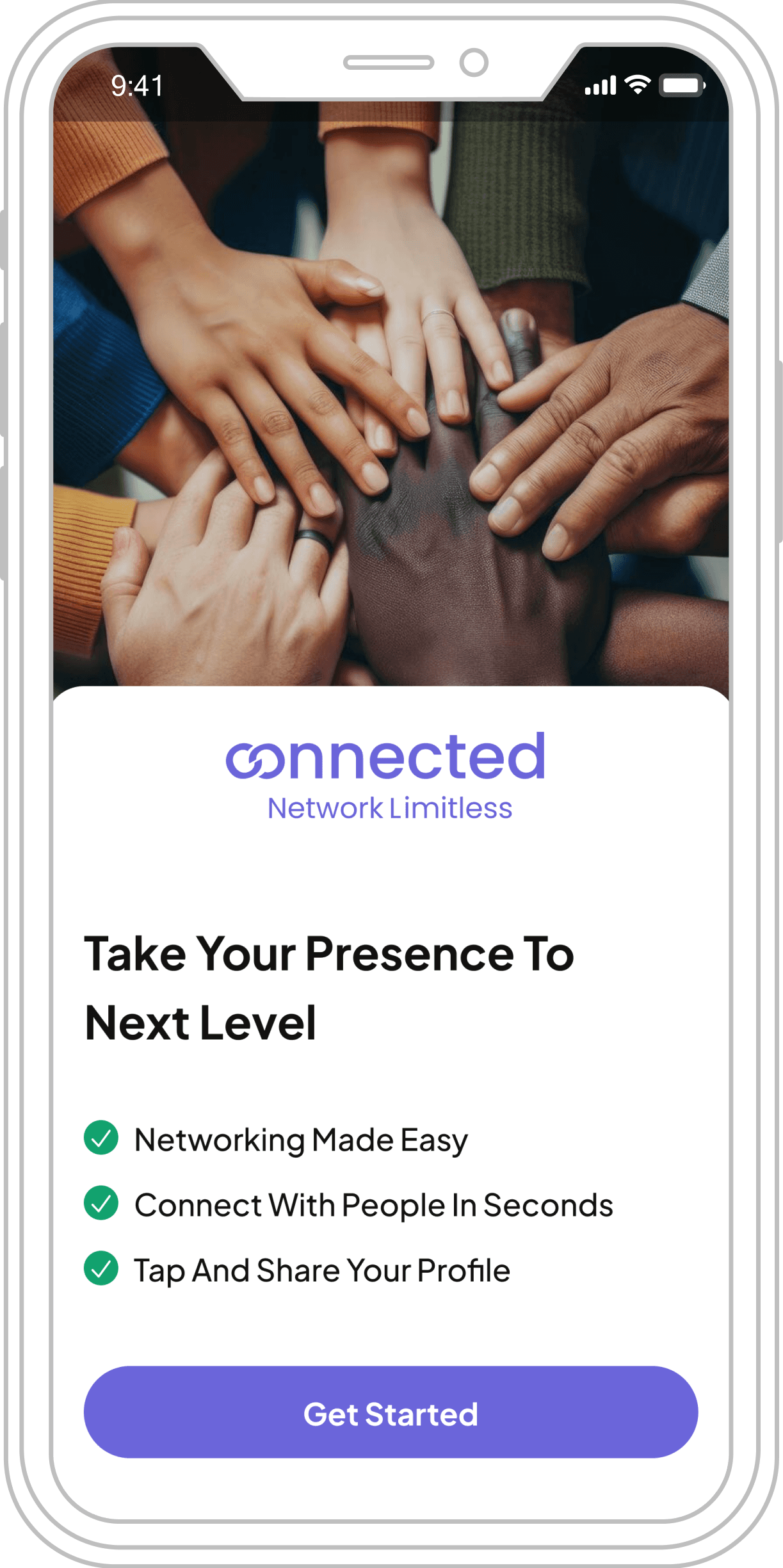
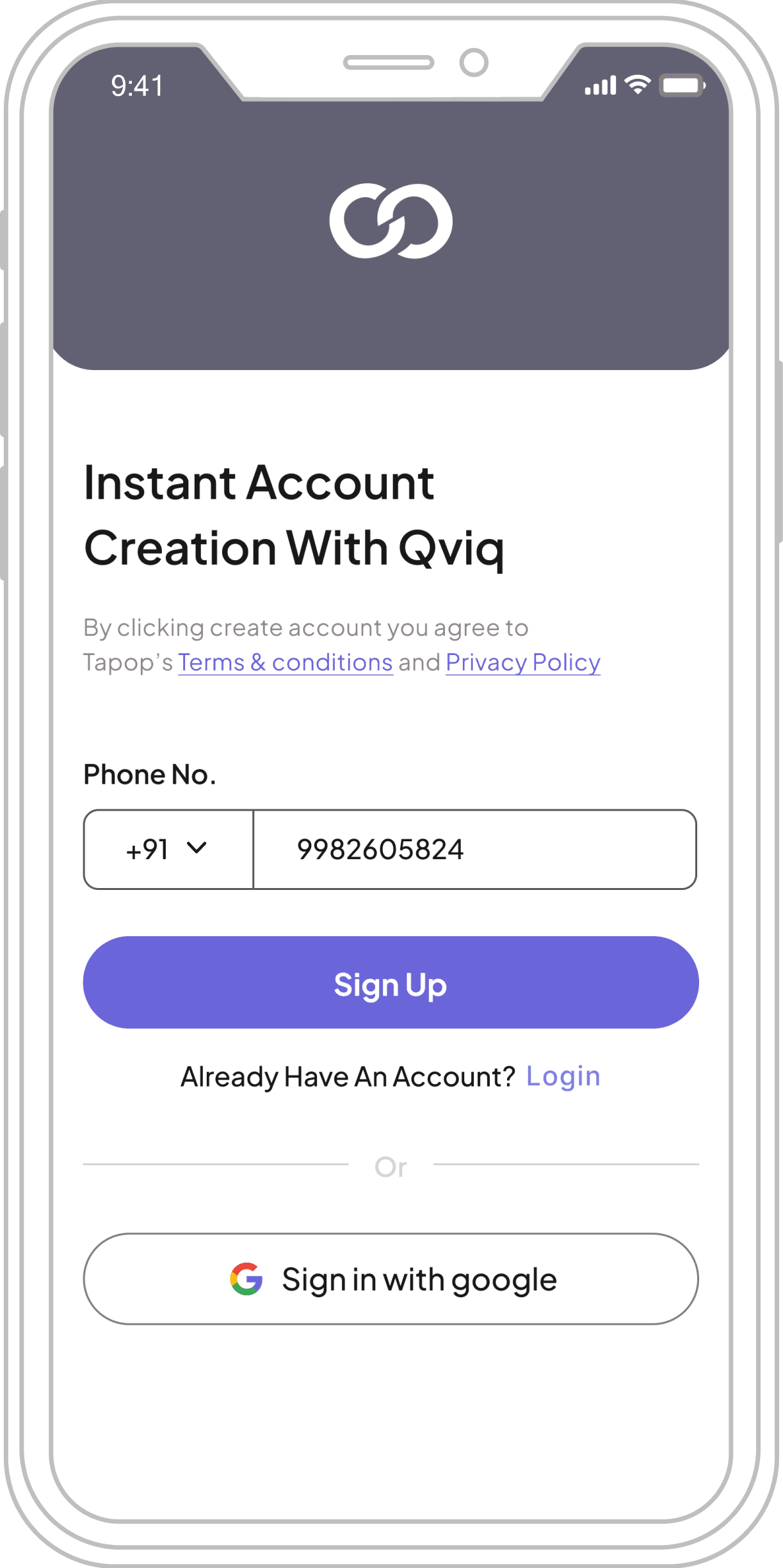
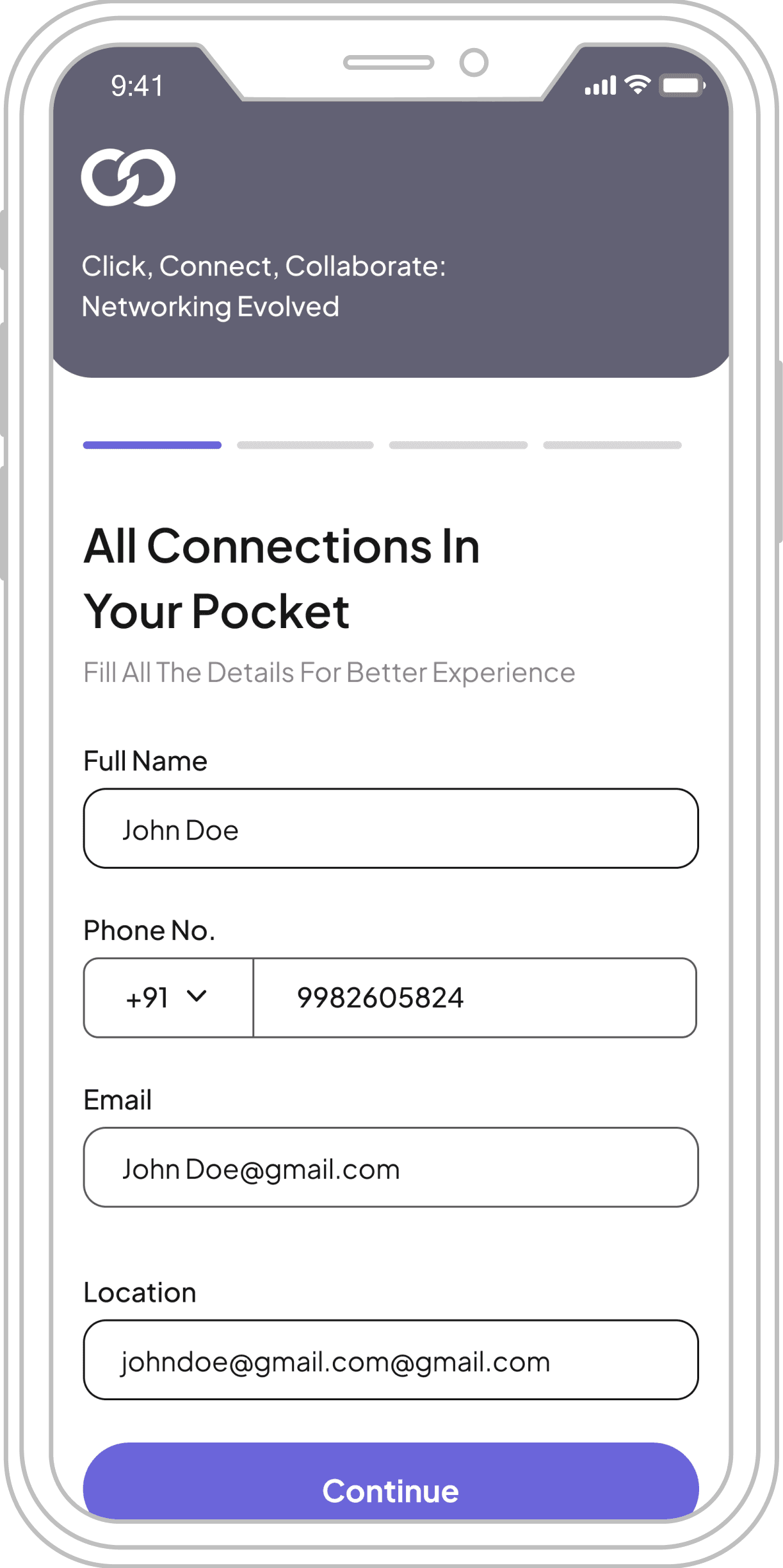
Splash Screen
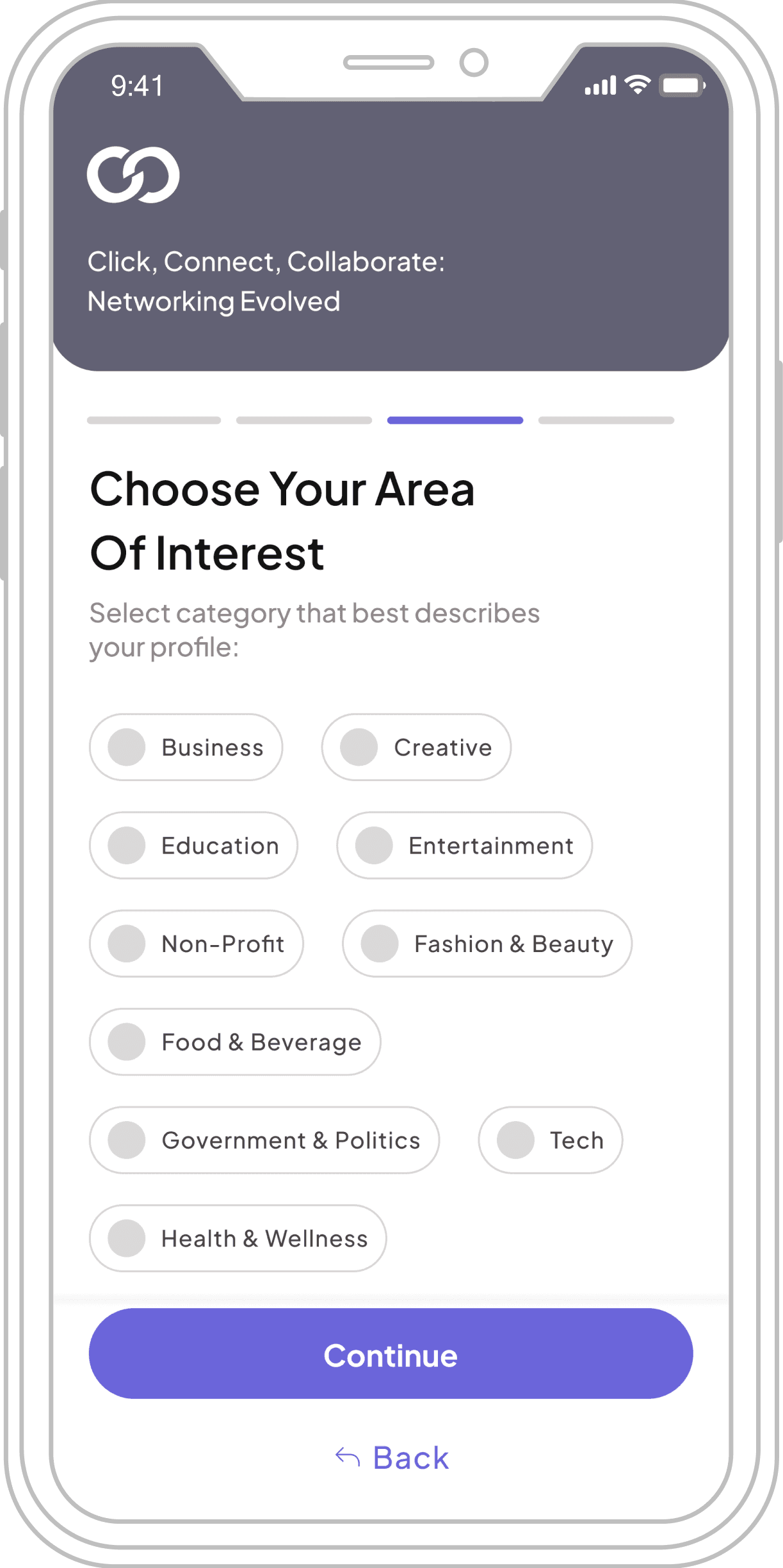
Area of Interest
Sign Up / Sign In
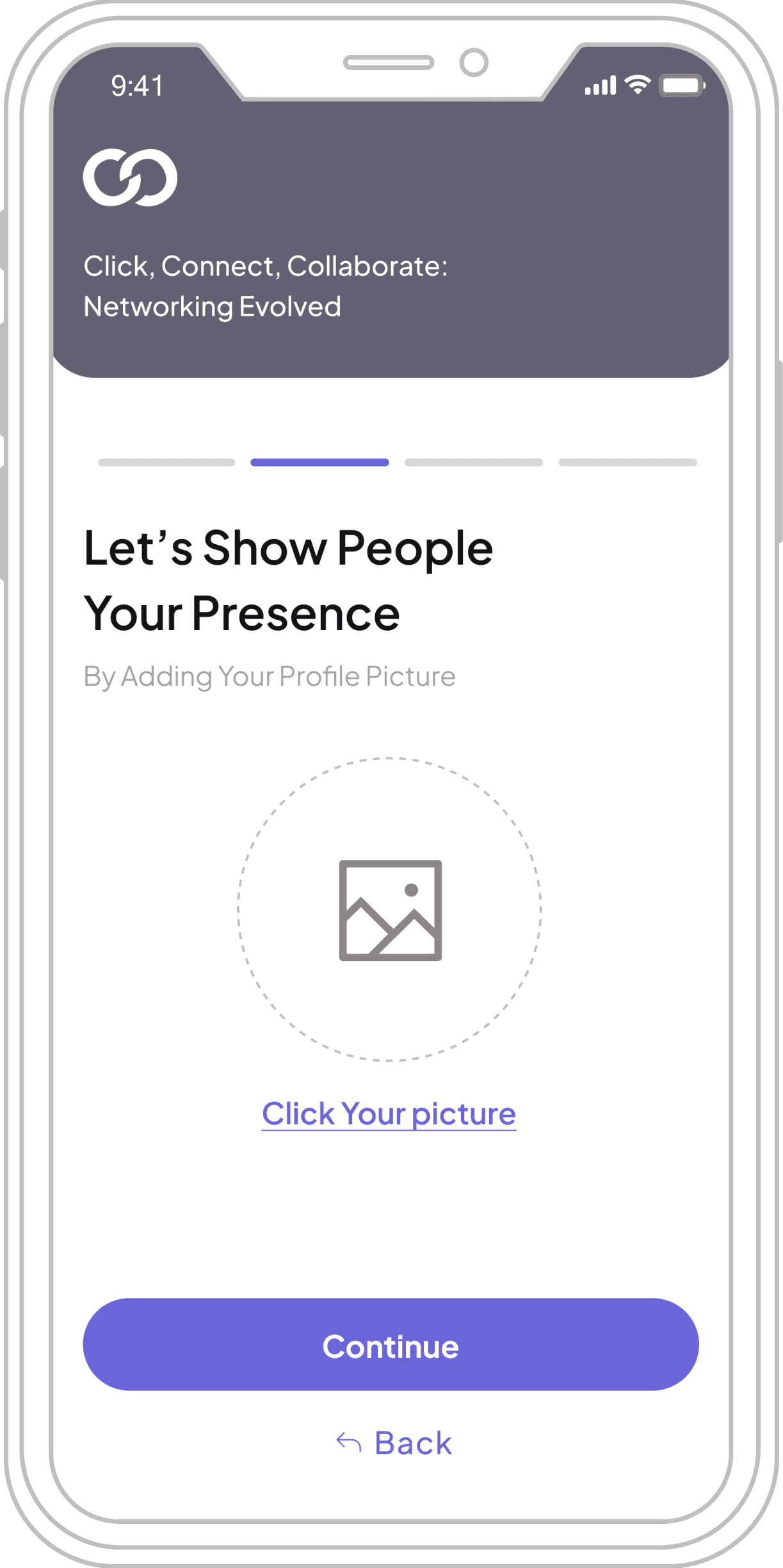
Profile Pick
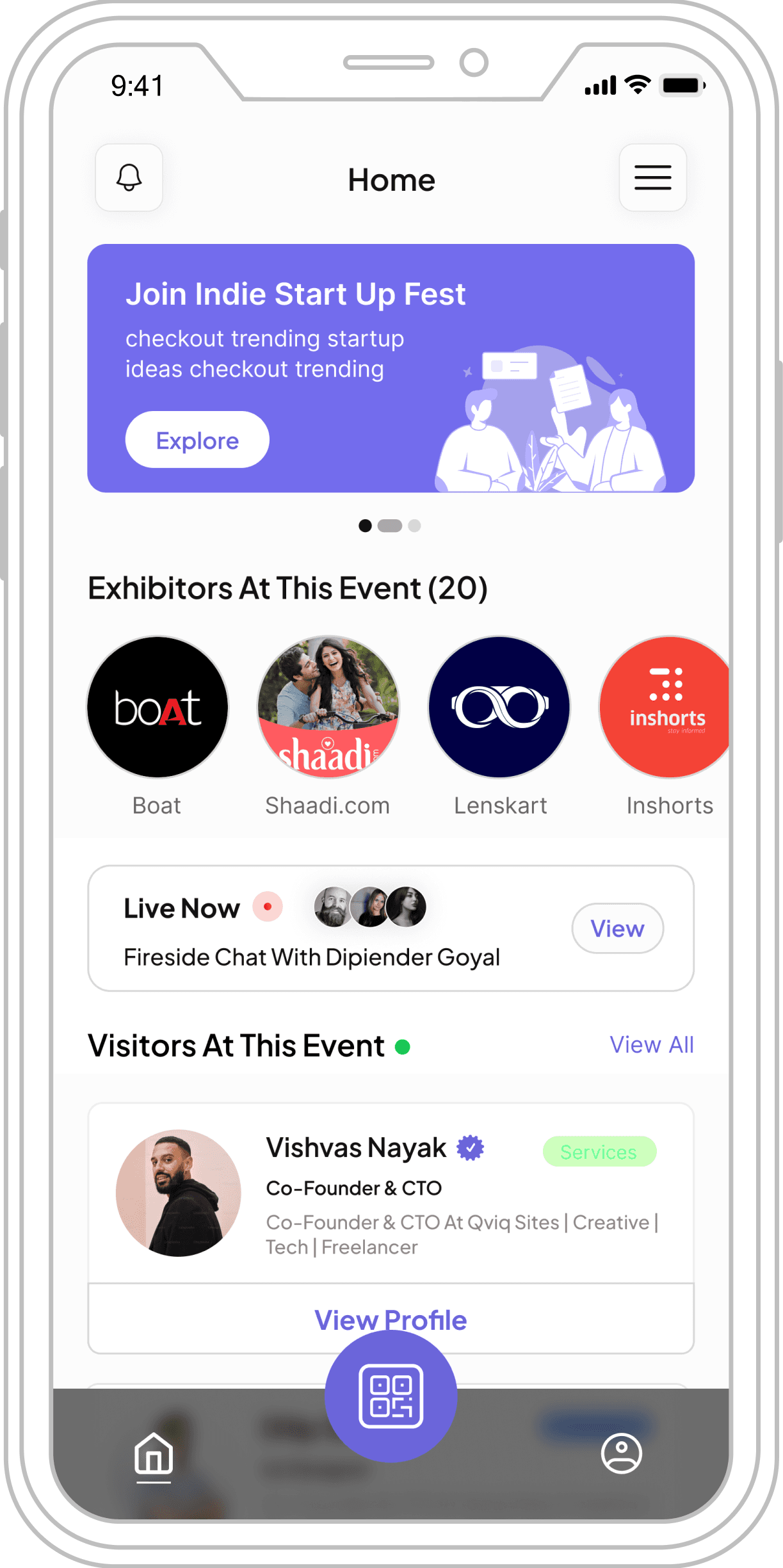
Home Screen
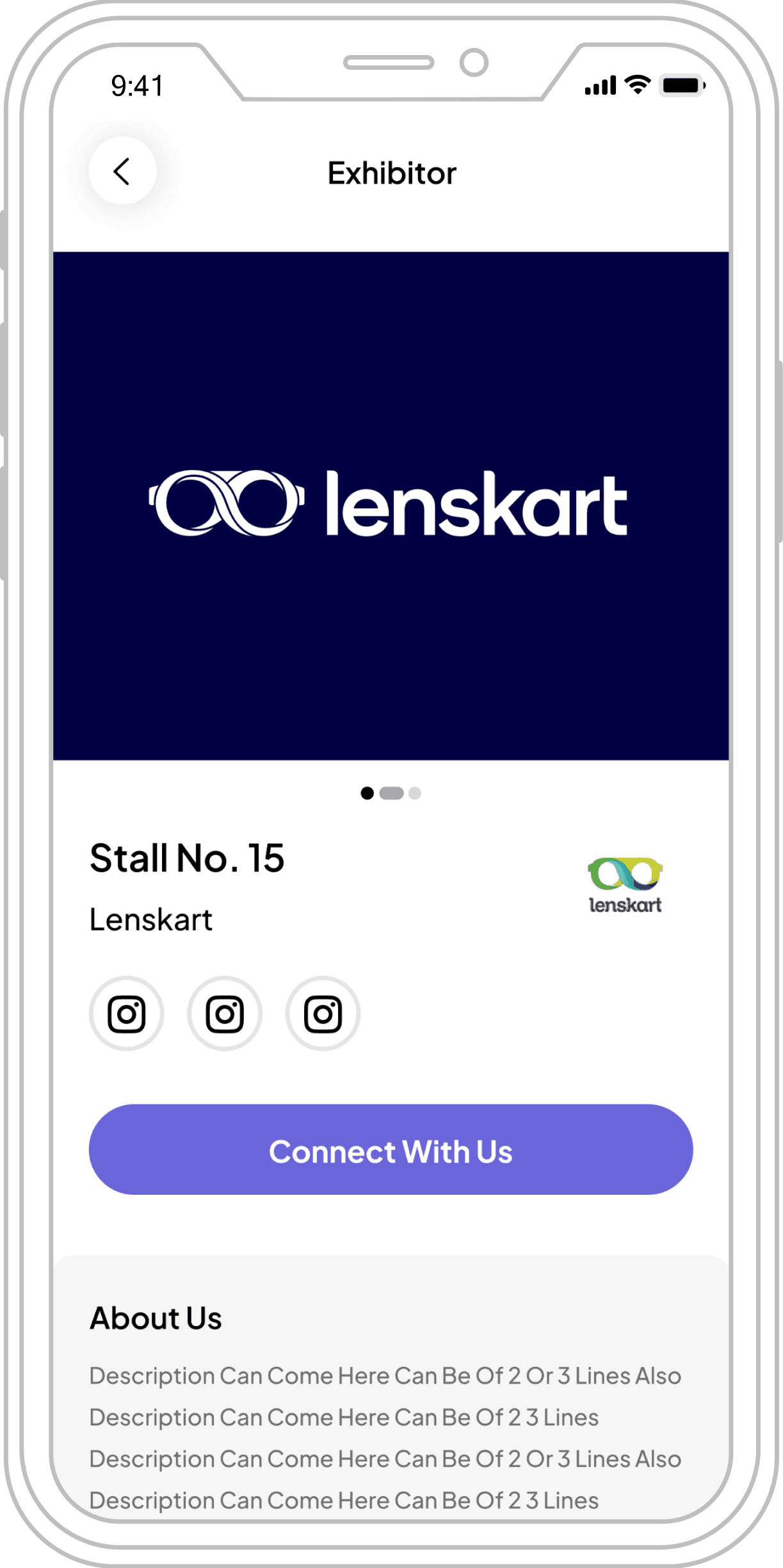
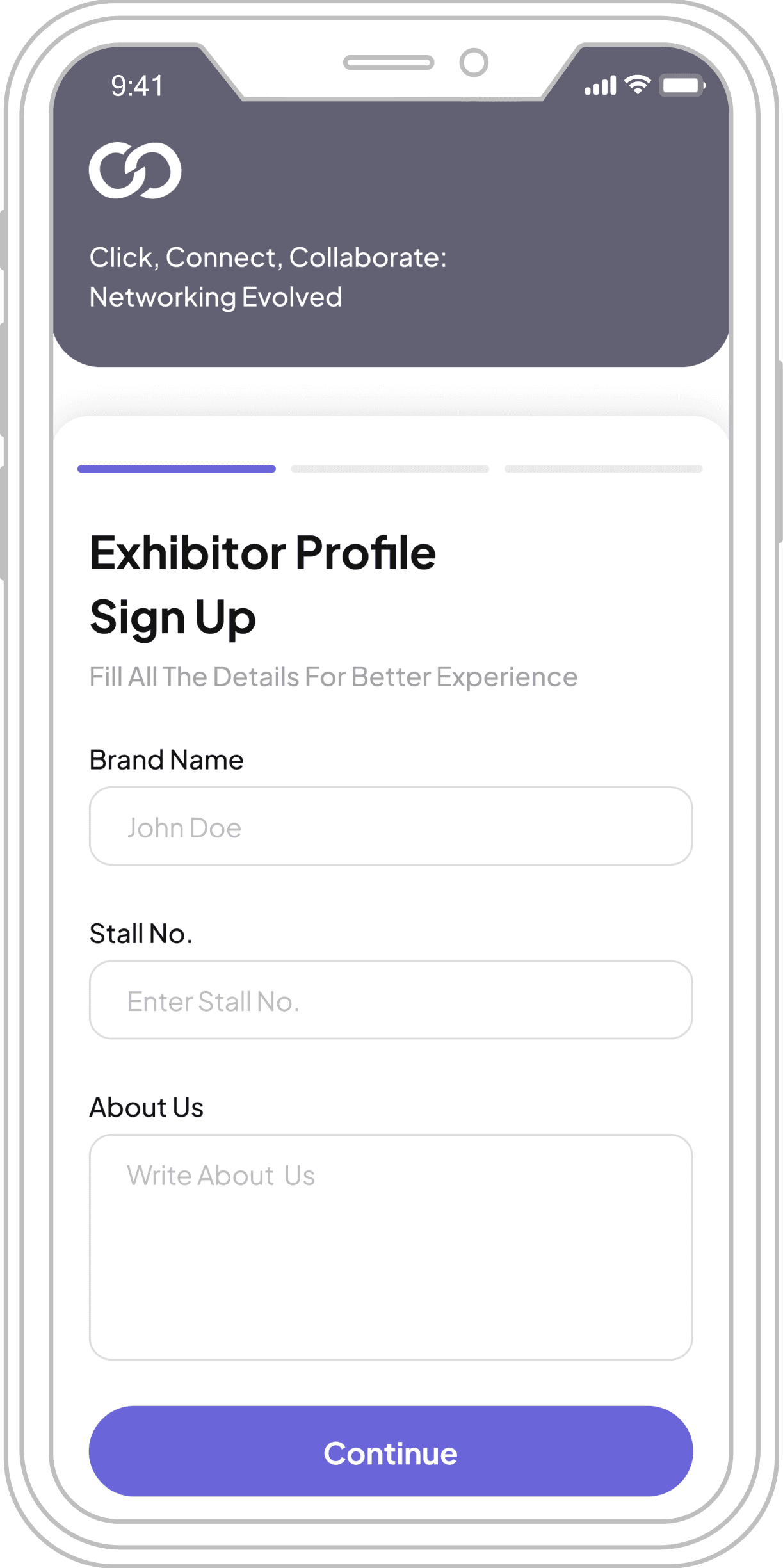
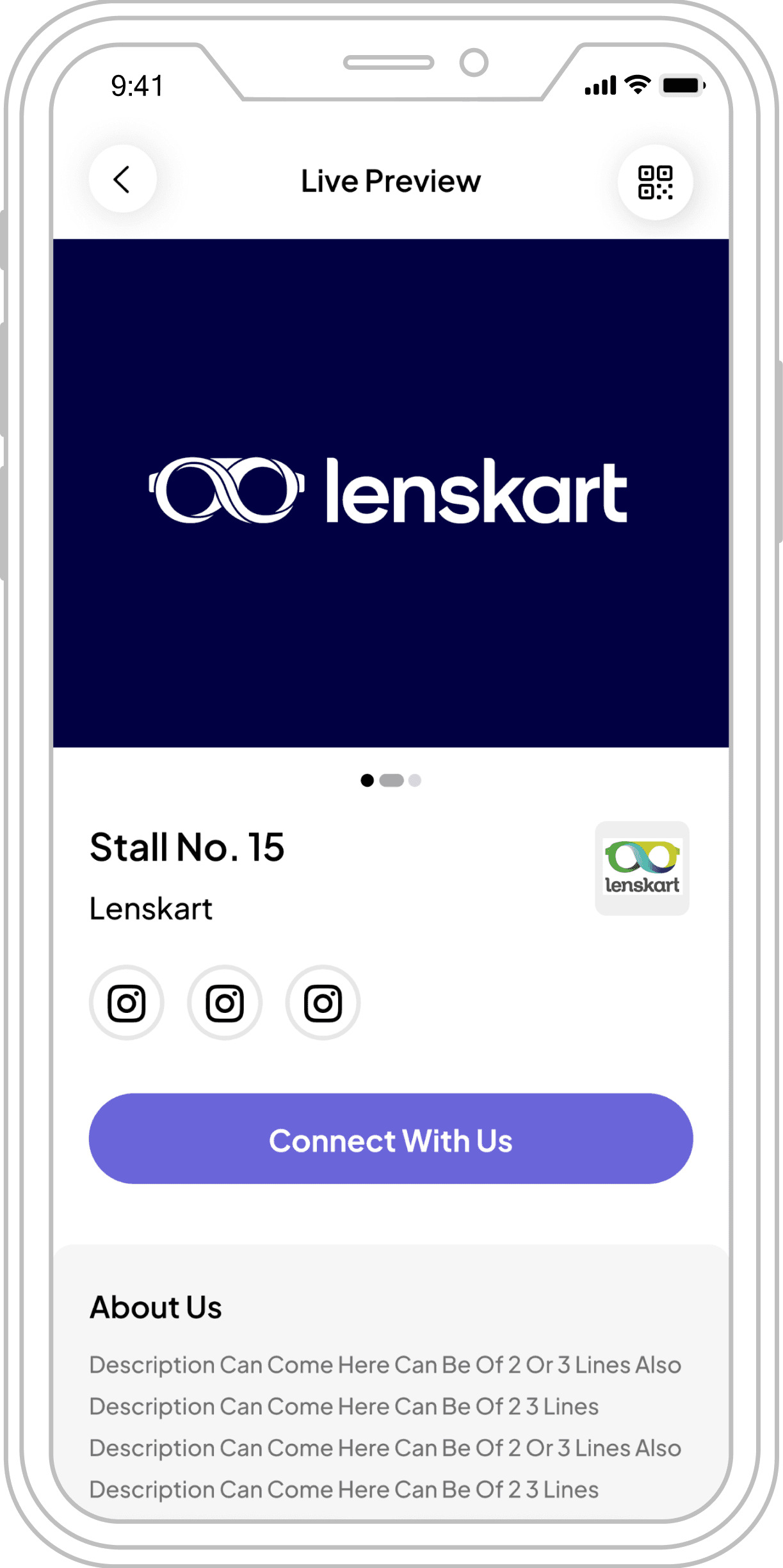
Exhibitor Profile
Notifications
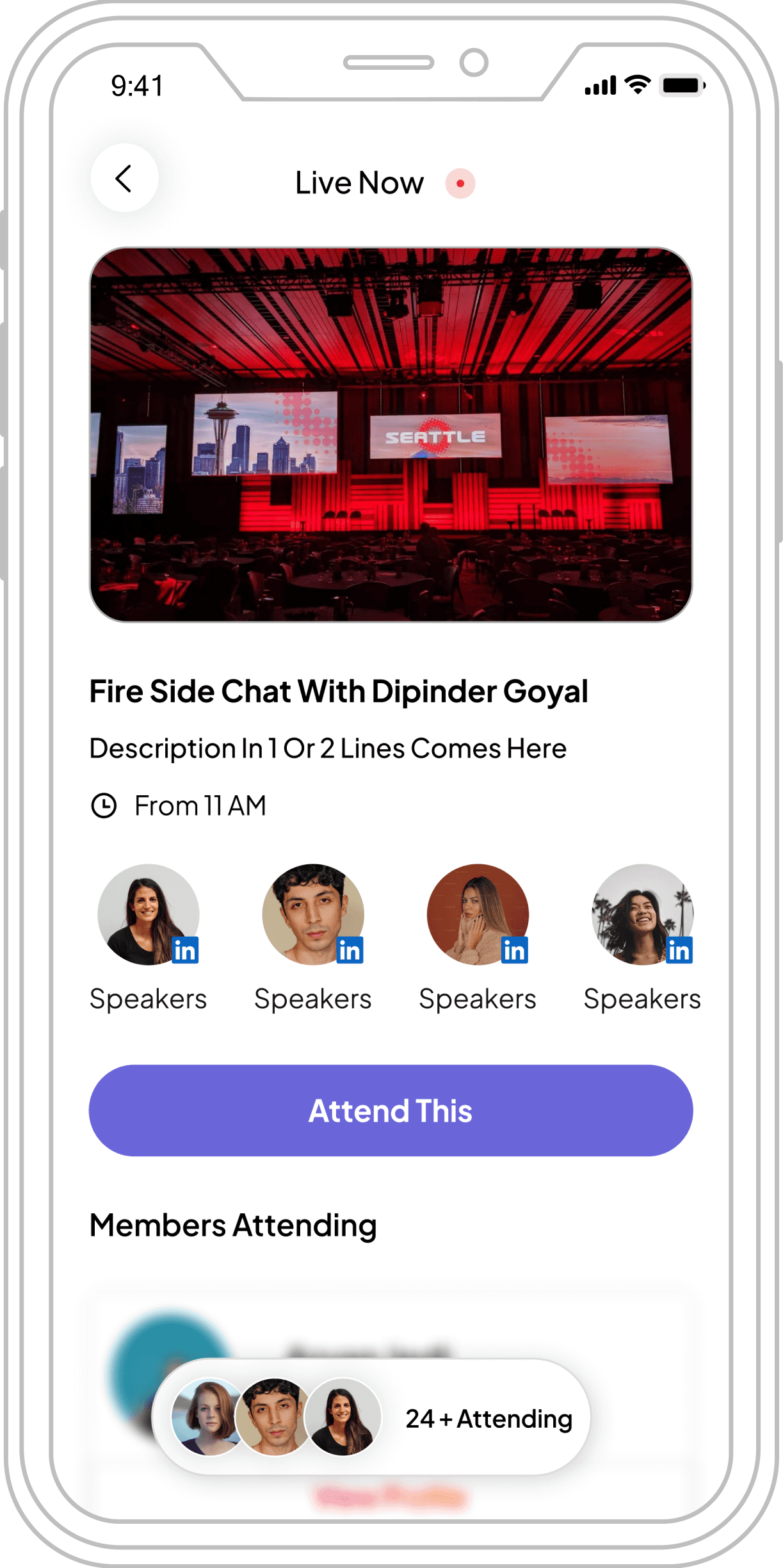
Live Now
Personal Details
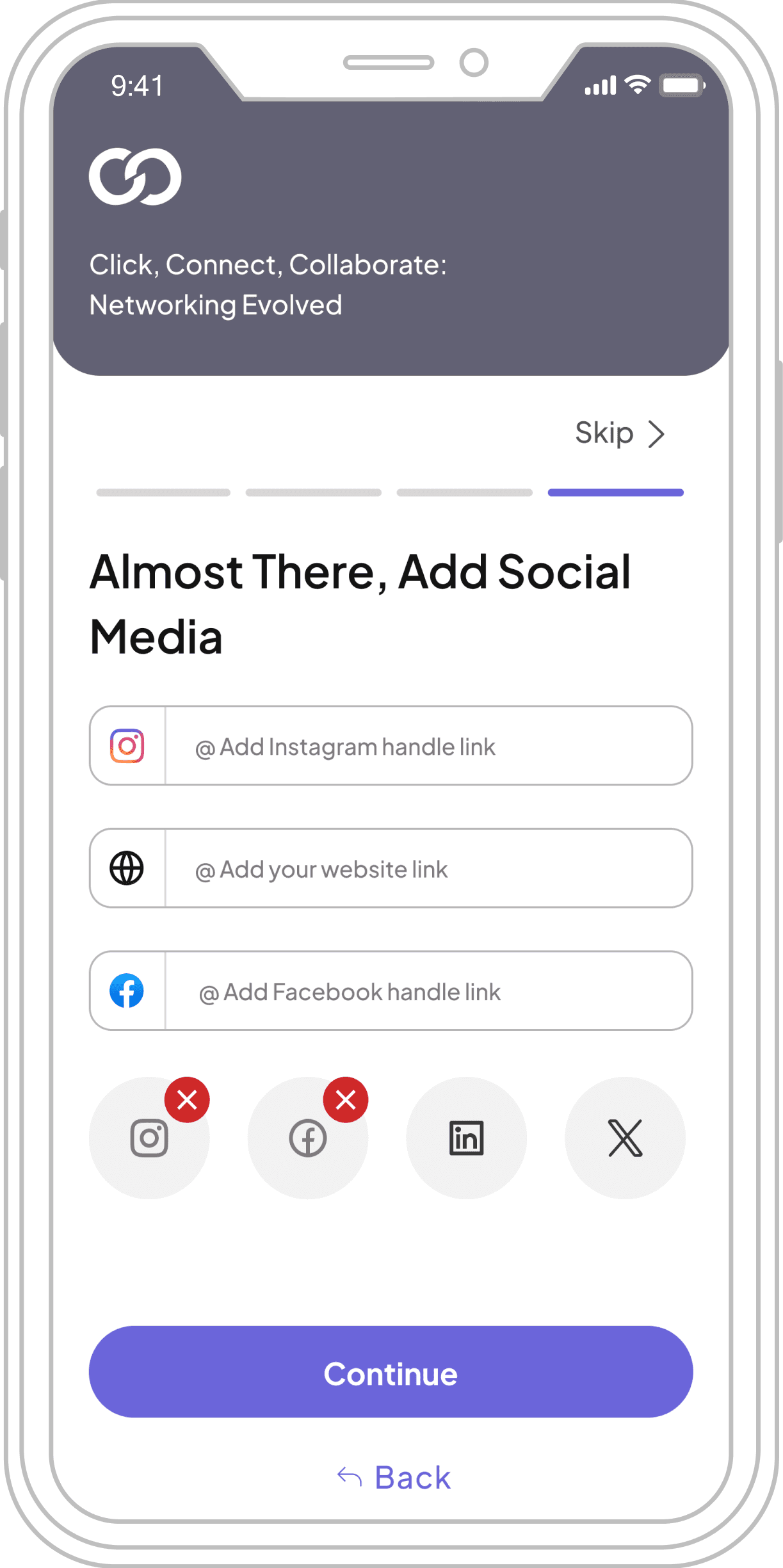
Social Media
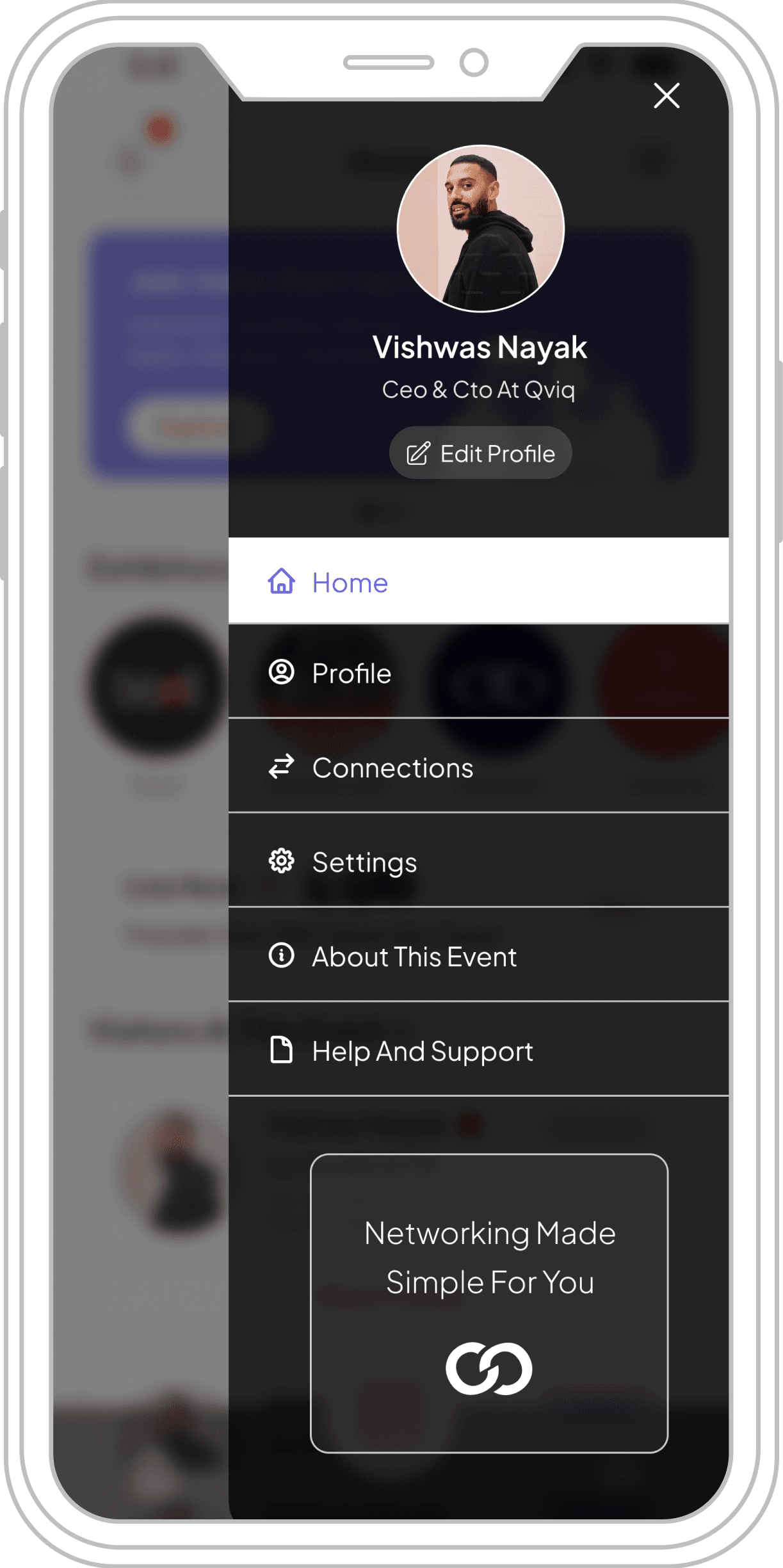
Ham Menu
Visitors Profile
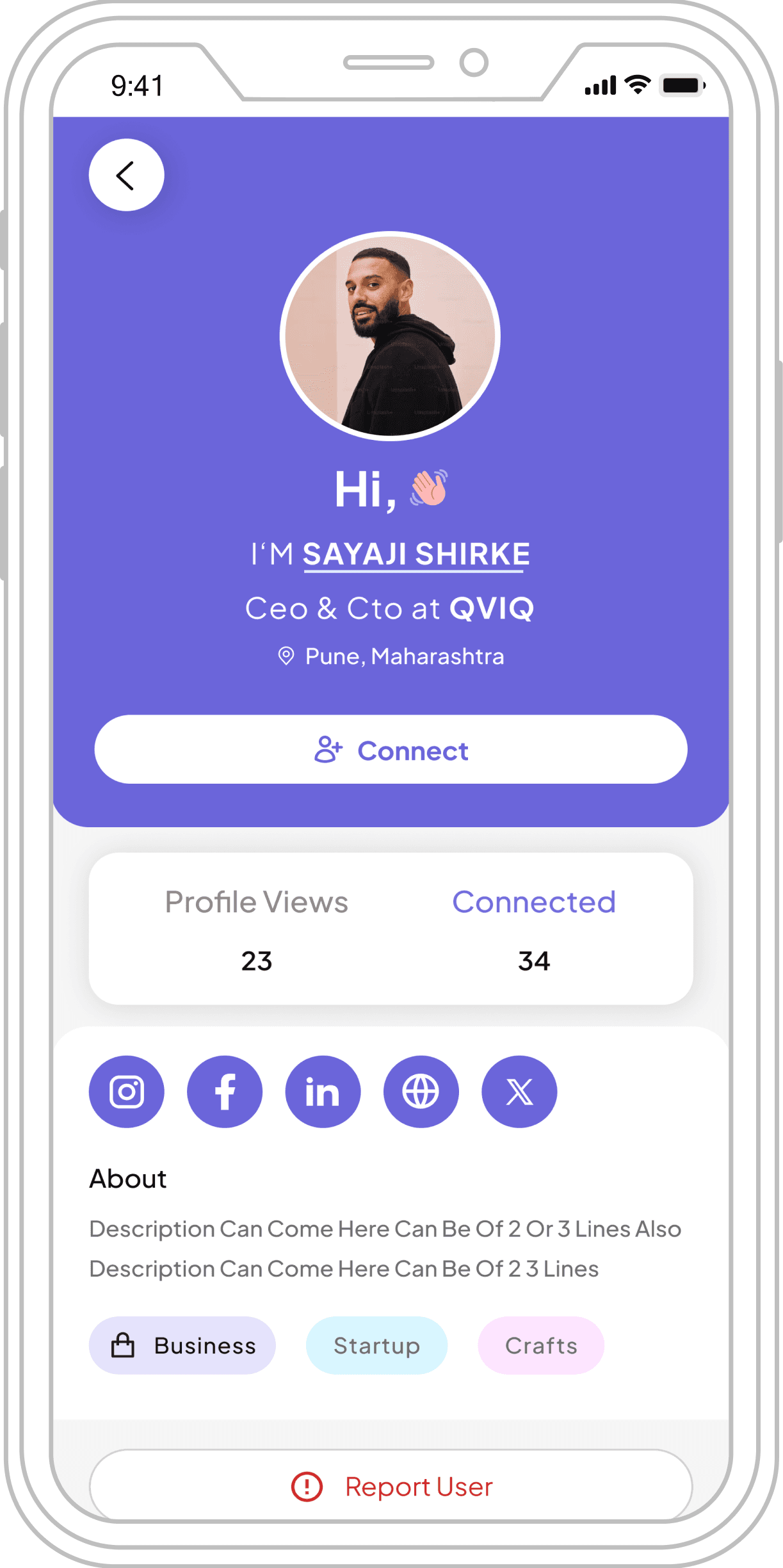
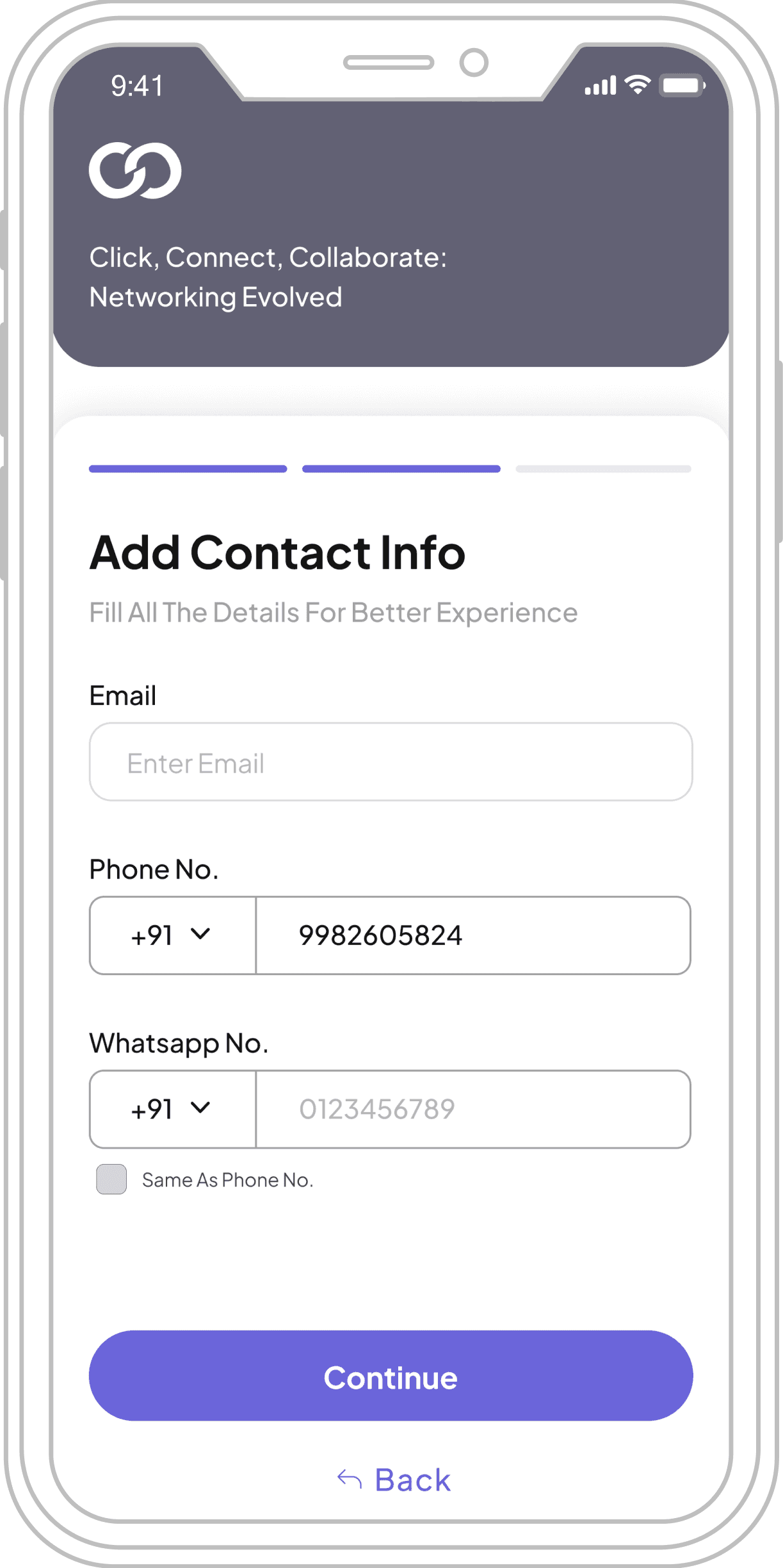
Exhibitors UI Screens
Splash Screen
Add Social Media
Sign Up / Sign In
Contact Info
Leads
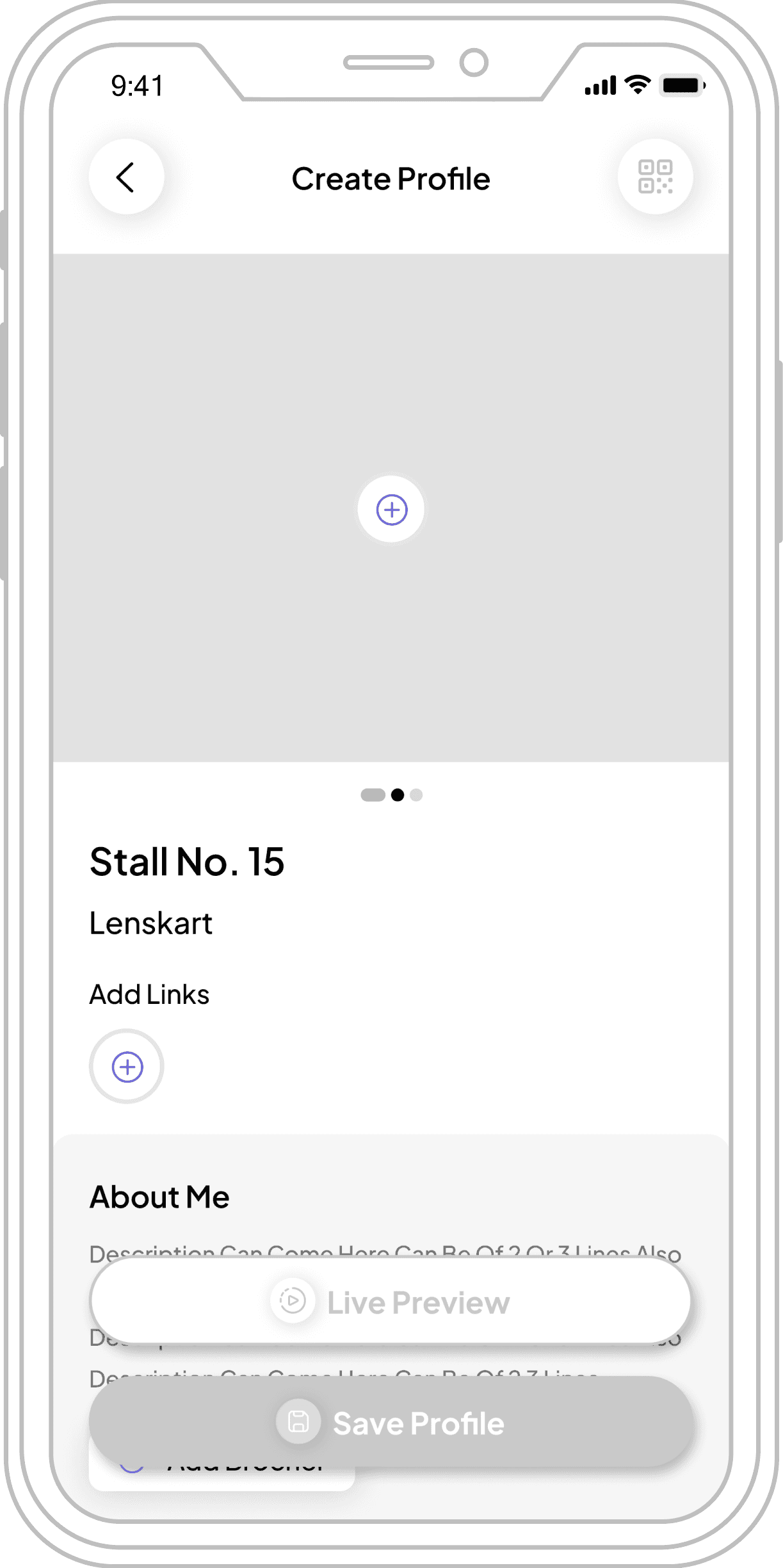
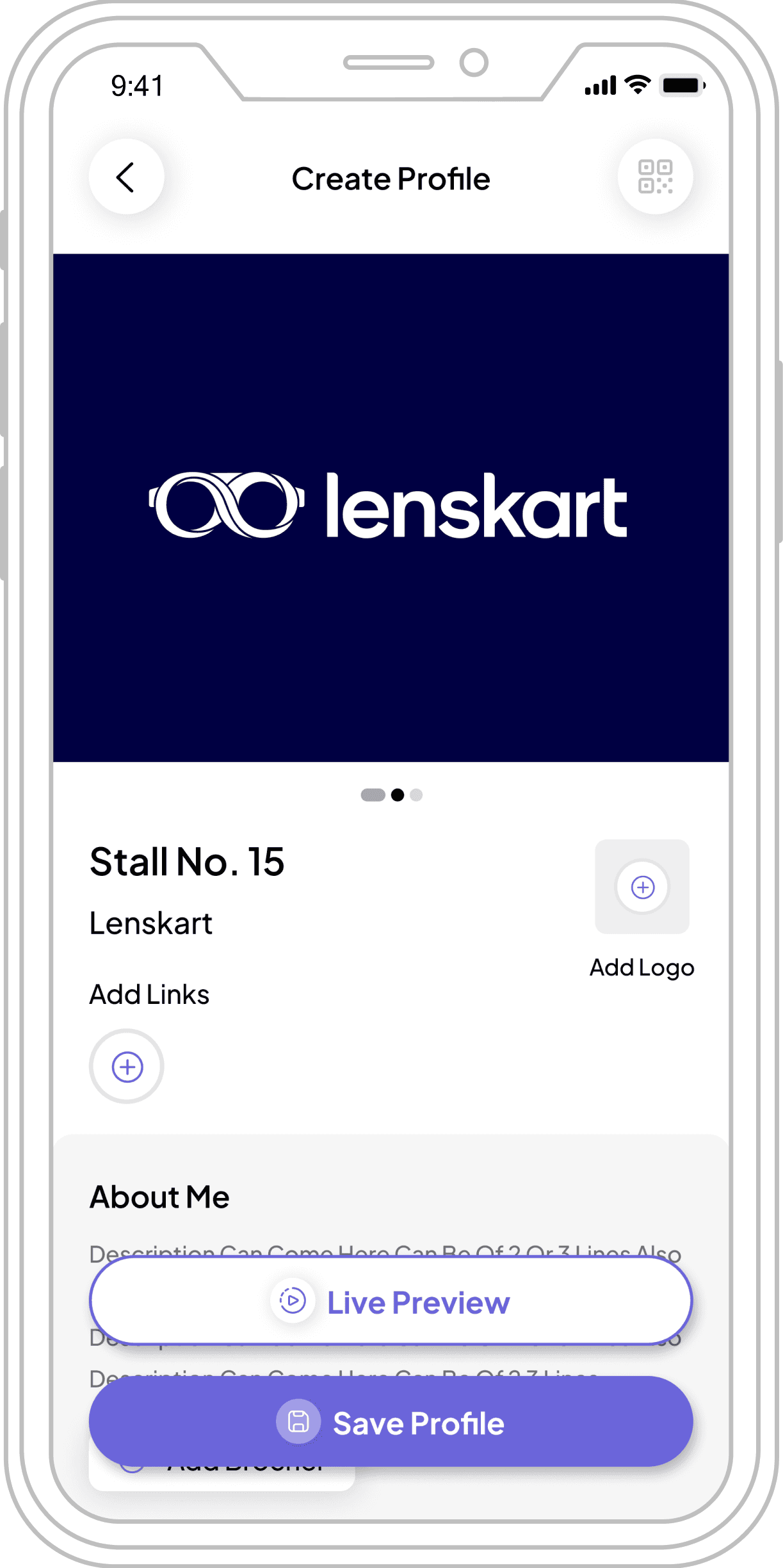
Ceate Profile
Ceate Profile
Live Preview
Notifications
Profile Details
Home Screen
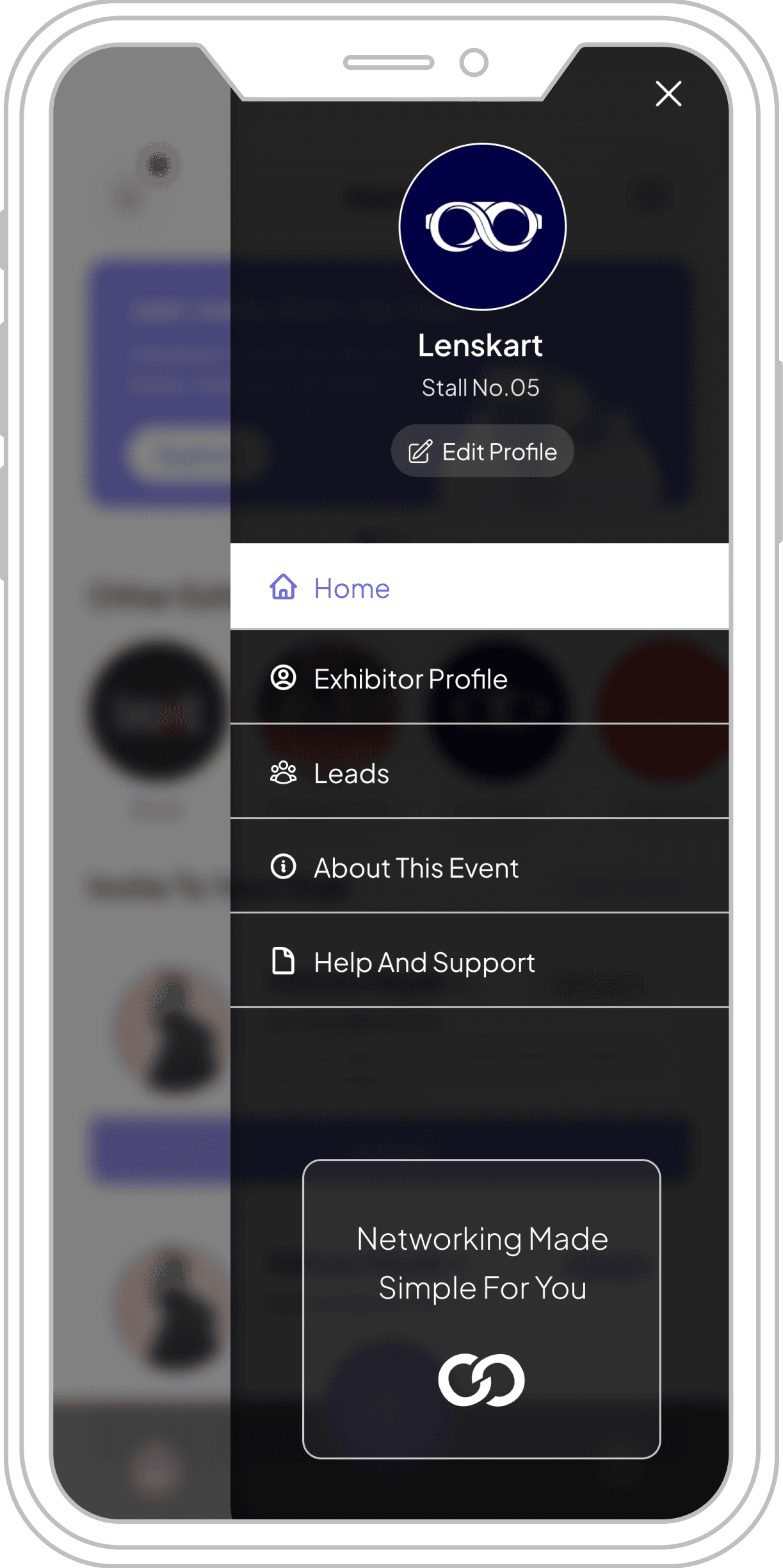
Ham Menu
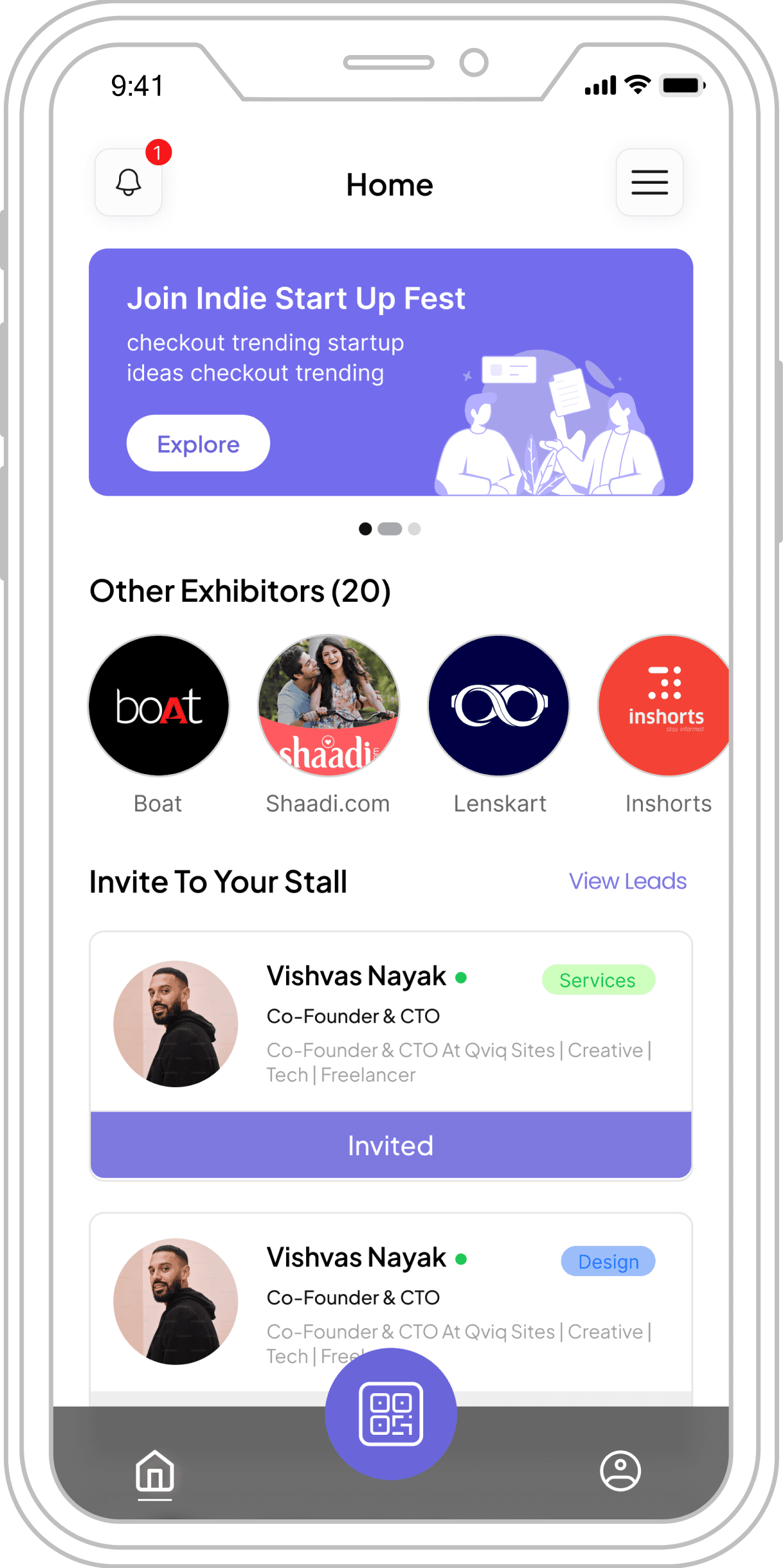
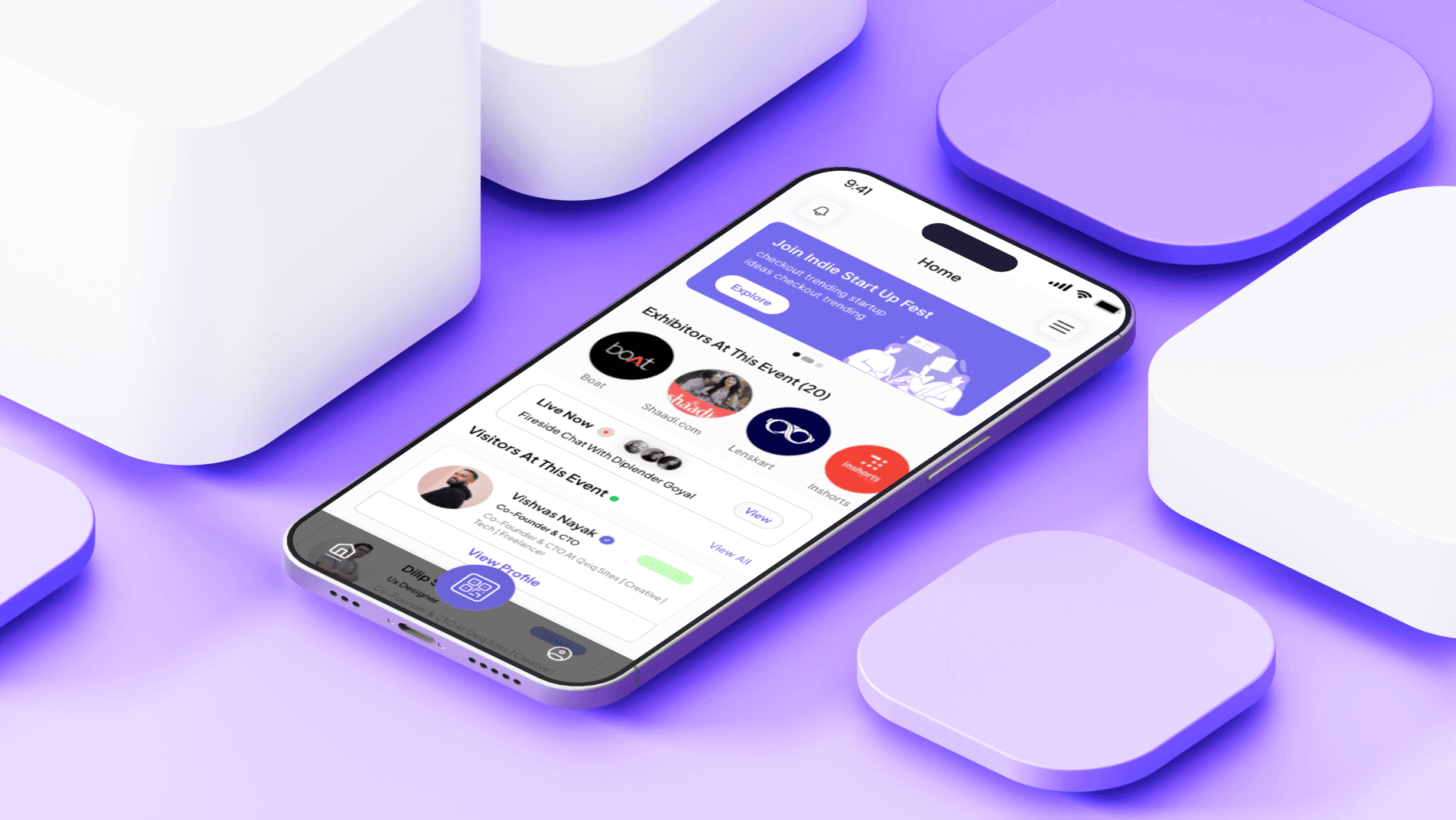
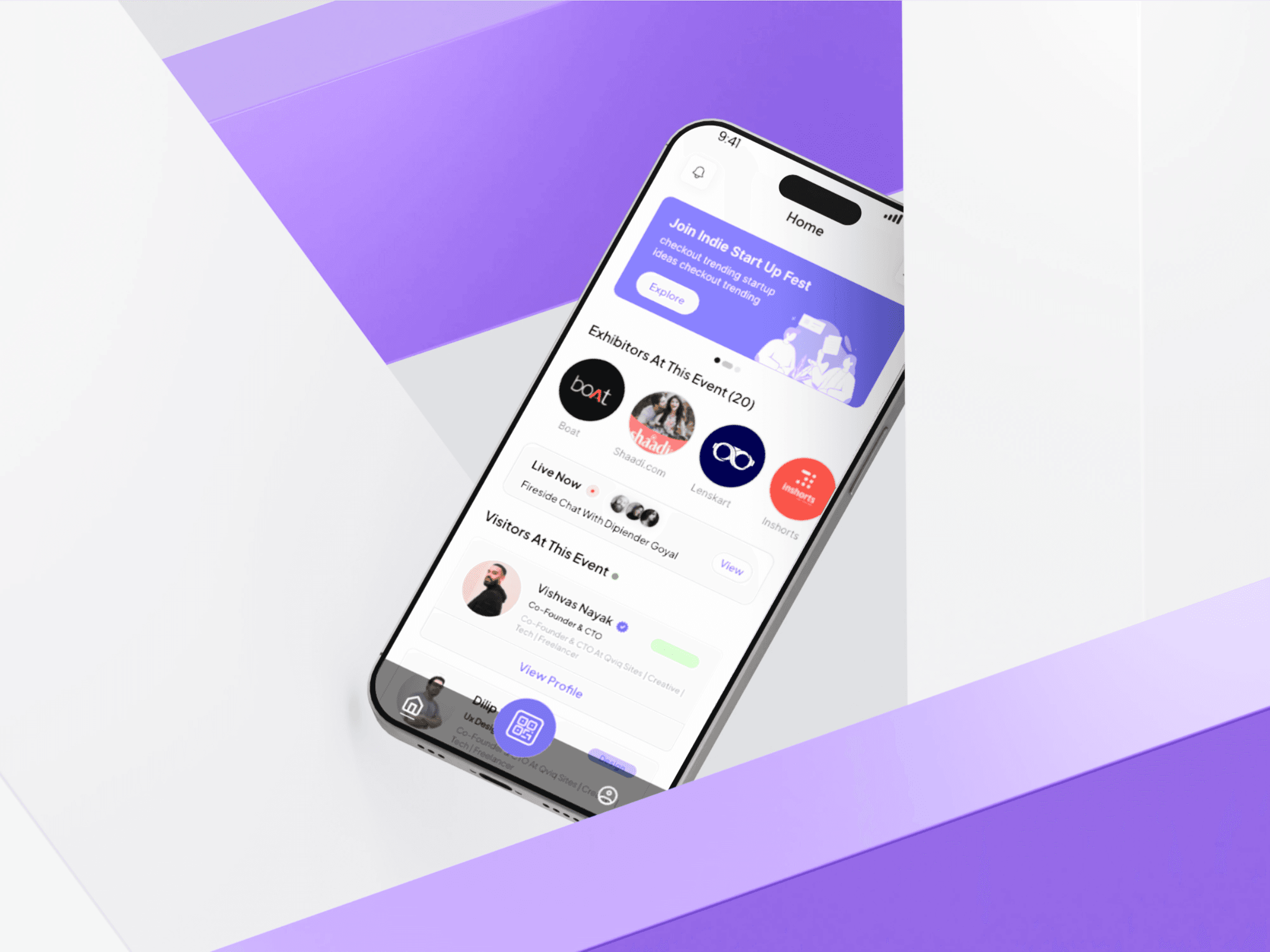
Home Screen Feature Breakdown
Interactive overview of key features with visual callouts to specific interface elements
1
Notification & Menu Icons
Positioned top-left and top-right to access alerts and
extended list/menu/settings respectively.
2
Event Banner Section
"Join Indie Start Up Fest" highlights engaging events
and can also be used to promote sponsor ads or
featured content.
3
Exhibitor Carousel
"Exhibitors At This Event (20)" - showcasing
participating brands like Boat, Shaadi.com, Lenskart,
and Inshorts.
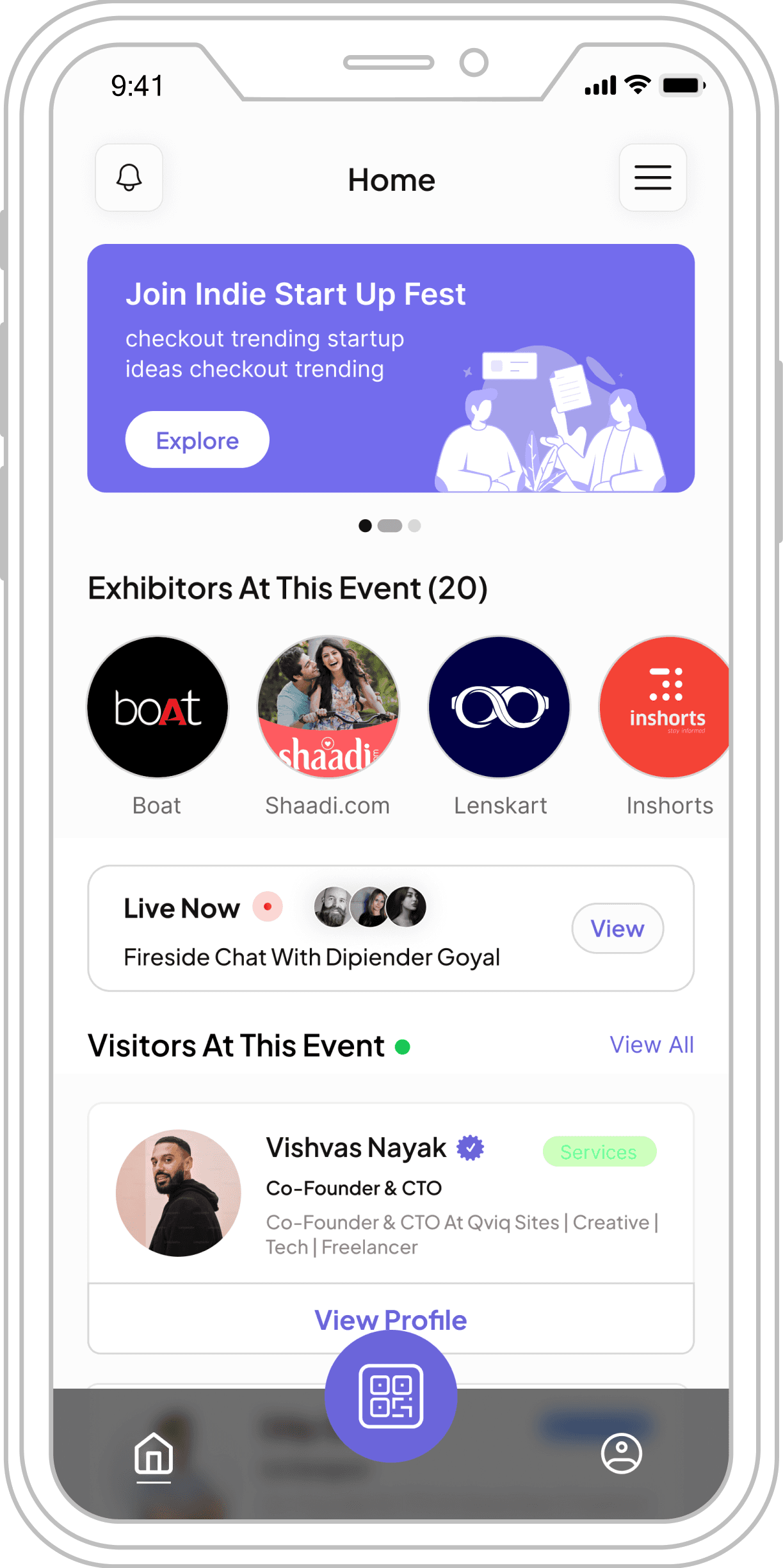
4
Live Session Module
"Live Now" displays real-time sessions like "Fireside
Chat With Dipiender Goyal" with instant join capability.
5
Visitor Spotlight
"Visitors At This Event" featuring profiles like Vishvas
Nayak with verified badges and "View Profile" options.
6
Navigation & QR Scan
Bottom navigation bar with Home and Profile tabs, plus
central QR scan floating action button for instant
connections.
The New Challenge
The new challenge is to create an MVP beta version of the event networking platform for the
upcoming event in two weeks.
The New Challenge Came To Us As Adhoc
Requirements:
1
The end to end designs we handed off couldn't be developed within the
revised deadline of 2 weeks. Hence, we had to cut down the designs for
an MVP beta.
2
We had to prioritize key features and screens to align with the new MVP all while preparing to deliver the designs within 6 to 8 days for the upcoming event.
Because the event is taking place on the 4th May 2024, we need to create an MVP version within 8 days. To achieve this, we must prioritize the screens and focus on the most essential features. Our target is to limit the design to a minimum of 10 to 12 screens. Additionally, we need to rebrand this MVP version, which includes changing the color, platform name, and logo, apart from our prior full version, to meet the event's specific requirements.
Now what to do?
🤔
Why Create An MVP?
💡
↓
Addressing the Challenge
Strategic approach to delivering Connected MVP within tight deadlines
Audience Insight
Entrepreneurs, professionals
& leaders focused on fast,
meaningful connections.
Core Features
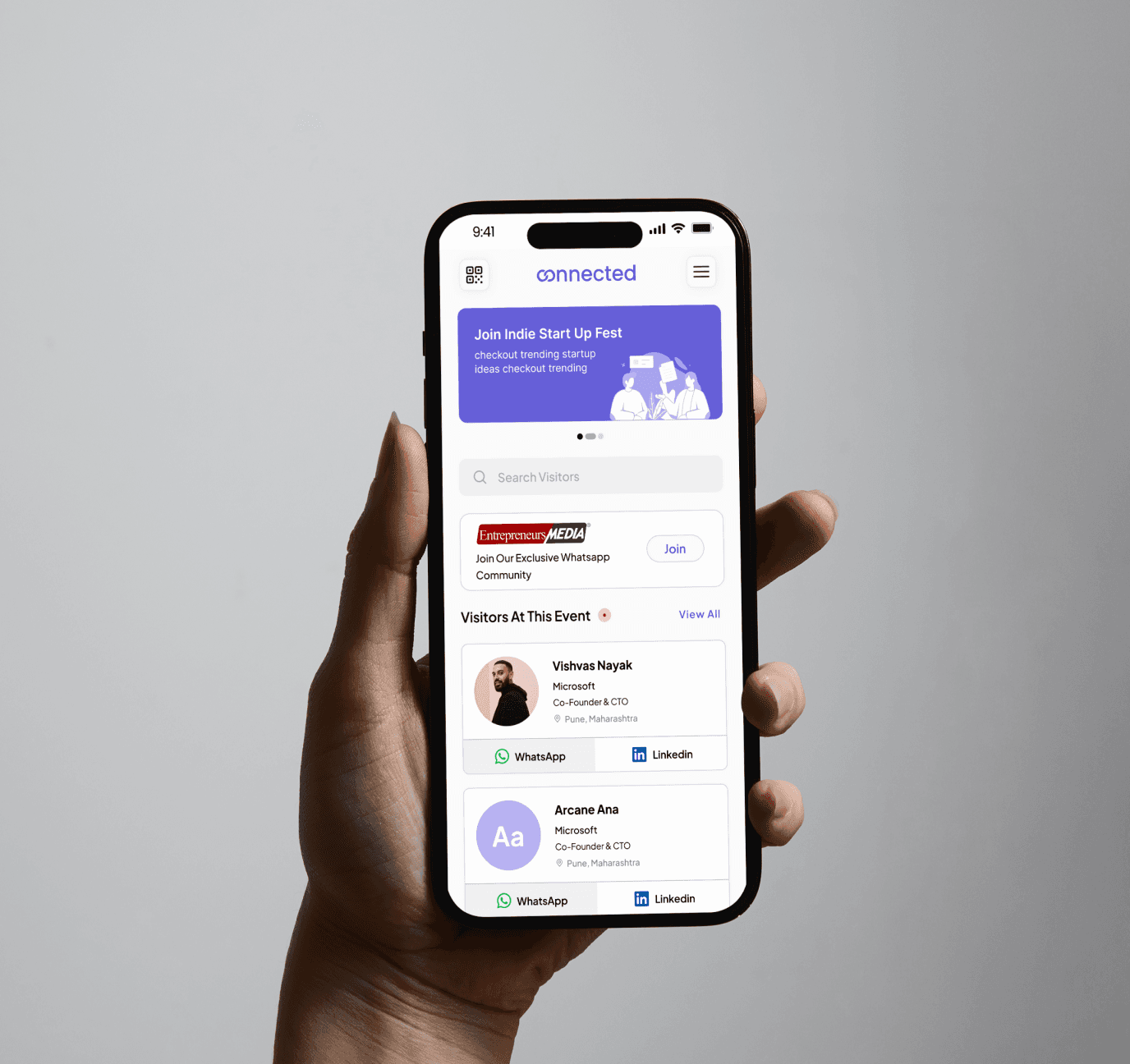
• WhatsApp: Save & chat instantly
• LinkedIn: Connect professionally & view attendee profiles
Design Focus
Minimal changes, max
impact. Delivered in under 8
days.
→
Rebranding
Qviq → Connected
New logo & style for consistent
experience.

Focused on professionals,
entrepreneurs & business leaders
By understanding our target audience, we built a platform optimized for meaningful professional connections at events.
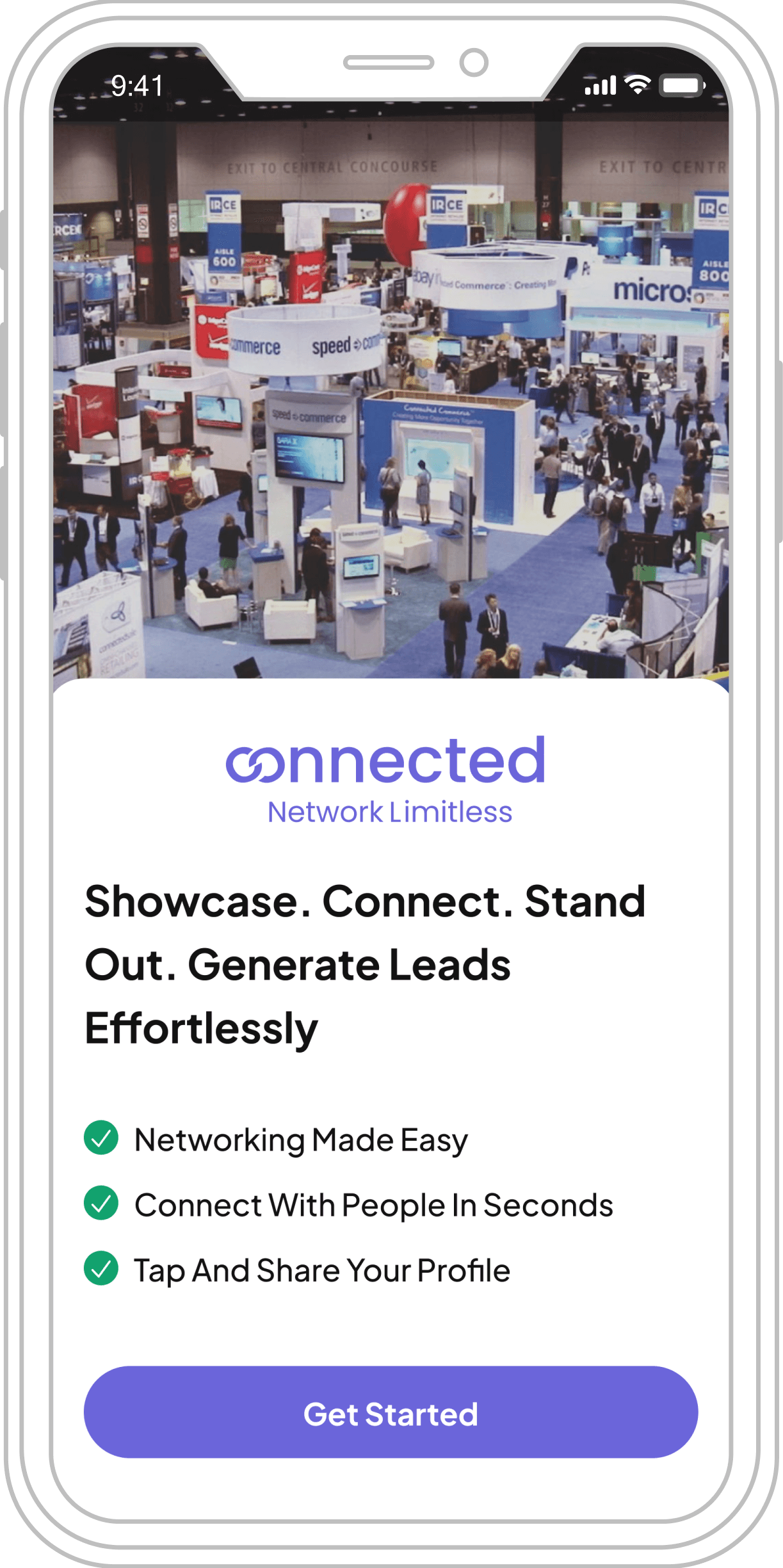
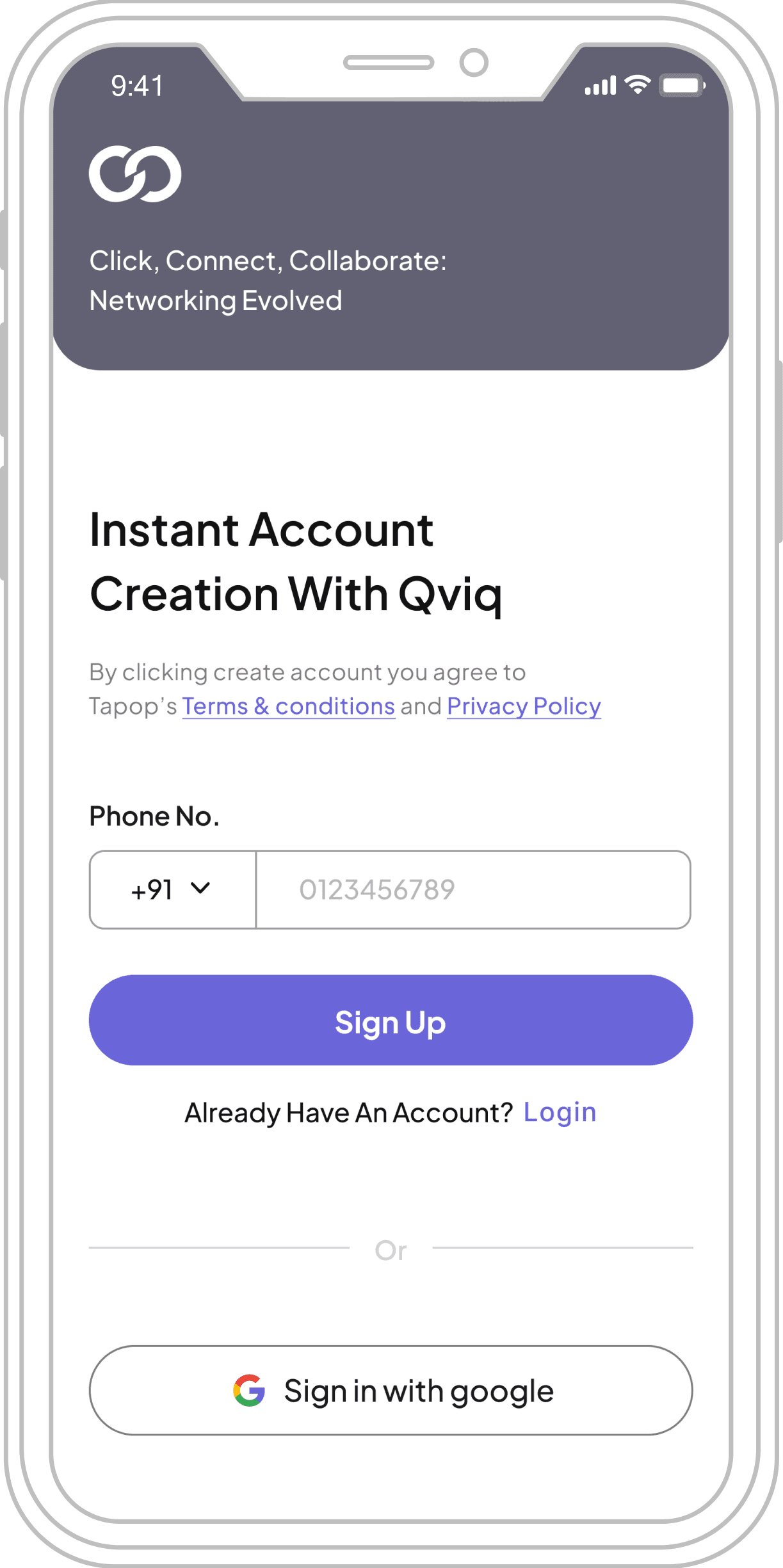
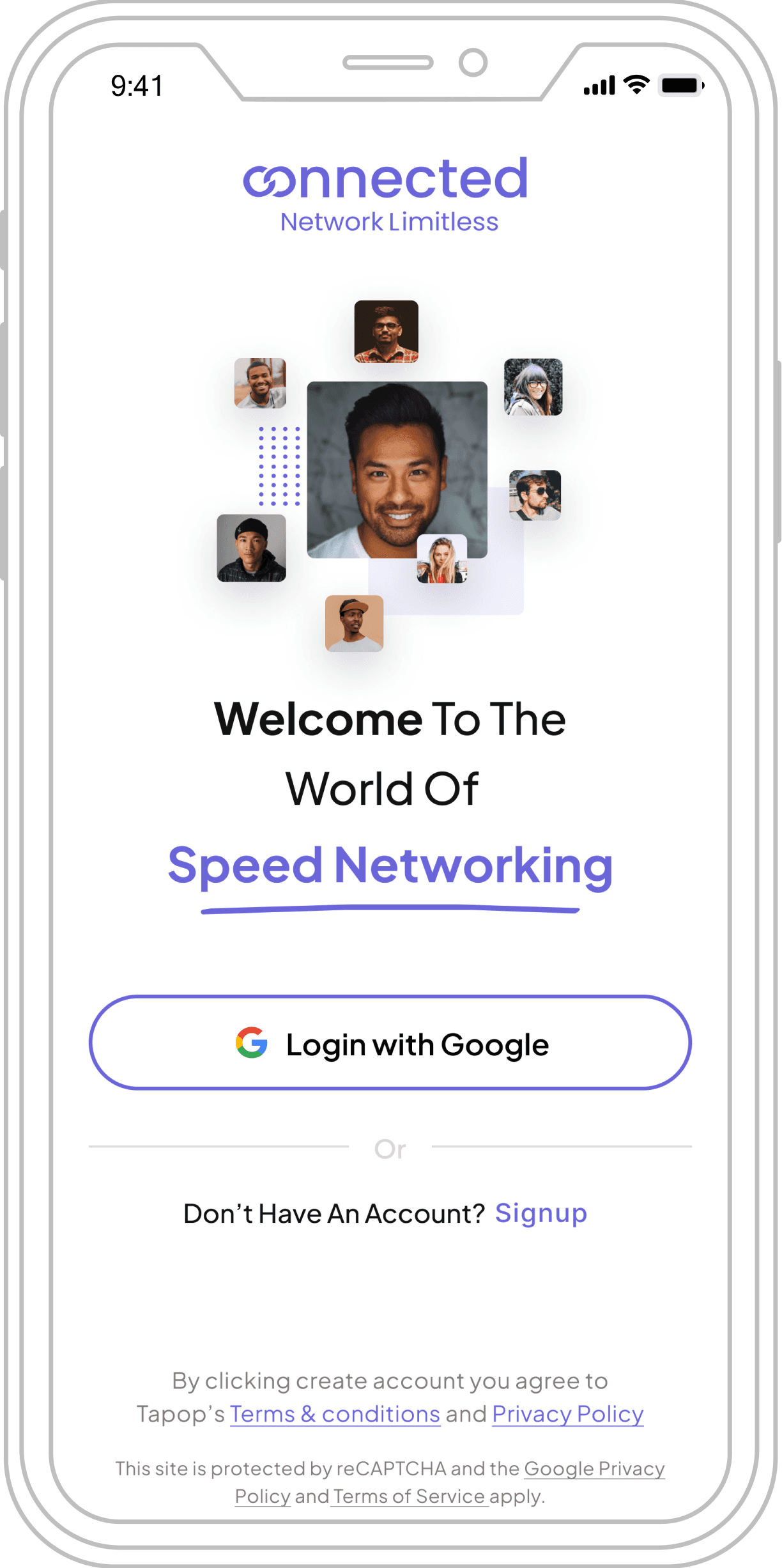
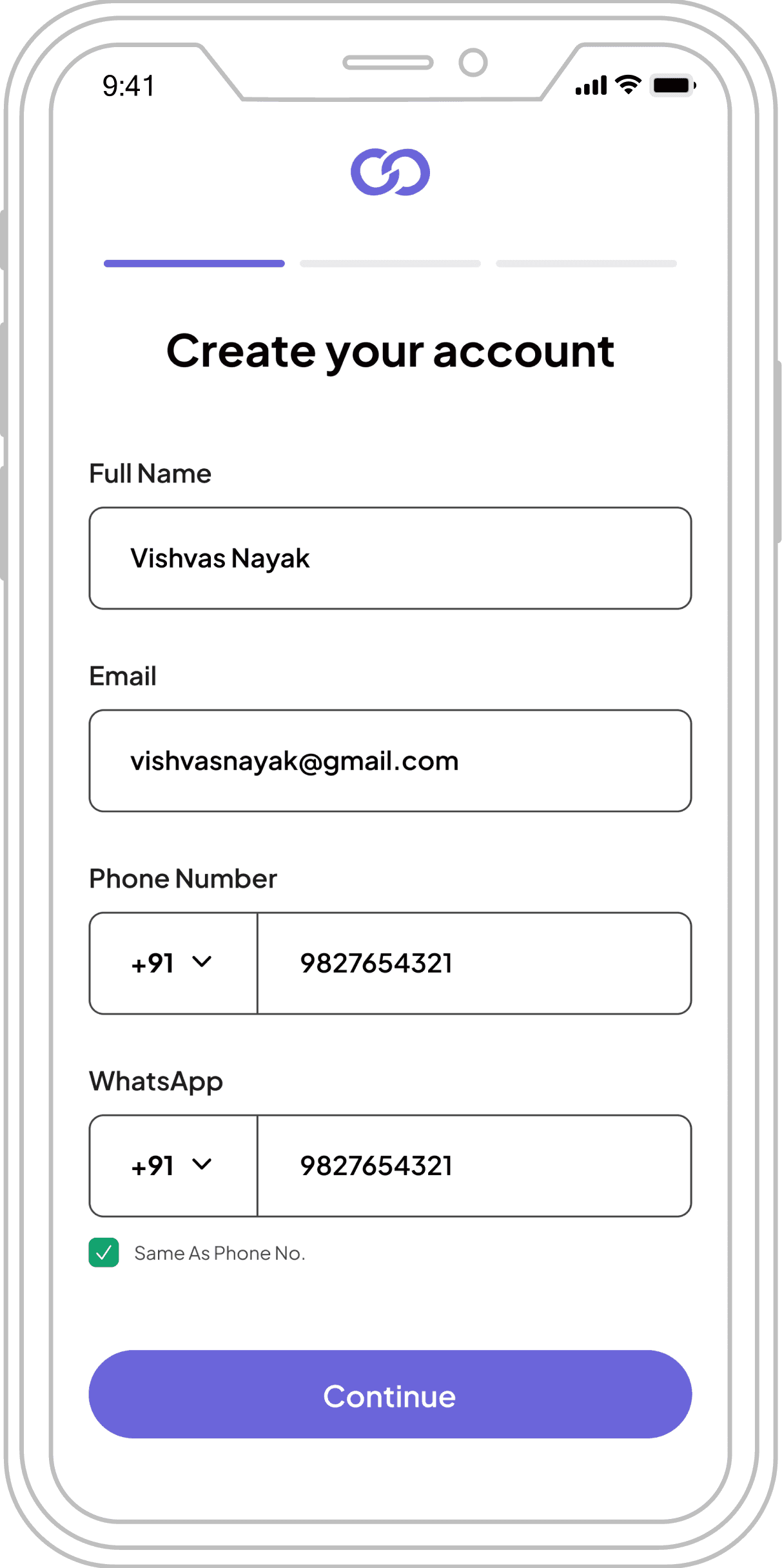
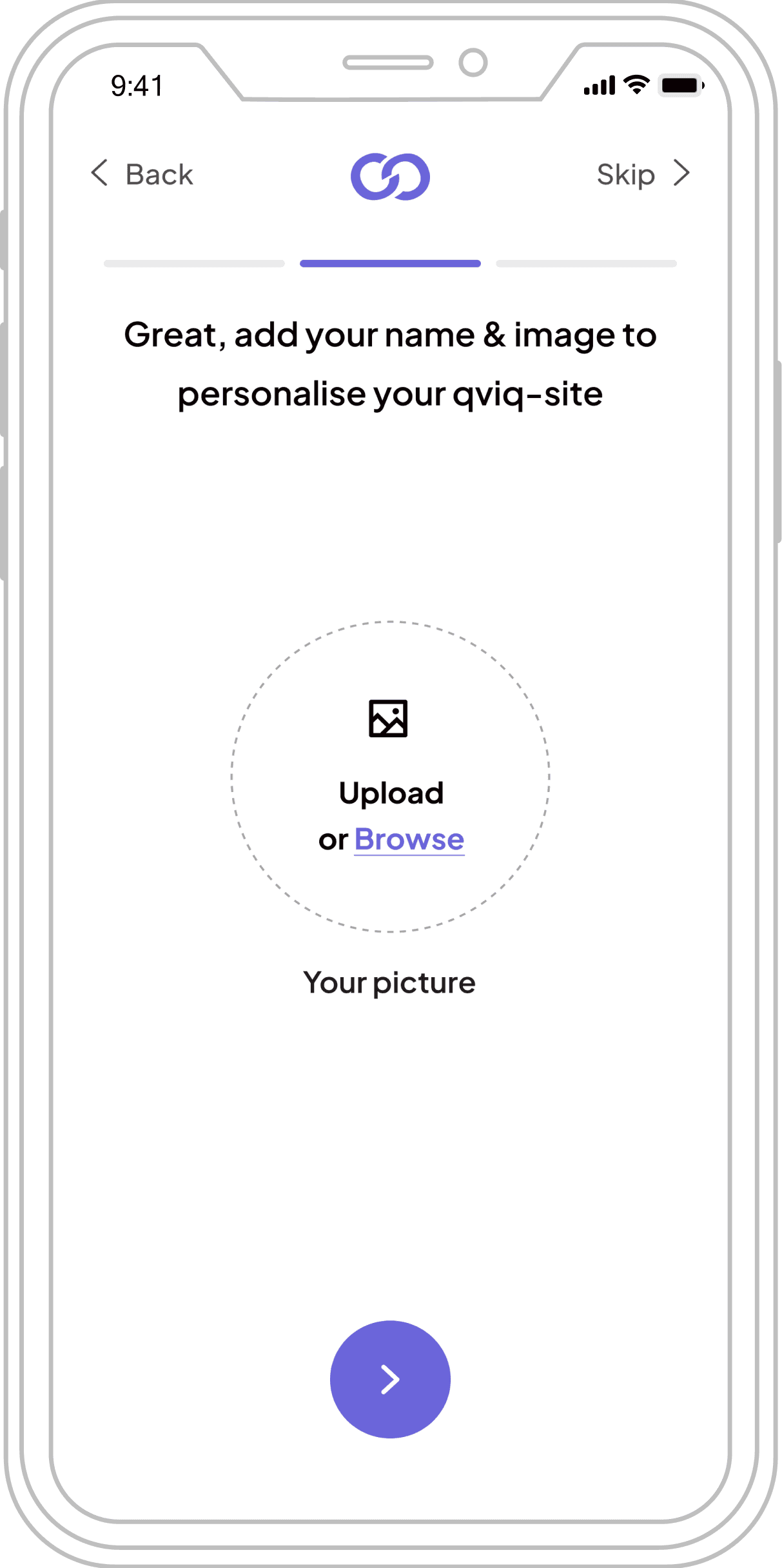
Final UI Screens (MVP)
High-fidelity designs bringing the networking platform to life
Splash Screen
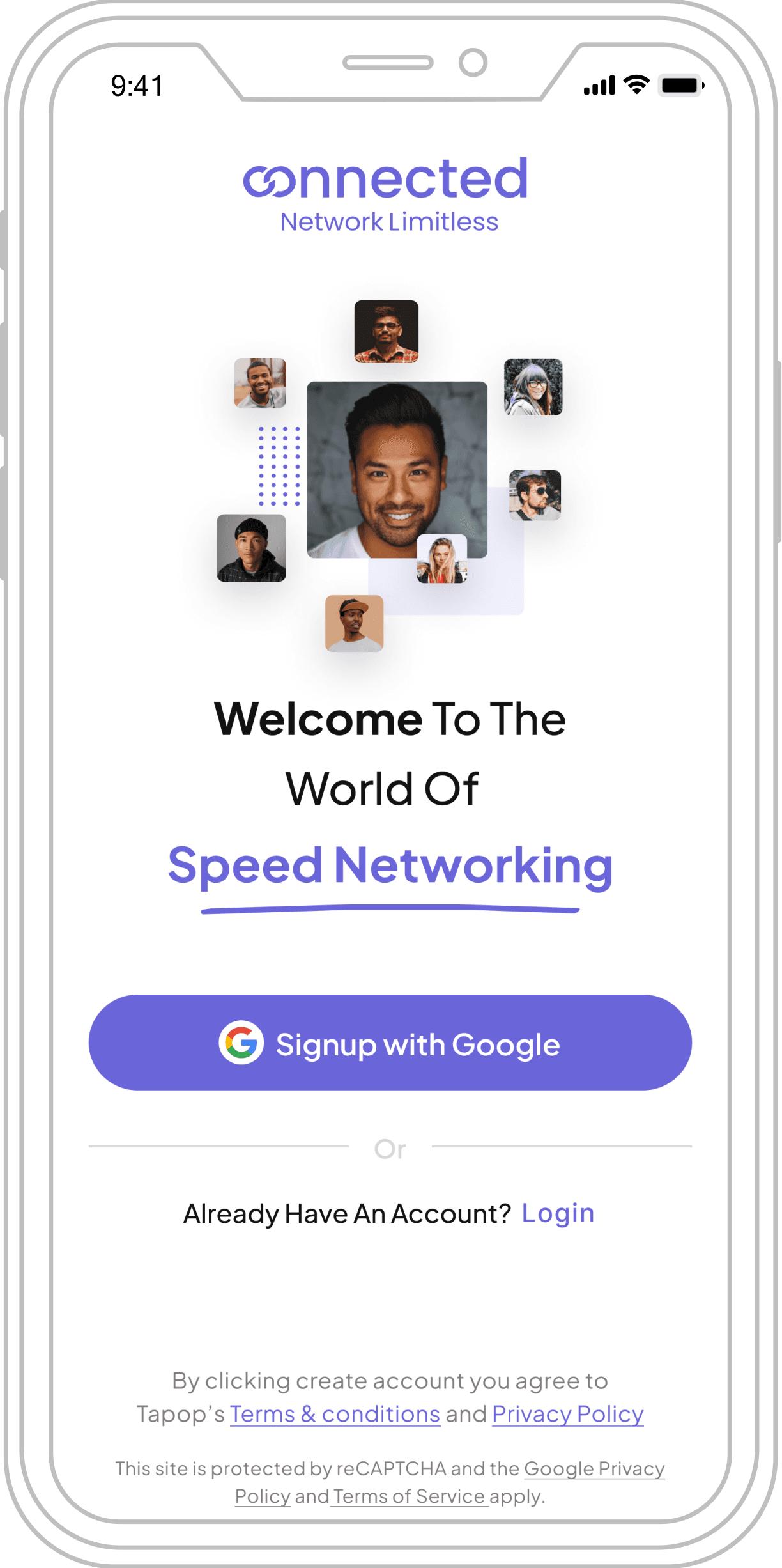
Sign Up
Log In
Personal Details
Upload Profile Pick
Uploaded Pick
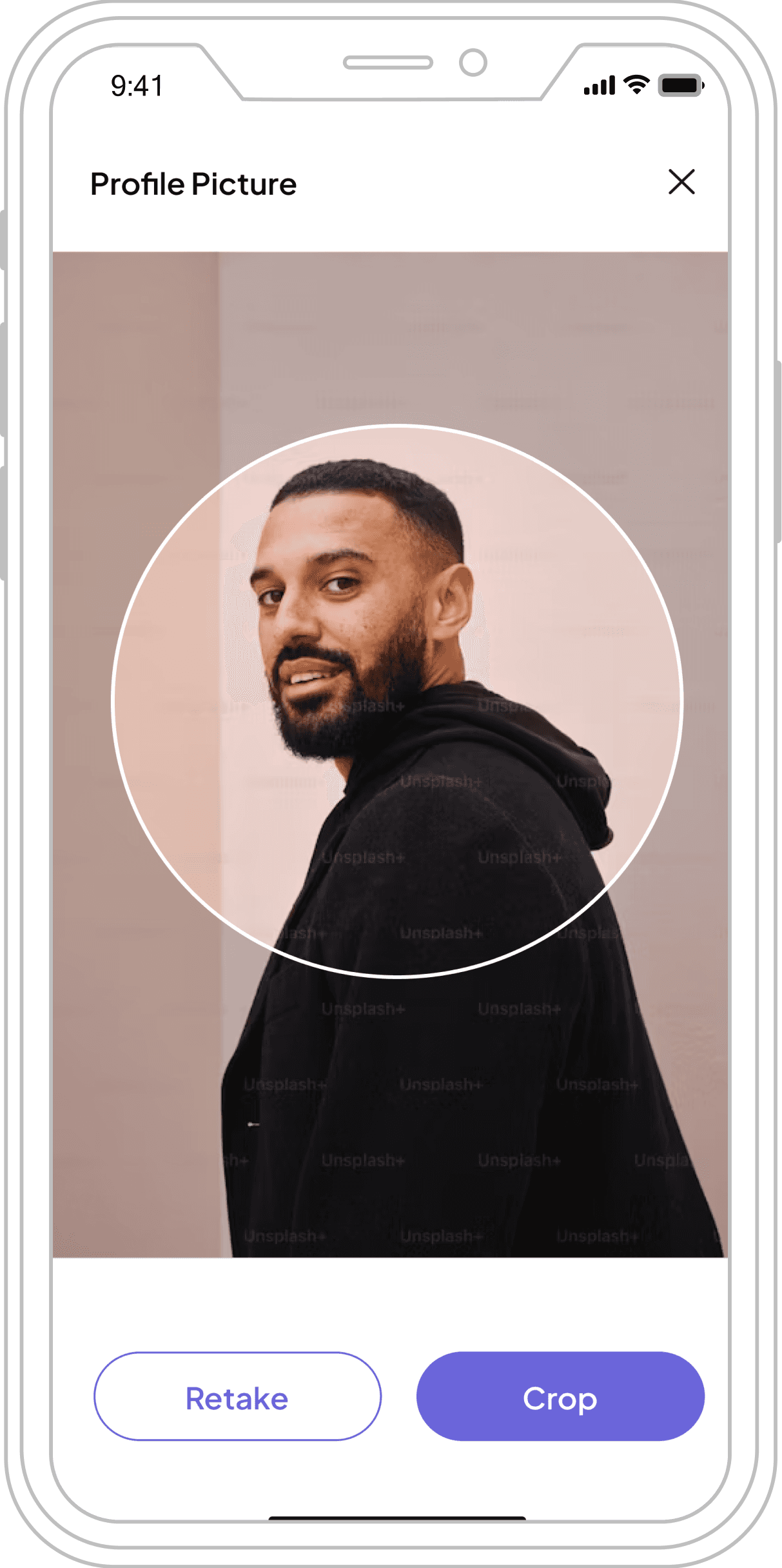
Confirm Pick
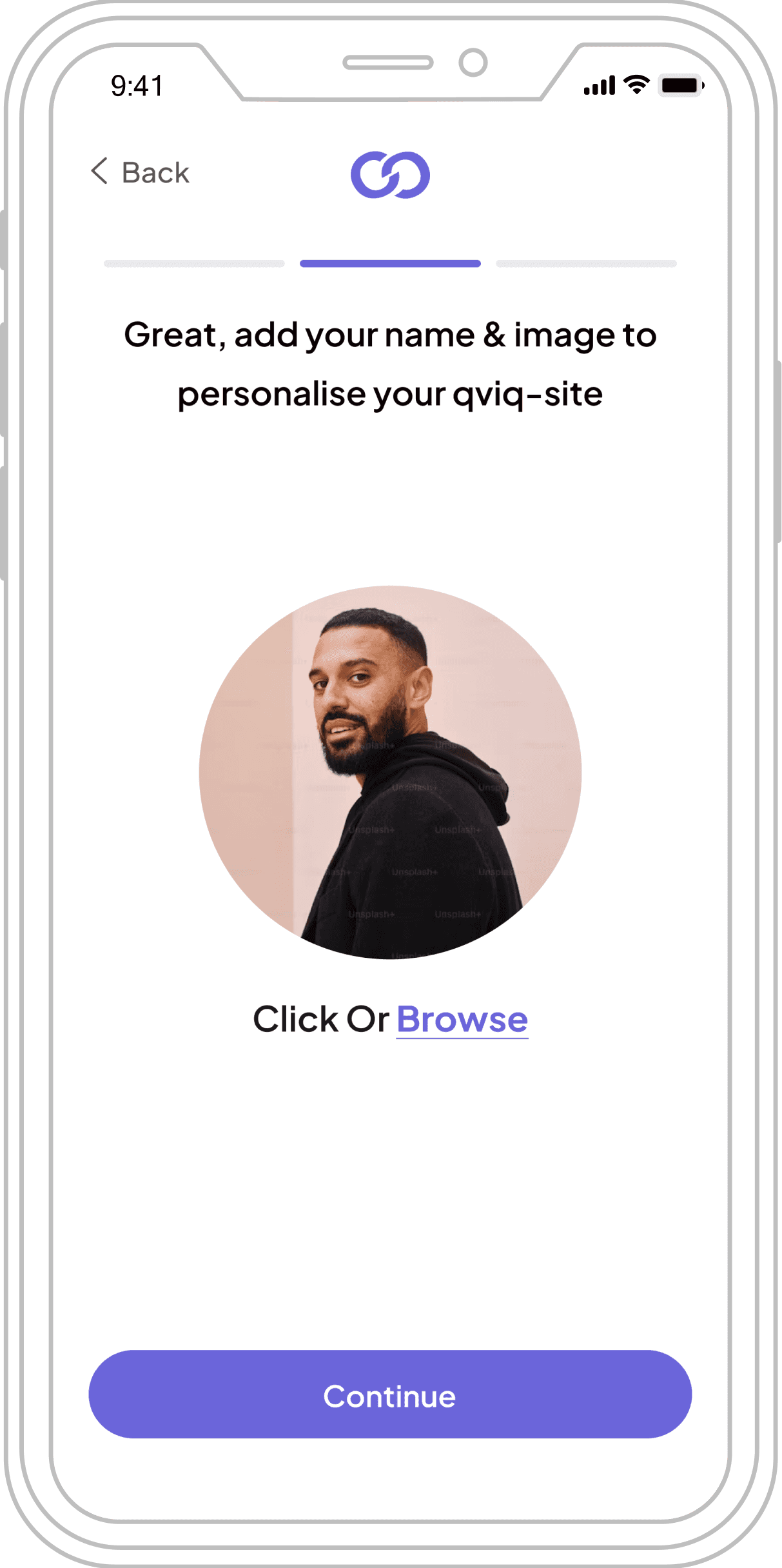
Filled Details
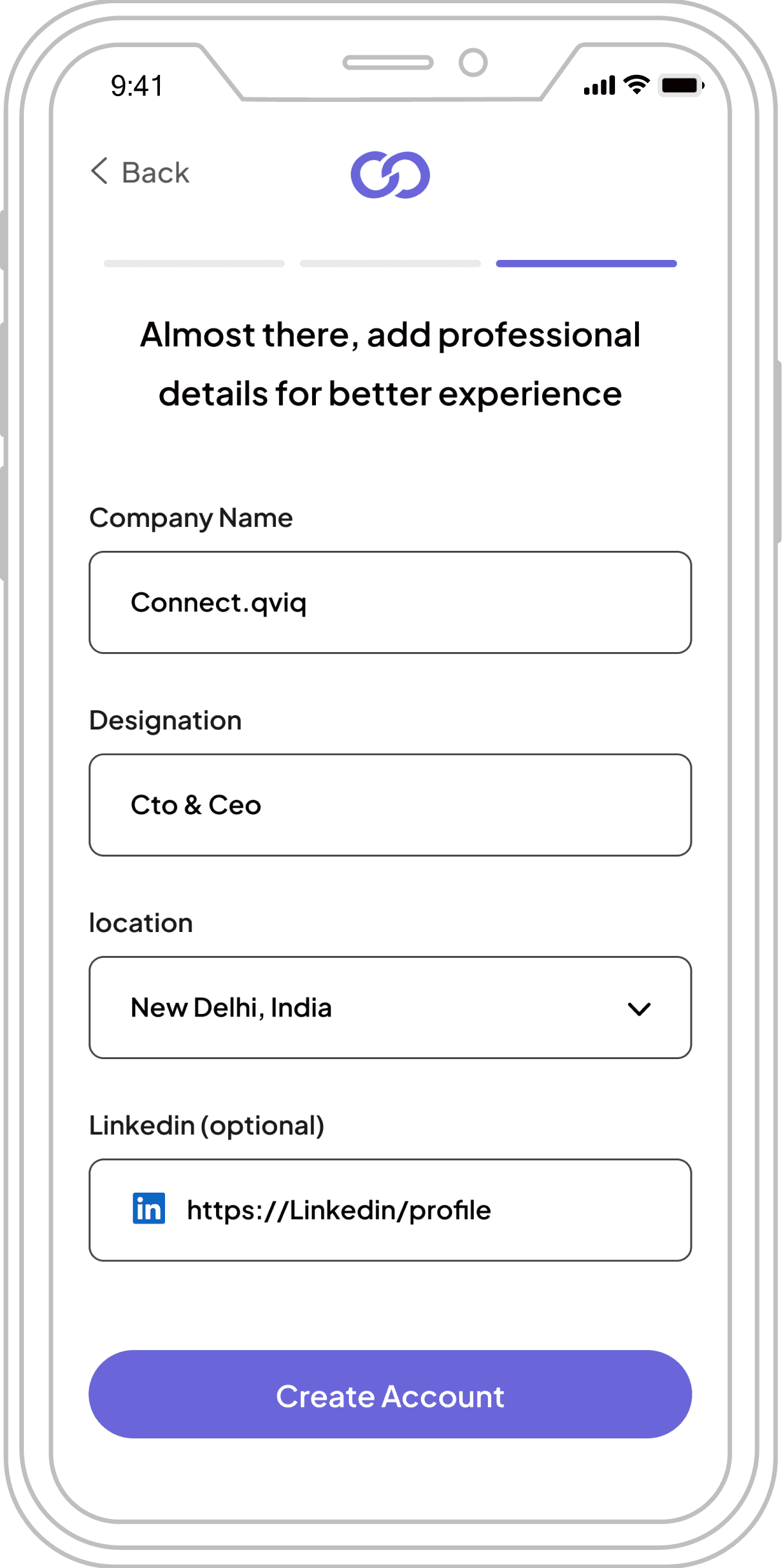
Home Screen
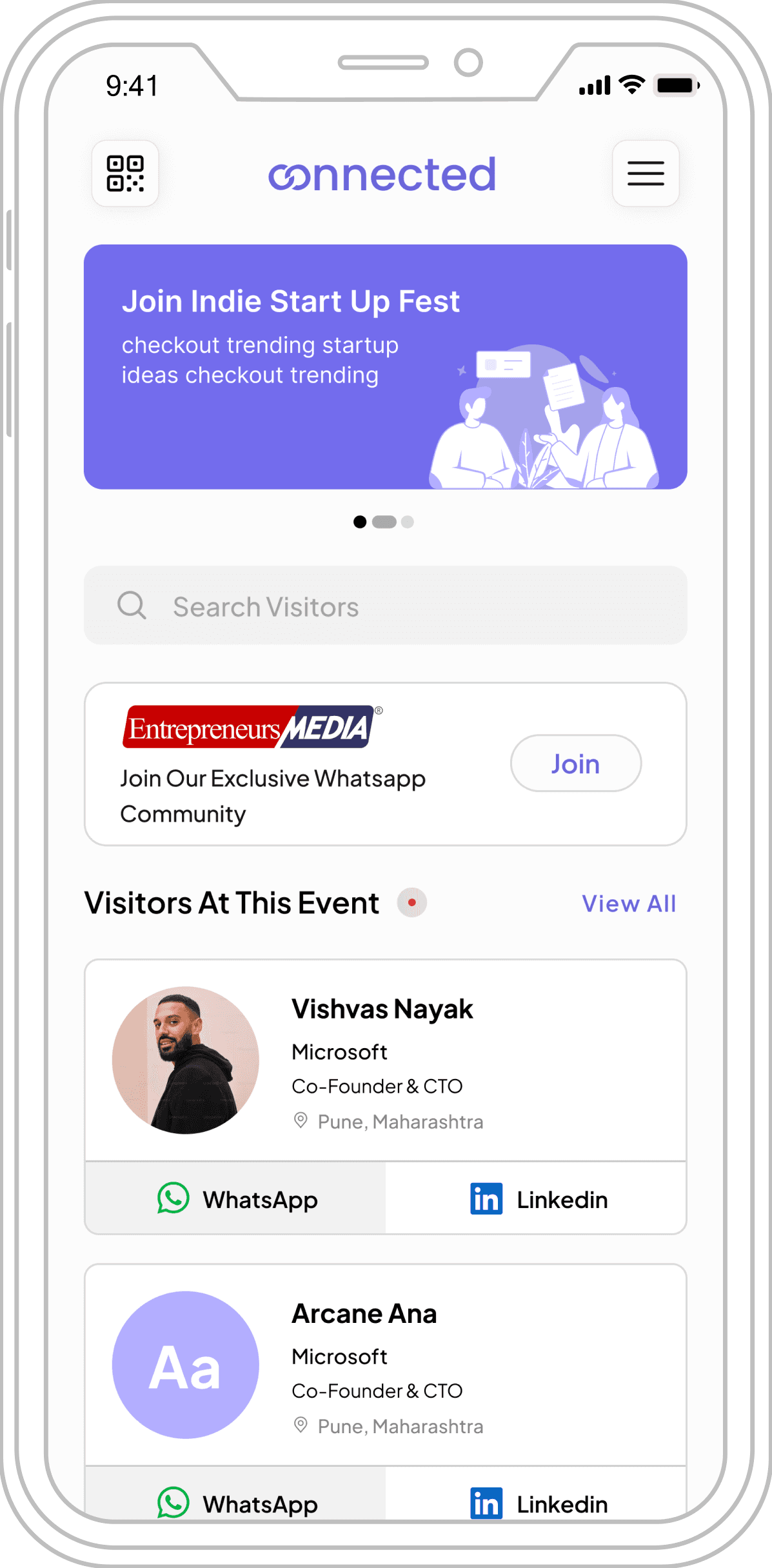
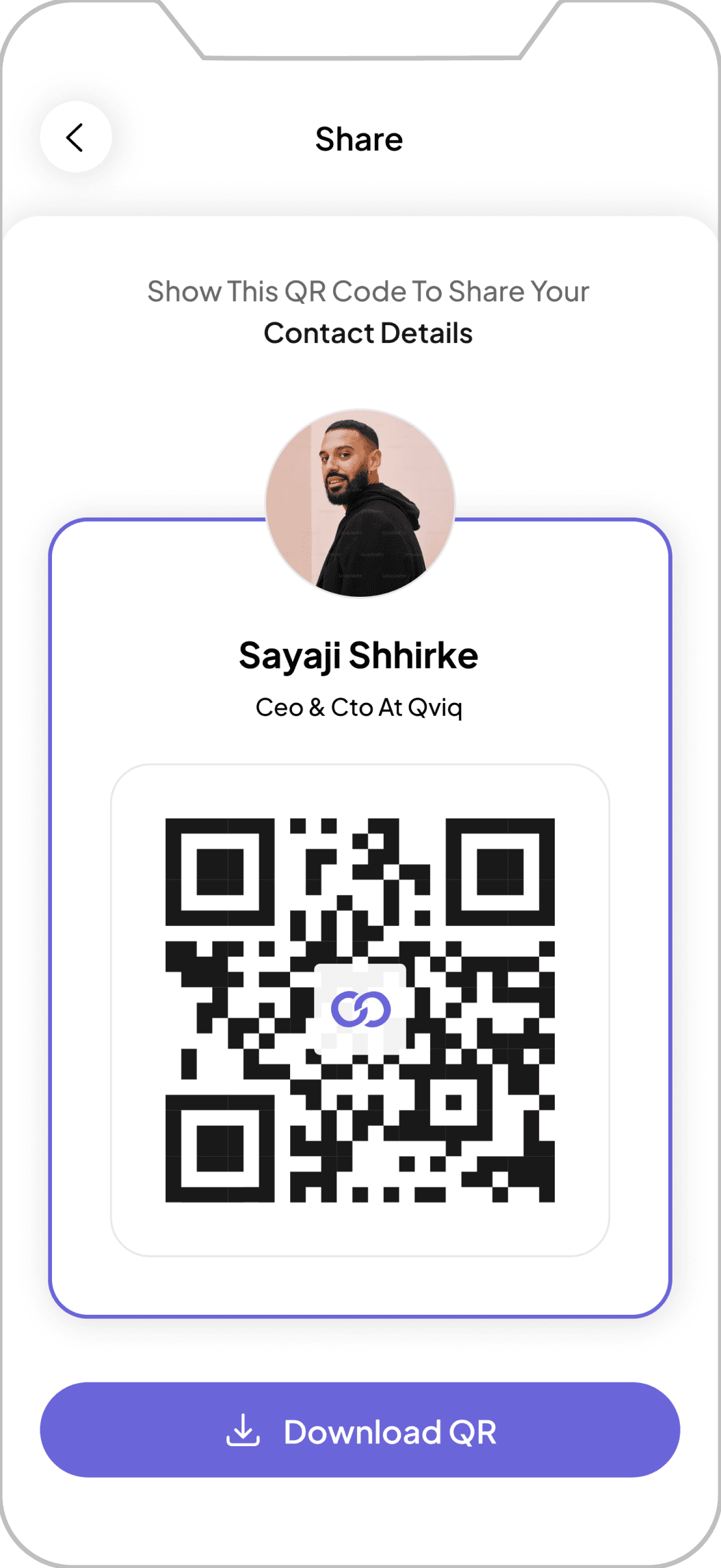
Share Profile
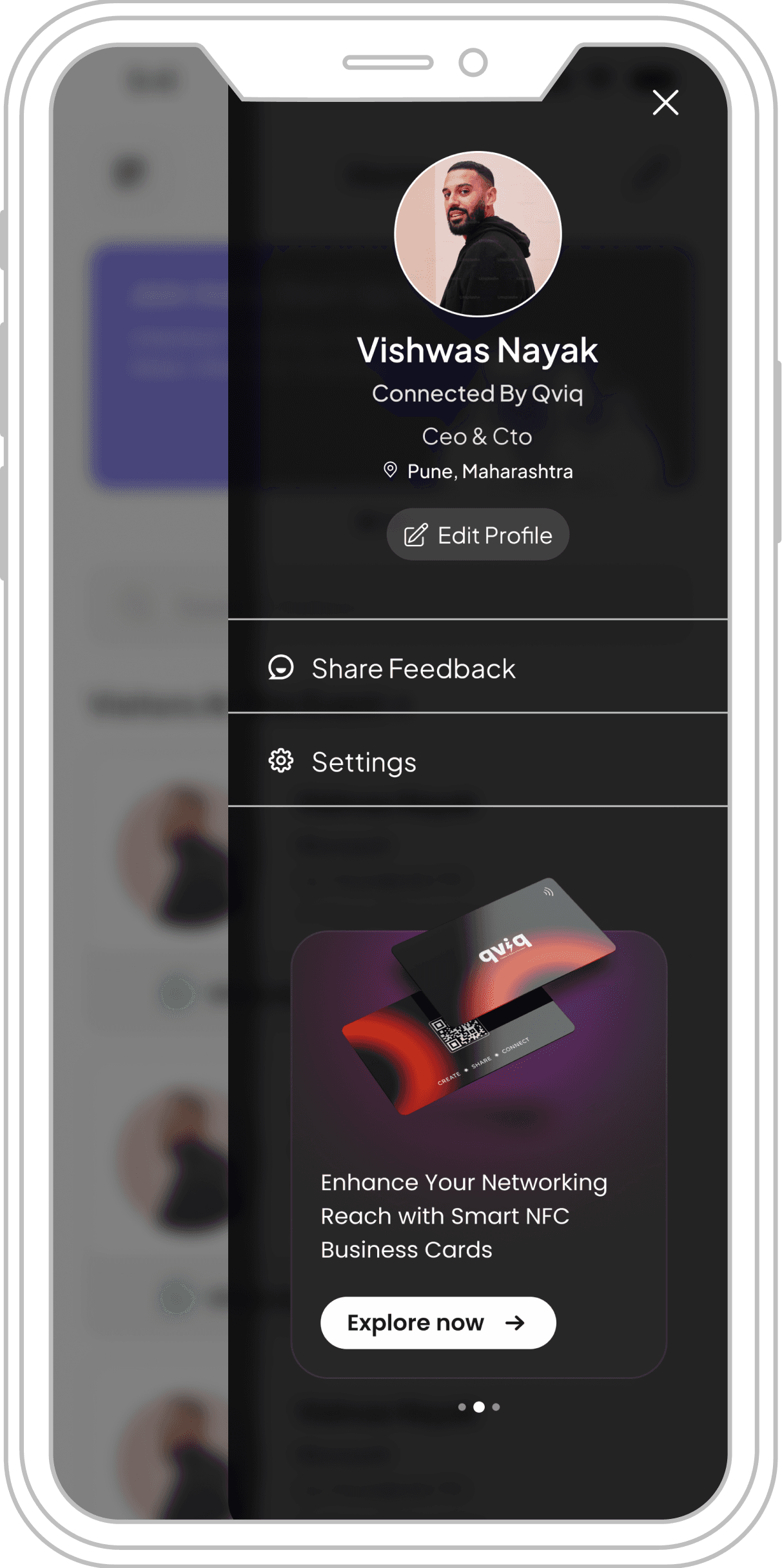
Ham Menu
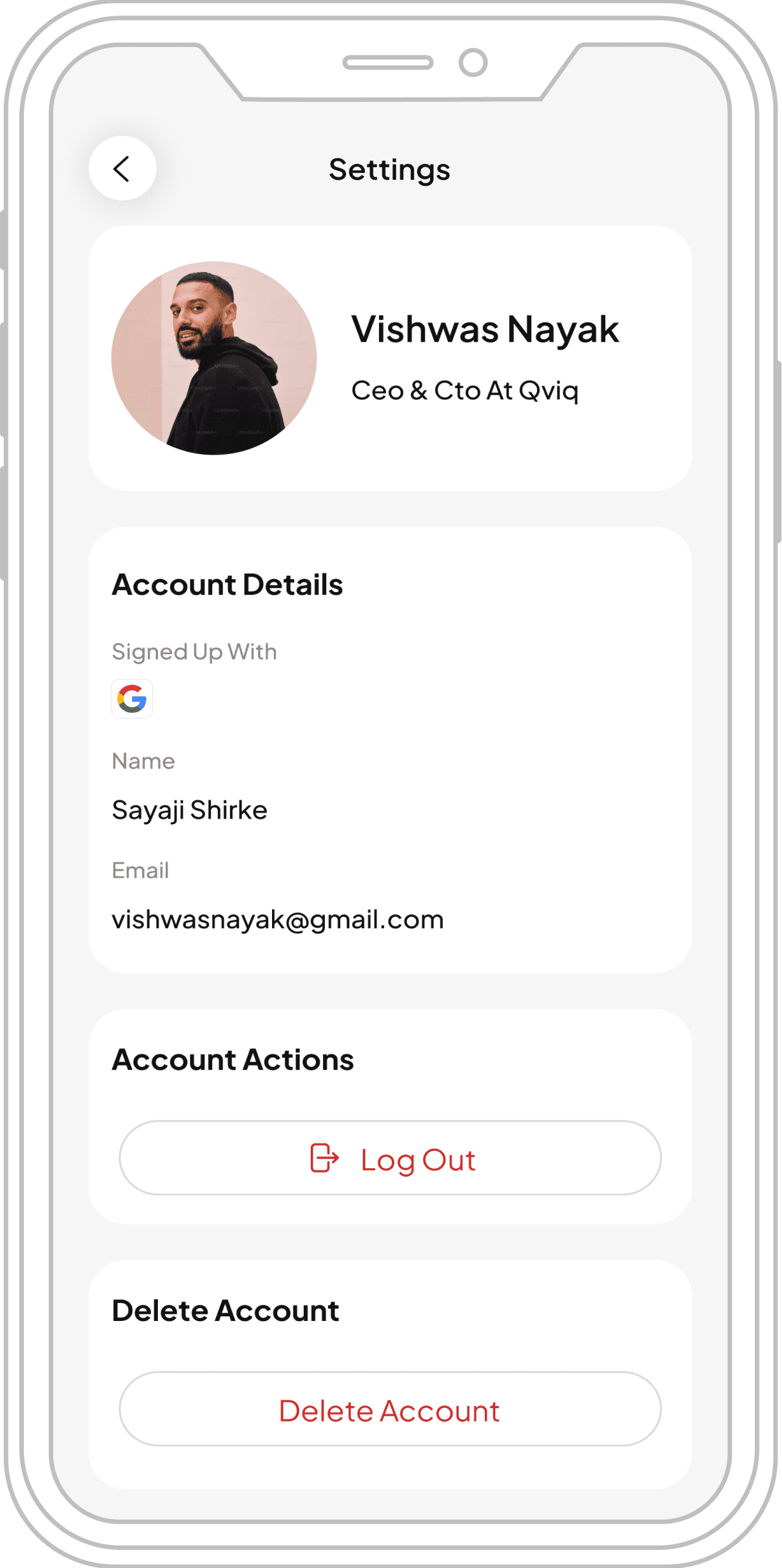
Setting

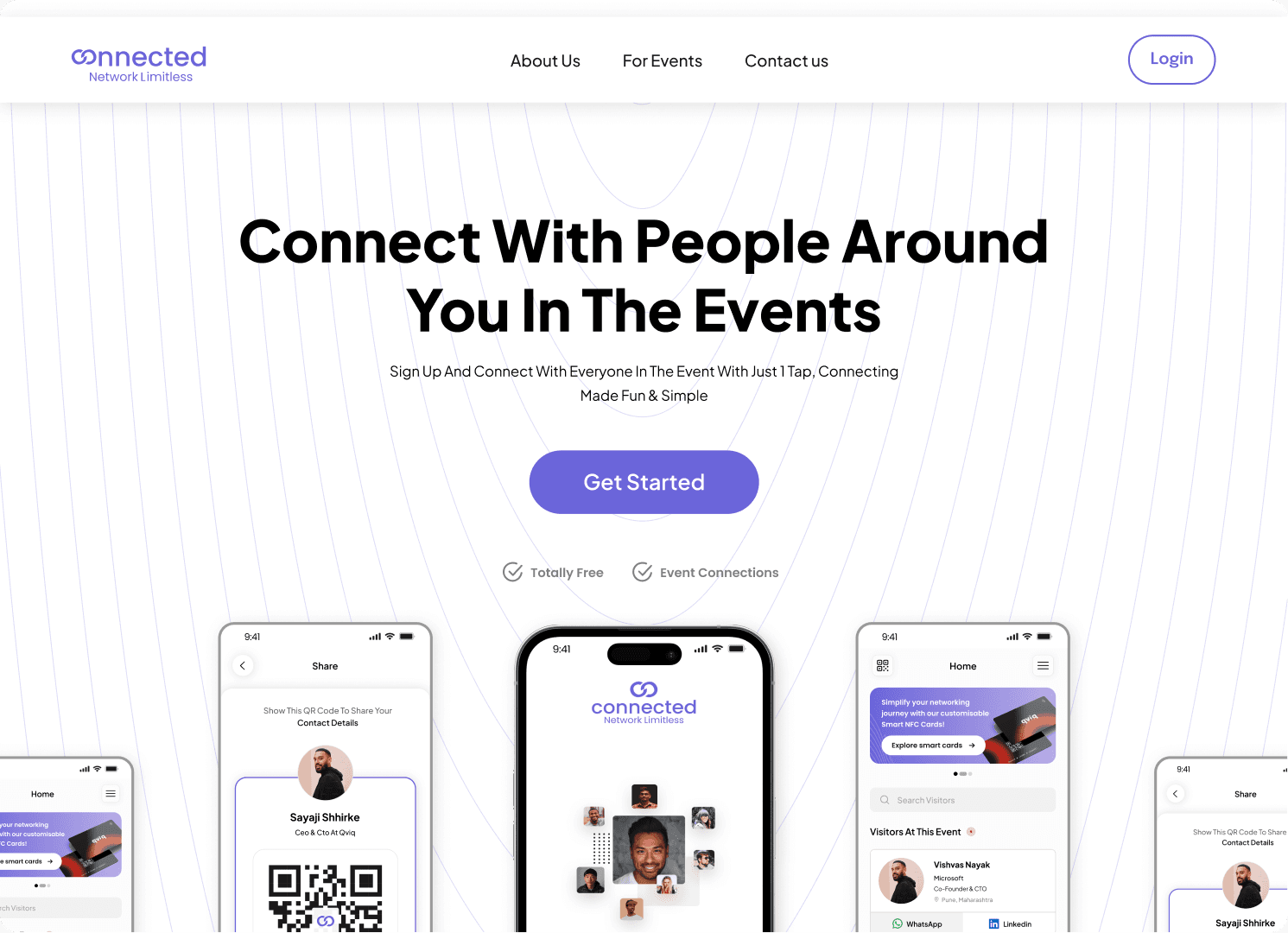
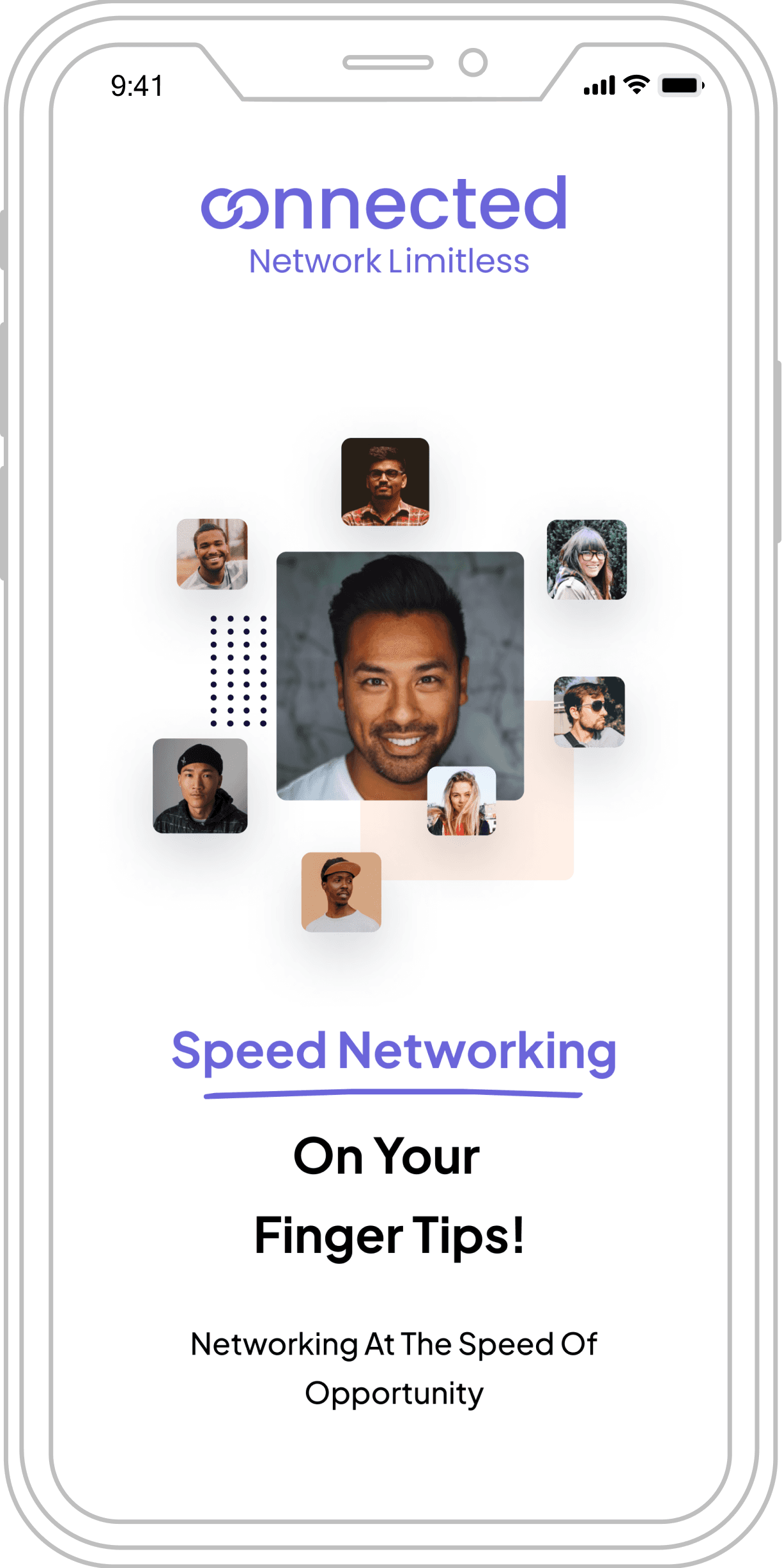
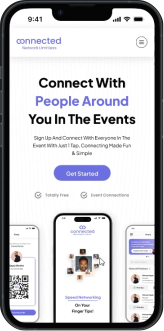
Landing Page for the Event Platform (MVP)
Here is the landing page for the MVP of the Event Platform, designed to provide attendees with information about the platform.
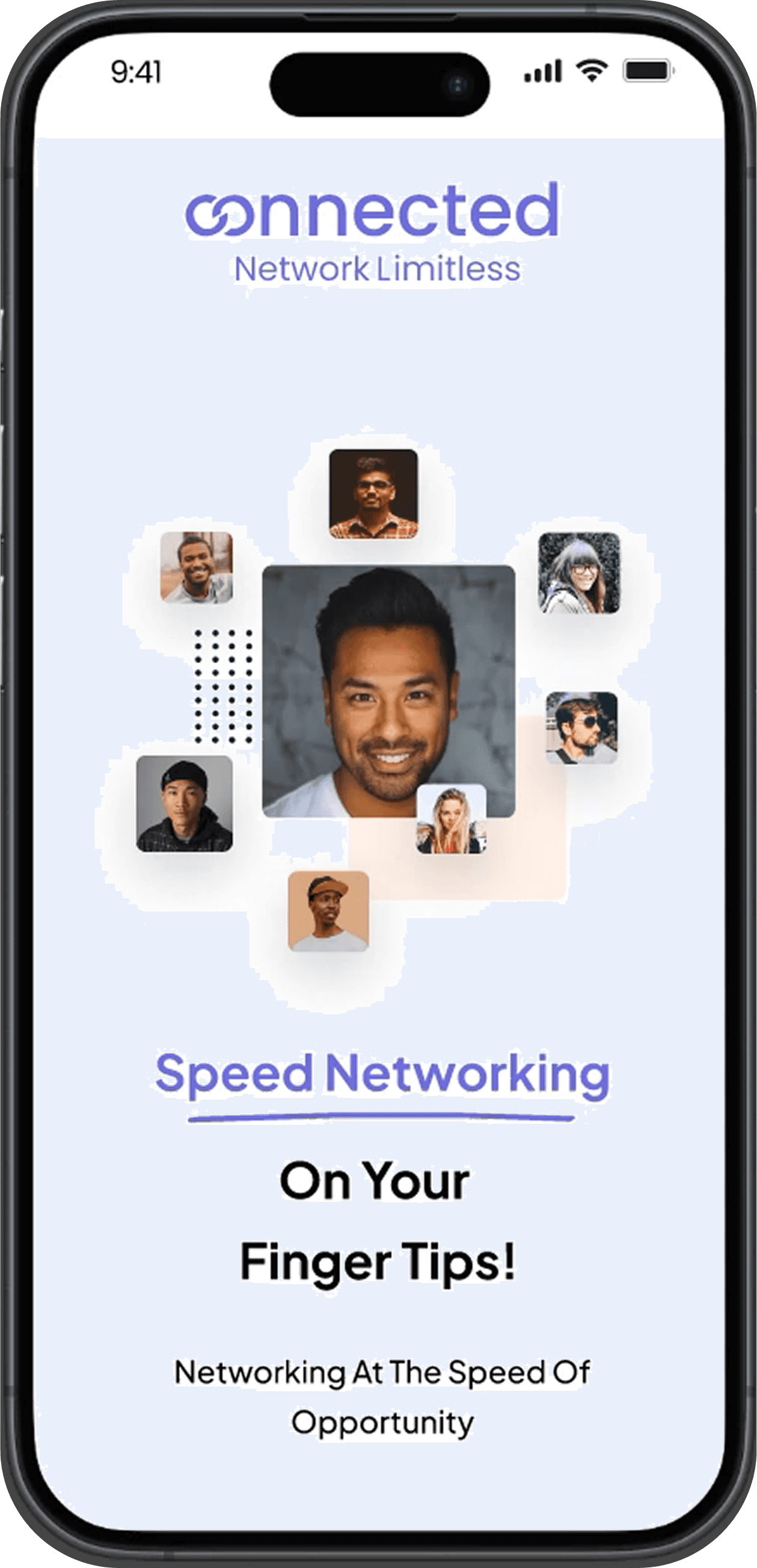
We Have Successfully Delivered The Design Before The Deadline, Successfully Meeting The Challenge.
✅
Delivered in 6-8 days
12 essential screens prioritized
Design & Prototype (MVP)
Check the design and prototype of our event platform and landing page for the MVP version
Hover Here
Event Platform
MVP Version
Launched, Test & Feedback
We launched the MVP beta version at the event it was specifically designed for, allowing us to test its effectiveness in facilitating professional connections and gather valuable user feedback for further improvements.
📹
Video Note
The video will start automatically when the founder begins speaking. If it doesn't, skip to timeframe 1:15:46.
❓
Which Event Did You Use The MVP Beta Version For?
Testing ground for our networking platform

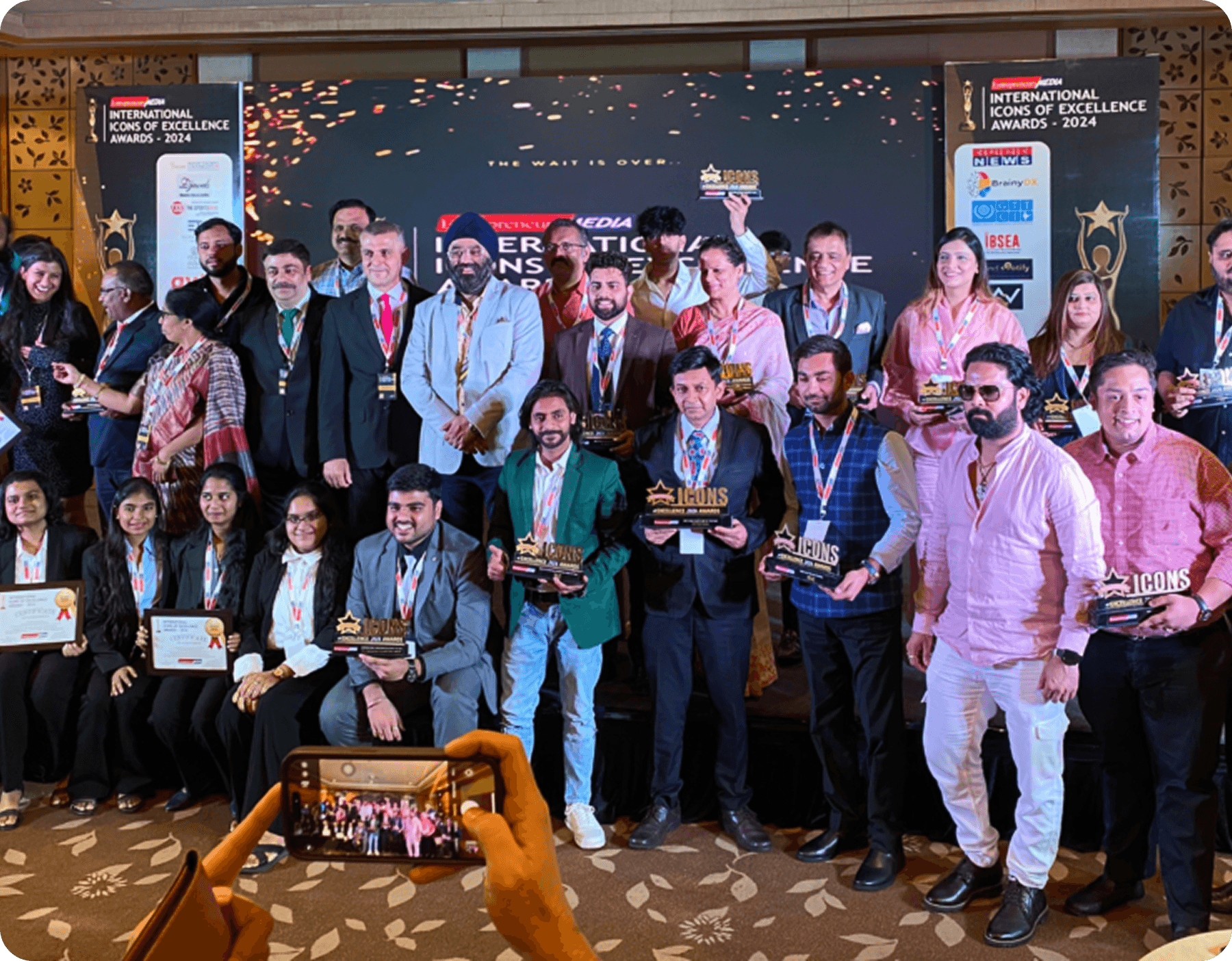
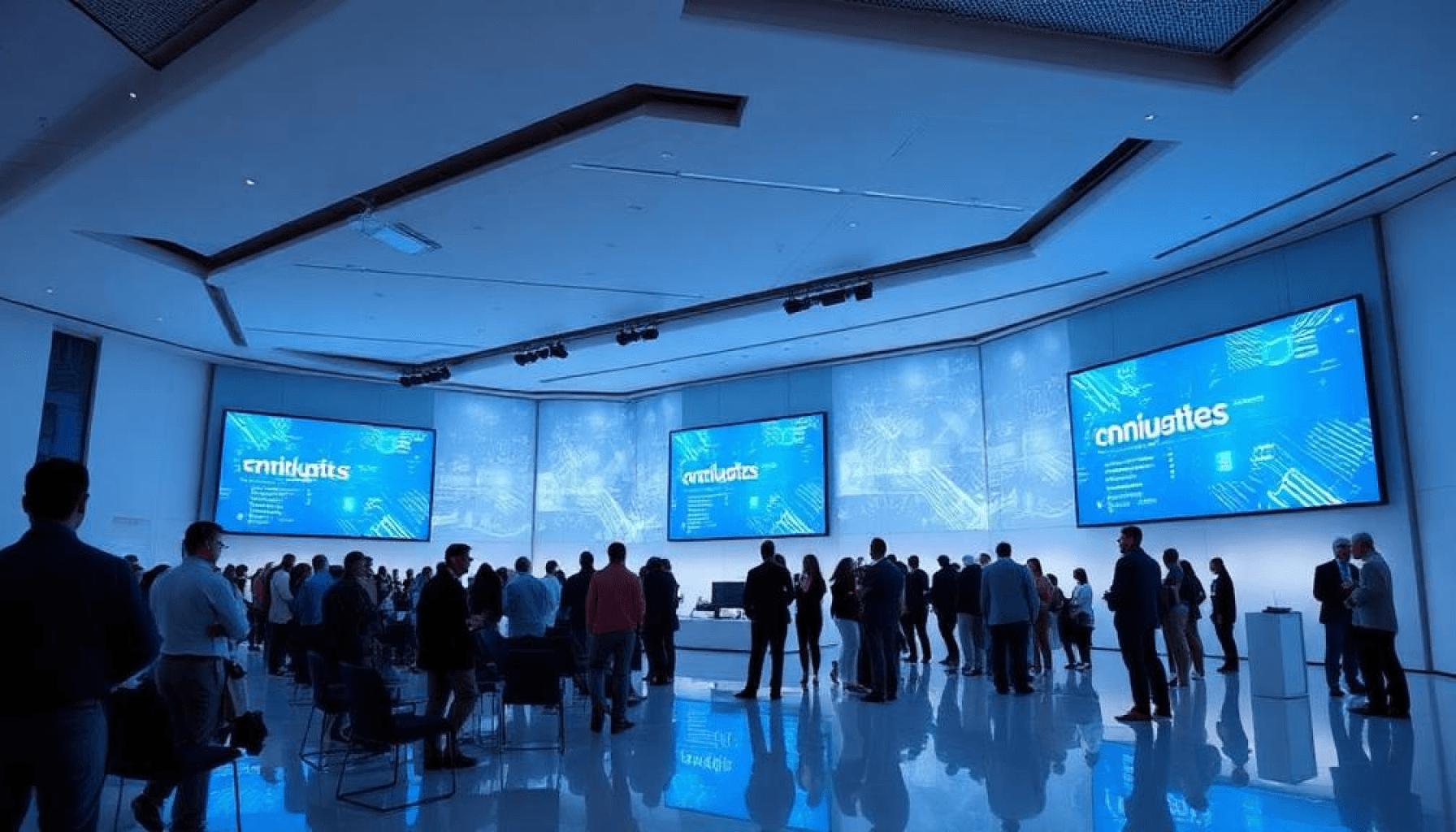
Networking session at the International Icons of Excellence Awards
We were also awarded the 🚀 Emerging Tech Startup of the Year 2024 🏆 award at the event.
Founder's Testimony
Look at what the founder said about the platform during the event.
▶️
Watch the testimonial
User Feedback
Next
Previous
KS
Kulpreet Singh Ahuja
Co-Founder & Director at Entrepreneurs Media
⭐⭐⭐⭐⭐
"This saved me so much time! Instead of wandering
around hoping to meet the right people, I could simply
check profiles and connect instantly. The LinkedIn and
WhatsApp integration made it seamless."
AS
Ankur Sarin
Co-founder @ Entrepreneurs Media
⭐⭐⭐⭐
"While the platform is useful, not all attendees were
using it, which limited its effectiveness. Maybe adding
a feature that encourages people to sign up before the
event would help."
SS
Shaifaly Sangal
Founder - Bhavishya
⭐ ⭐ ⭐
"I don't use LinkedIn and prefer not to share my
WhatsApp number, so it would be great if I could
connect with people directly within the app based on
my interests."
NB
Nikita Bose
National Head- Government Business Invoicemart
⭐ ⭐ ⭐ ⭐
I liked the platform, but I missed having access to details about guests, speakers, and award recipients beforehand. An event info section or live updates would help keep attendees informed and engaged.
GS
Gurmeet Singh
Founder • Perfume Point
⭐ ⭐ ⭐ ⭐ ⭐
I was nervous about networking because I didn’t know anyone, but The Connected made it effortless. Just seeing profiles before approaching someone gave me confidence. It felt like a guided networking experience.
GS
VIKRAM VIJAY CHANDAN
Vice President Sales, Sony Pictures Network Pvt Ltd.
⭐ ⭐ ⭐ ⭐ ⭐
I used The Connected and really liked it, but it was annoying that I couldn’t see how many people I connected with. I kept forgetting and had to scroll through WhatsApp or LinkedIn to find them.
Insights Gained Through User Feedback
What's Already Covered:
During MVP testing, we received helpful user feedback and the good news is, most of
the requested features were already addressed in the Full Version we created earlier.
This validated our design decisions and confirmed that the platform already met most
user expectations.
What Still Needs to Be Added:
A few new suggestions came up during MVP
testing that we plan to include in the next update:
In-App Chat Integration
To enable real-time communication directly within the
platform, without relying on external apps.
Privacy and Connection Settings
Give users the ability to choose how they want to
connect (e.g., show/hide LinkedIn or WhatsApp).
Block/Unblock Option
Allow users to block or unblock others for better safety
and control over their networking experience.
What I Noticed:
Even though we designed separate UIs for exhibitors and visitors in our full version, we
didn't ask users to identify their role during onboarding. This led to confusion about
whether someone was joining as an exhibitor or a visitor.
Impact of This:
This caused confusion, especially in events that were visitor-only, with no exhibitor
participation at all. Without clarity, users ended up logging in as visitors by default
missing the chance to tailor their experience or understand what to expect.
For future versions, a simple role-selection during onboarding like "Join as Visitor or Exhibitor"
will help personalize the experience and avoid confusion.

Something Important I
Noticed During The
Walkthrough Of The Full
Version
Detailed insights available
Outcome & Reflection
Measuring impact and lessons learned from the design process
Project Impact
60%
Increase in meaningful connections
per visitor
85%
Faster connection establishment
time
90%
Reduction in missed networking
opportunities
Key Learnings
Insights
Working Under Time Constraints
Learned to prioritize features effectively and make rapid design decisions
while maintaining quality.
Rapid Iteration Value
Quick prototyping and testing cycles led to more user-centered solutions
and faster validation.
User Research Importance
Even limited research provided crucial insights that shaped successful
design decisions.
What's Next
Future
Potential Improvements
• Advanced AI matching algorithms for more precise connections
• Real-time analytics dashboard for exhibitors
• Integration with CRM systems for seamless lead management
• Multi-language support for international events
Scalability Opportunities
• Virtual and hybrid event support
• Enterprise-level customization options
• White-label solutions for event organizers
• Integration with popular event management platforms
Project Success
This project successfully demonstrated how thoughtful UX design can transform
traditional networking challenges into seamless digital experiences, creating value
for all stakeholders.
Thanks for your time!
I'd love to hear your thoughts on this case study or discuss how we can work together
to create meaningful digital experiences.
© 2025 • Designed by Aatif khan️