Case Study
48-Hour Design Challenge
Digital Twin
AI
Designing an AI-powered avatar creation experience
that combines your photo and voice into a
personalized digital twin.
Role
UI/UX Designer
Timeline
48 Hours
Platform
Mobile-first Web
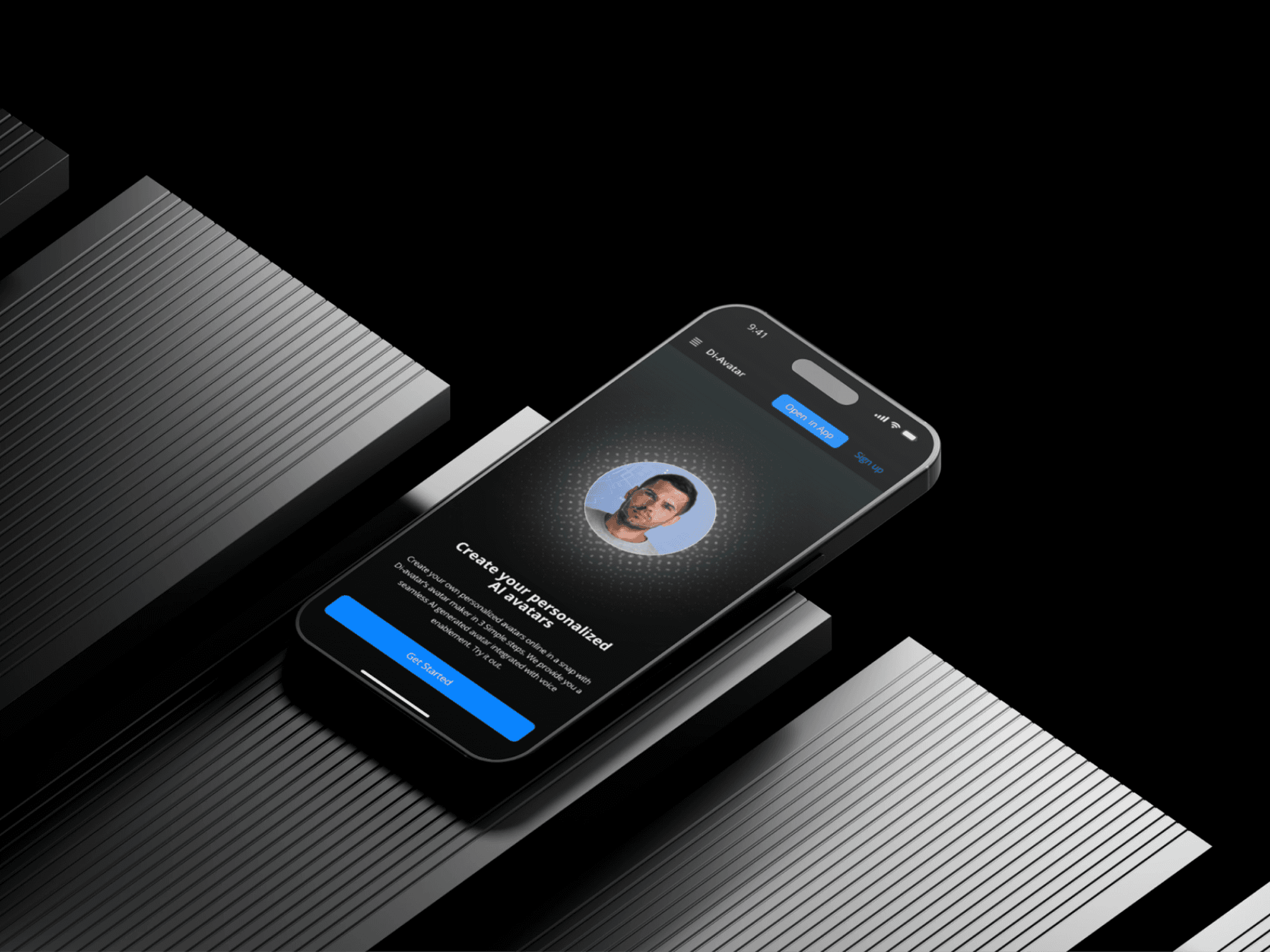
Scroll
The Problem
Why This Matters
Digital Twins are the next evolution of personal AI virtual representations
that look, sound and communicate like you. But current tools make this
process unnecessarily complex.
Complex Workflows
Most AI avatar tools require
multiple apps and technical
knowledge
No Emotional Control
Users can't influence how their
avatar expresses emotions
Disconnected Experience
Photo and voice inputs are treated
as separate, unrelated tasks
Design Goals
What Success Looks Like
01
Reduce Cognitive Load
Minimize decision points during avatar creation to
keep users focused on the outcome, not the
process.
02
Intuitive Input Flow
Make image and voice input feel natural and
seamless like a single, connected experience.
03
Emotional Control Without Complexity
Enable users to influence avatar emotion through
simple, visual interactions.
04
Scalable Foundation
Design a flexible system that can accommodate
future features without redesign.
Context
Constraints & Assumptions
Constraints
48-hour design sprint
Information Architecture was predefined
No time for primary user research
Assumptions
Tech-aware users comfortable with mobile apps
Mobile-first usage pattern expected
Users expect quick, visible results
Research
Key Insights
Secondary and competitive research revealed clear patterns in user
expectations for AI avatar tools.
Realism Over Options
Users prioritize realistic output over
extensive customization options.
Emotion as Differentiator
Emotional control is rarely offered
but highly valued when available.
Simplicity Builds Trust
Clean, focused interfaces increase
confidence in AI-powered tools.
Key Insight
"The emotion slider isn't just a feature it's the primary differentiator that positions this product above
competitors who only focus on visual accuracy."
User Flow
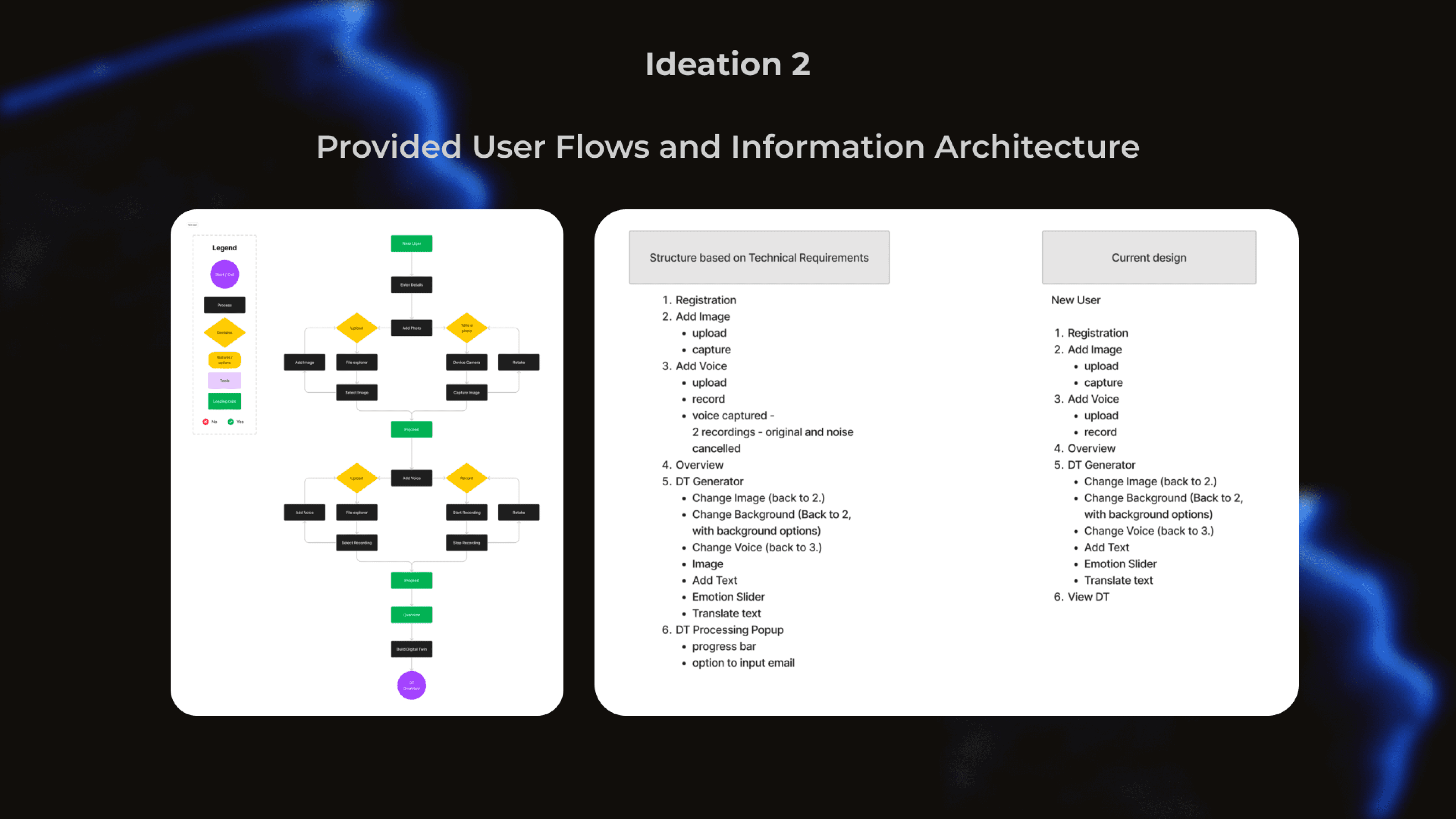
End-to-End Journey
The complete flow from initial input to final avatar output, designed for clarity
and confidence at each step.
Step 1
Add Image
Intent: Capture or upload a photo
Decision: Guided examples reduce errors
Step 2
Add Audio
Intent: Record or upload voice sample
Decision: Clear format guidelines shown
Step 3
Review Inputs
Intent: Confirm before processing
Decision: Visual summary builds confidence
Step 4
Generate Twin
Intent: AI creates the avatar
Decision: Progress indicator maintains trust
Step 5
Edit & Control
Intent: Adjust emotions and details
Decision: Slider provides immediate feedback
Step 6
Final Output
Intent: Preview and share result
Decision: Multiple export options available
Ideation
Low-Fidelity Exploration
Quick sketches helped explore the flow before committing to high-fidelity
designs. The predefined IA guided screen decisions while leaving room for
interaction patterns.
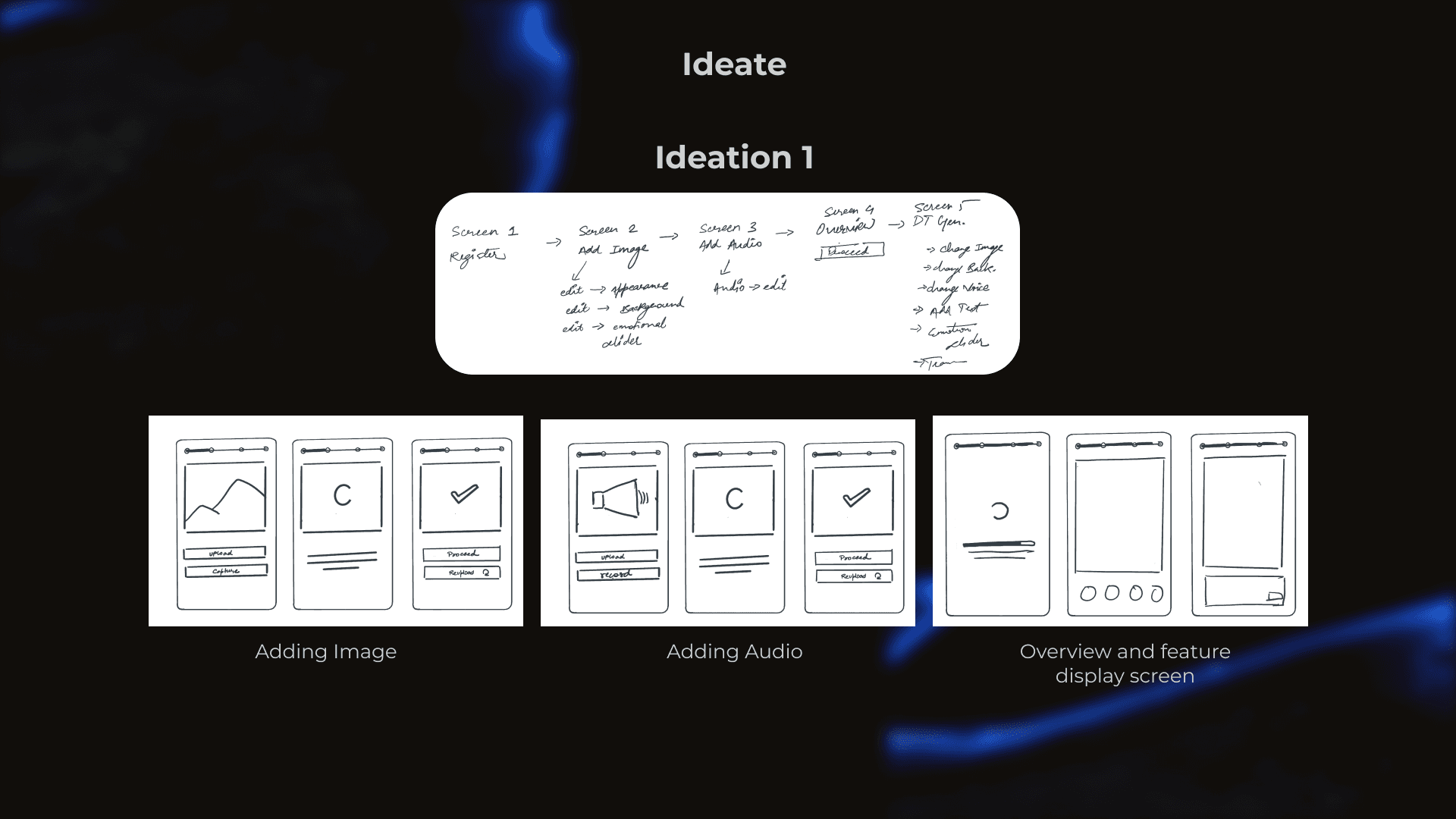
Image Flow
Upload or capture with confirmation
Audio Flow
Record or upload with playback
Emotion Slider
Early concepts for intuitive control
Iterations
Refining the Experience
Feedback from 3 users revealed friction points that were addressed before
final designs.
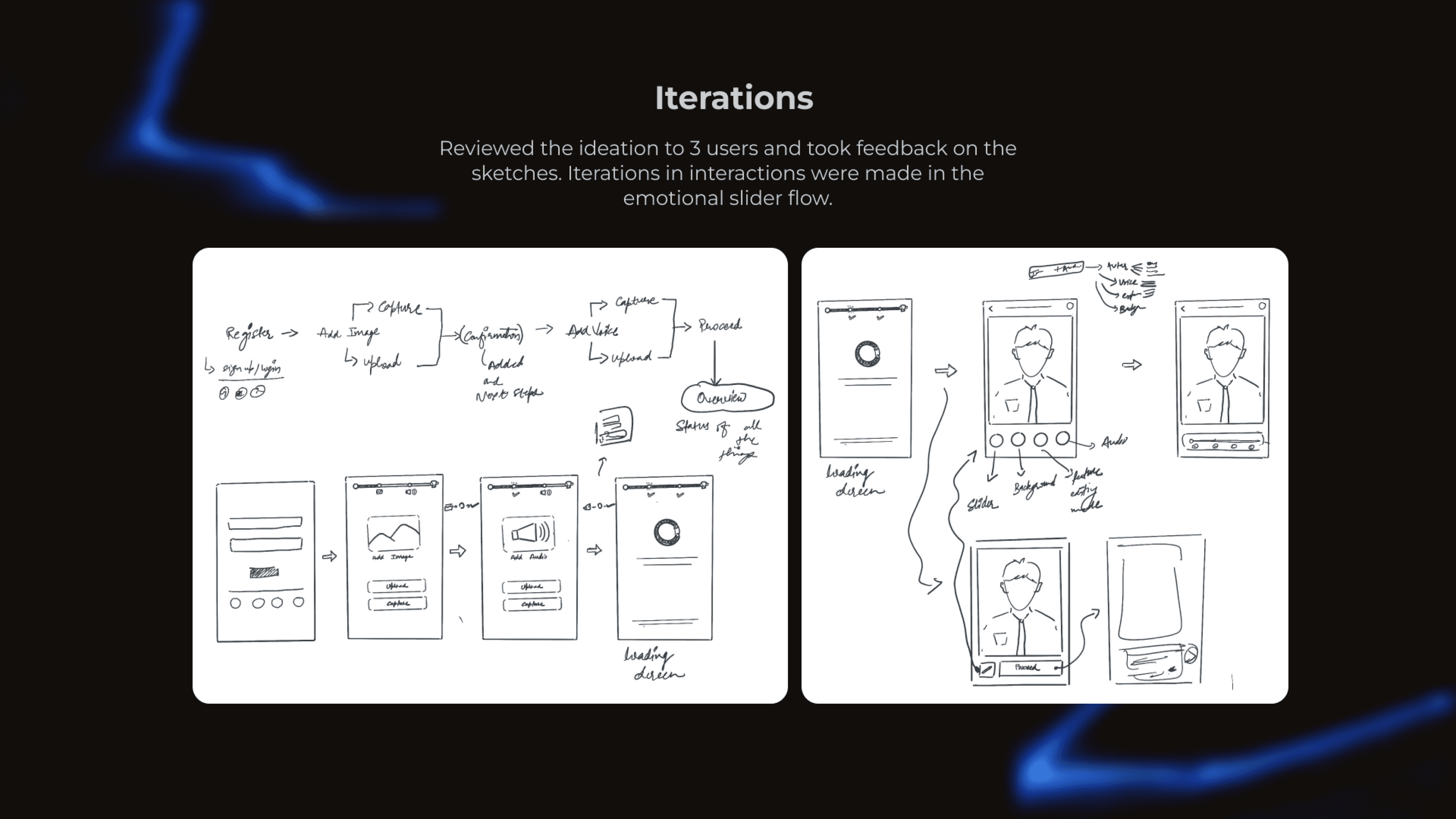
User Feedback #1
Before
Emotion slider had no visual feedback
After
Added real-time avatar expression preview
User Feedback #2
Before
Users confused about audio requirements
After
Clear format guidelines with examples
User Feedback #3
Before
Navigation between steps unclear
After
Progress indicator with step labels
Final UI
The Solution
High-fidelity screens organized by user journey stage, each designed with
clear intent and purpose.
01
Onboarding & Image Input
Users start with a clear value proposition, then add their photo with guided examples.
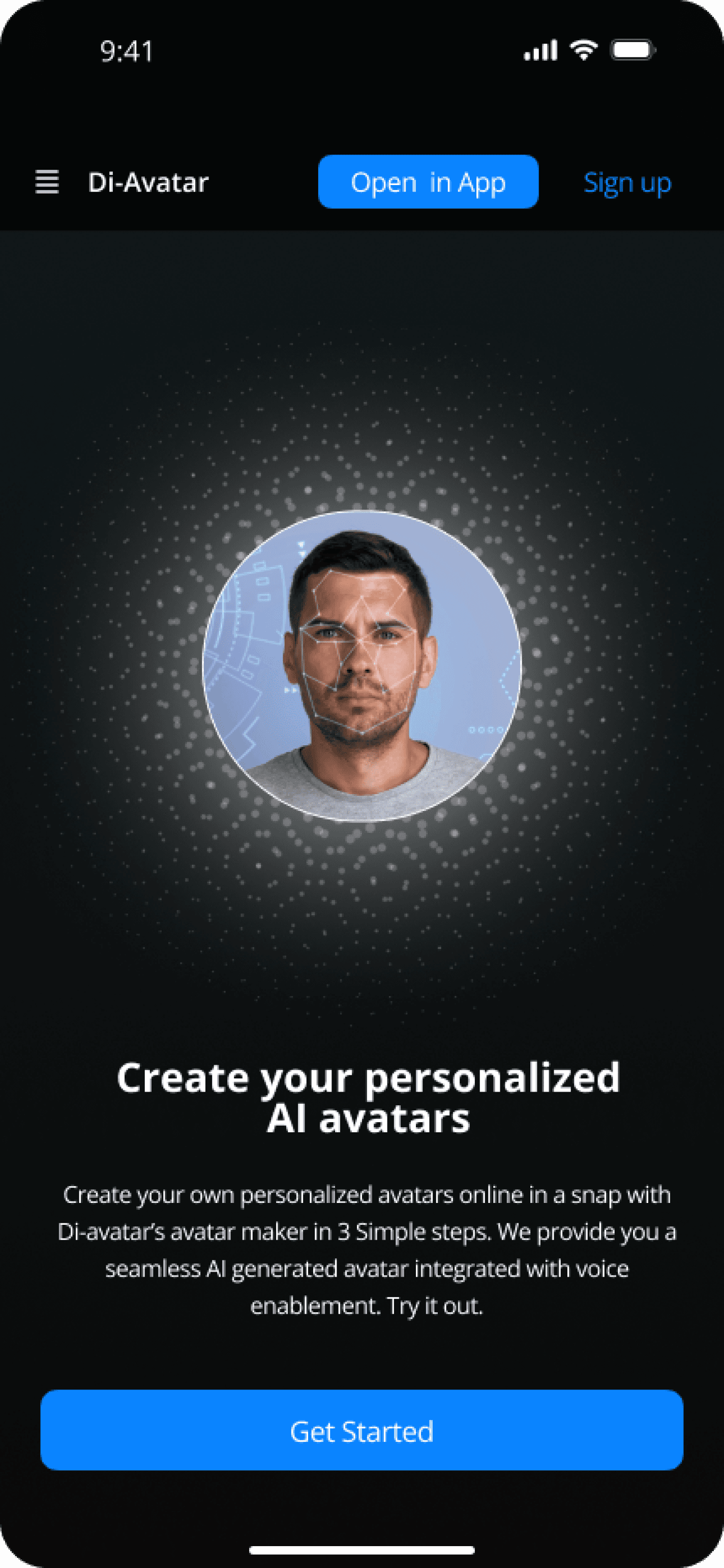
Welcome
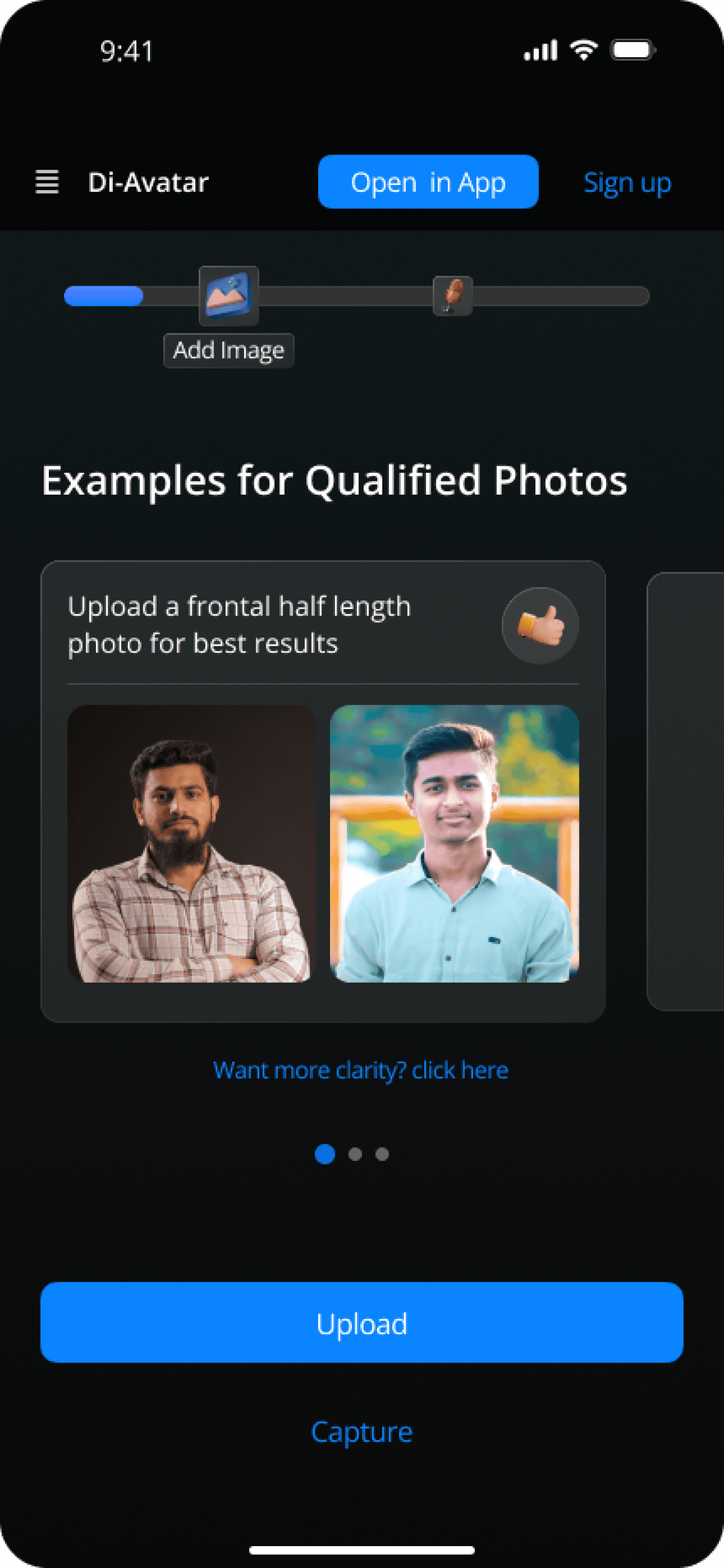
Photo Guide
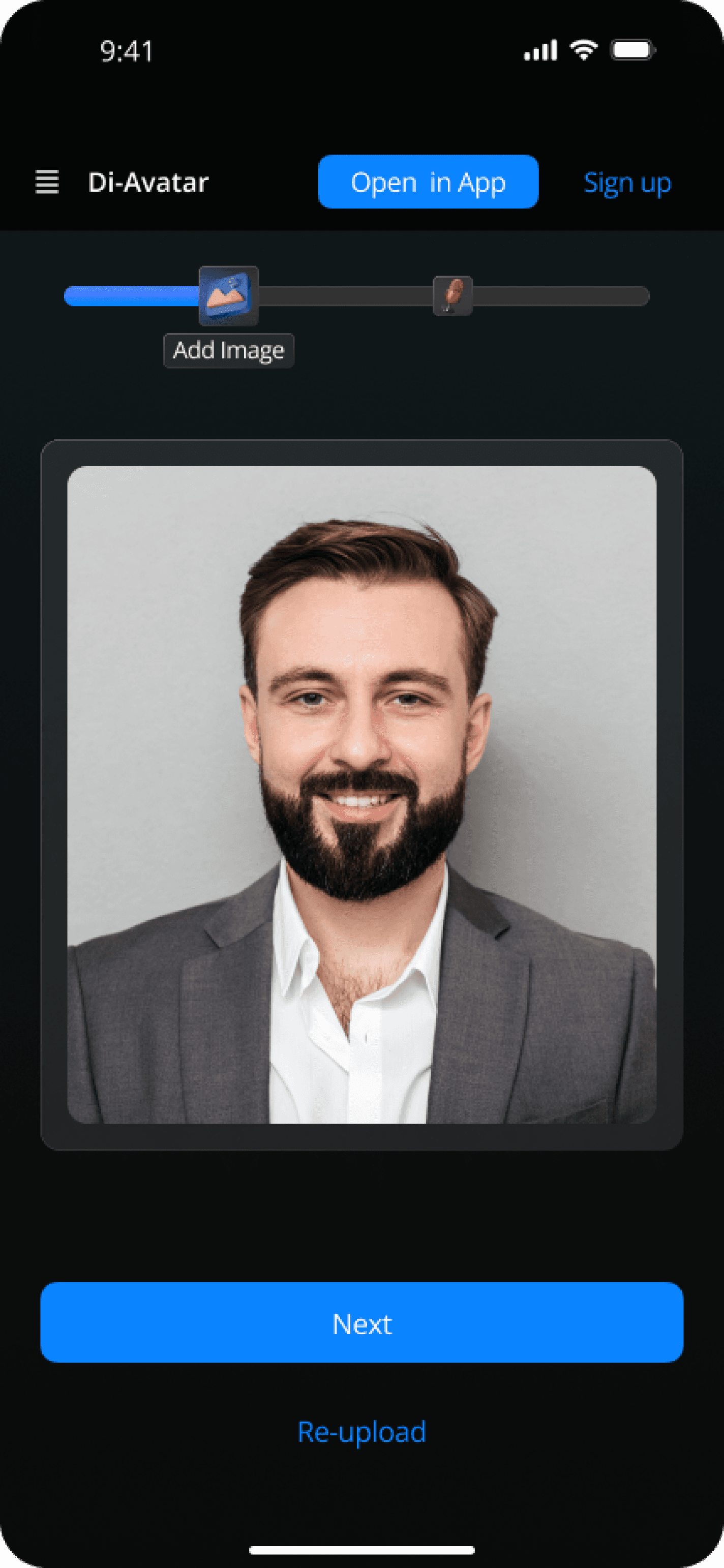
Confirm Photo
02
Audio Input & Processing
Voice recording with waveform visualization and real-time audio analysis.
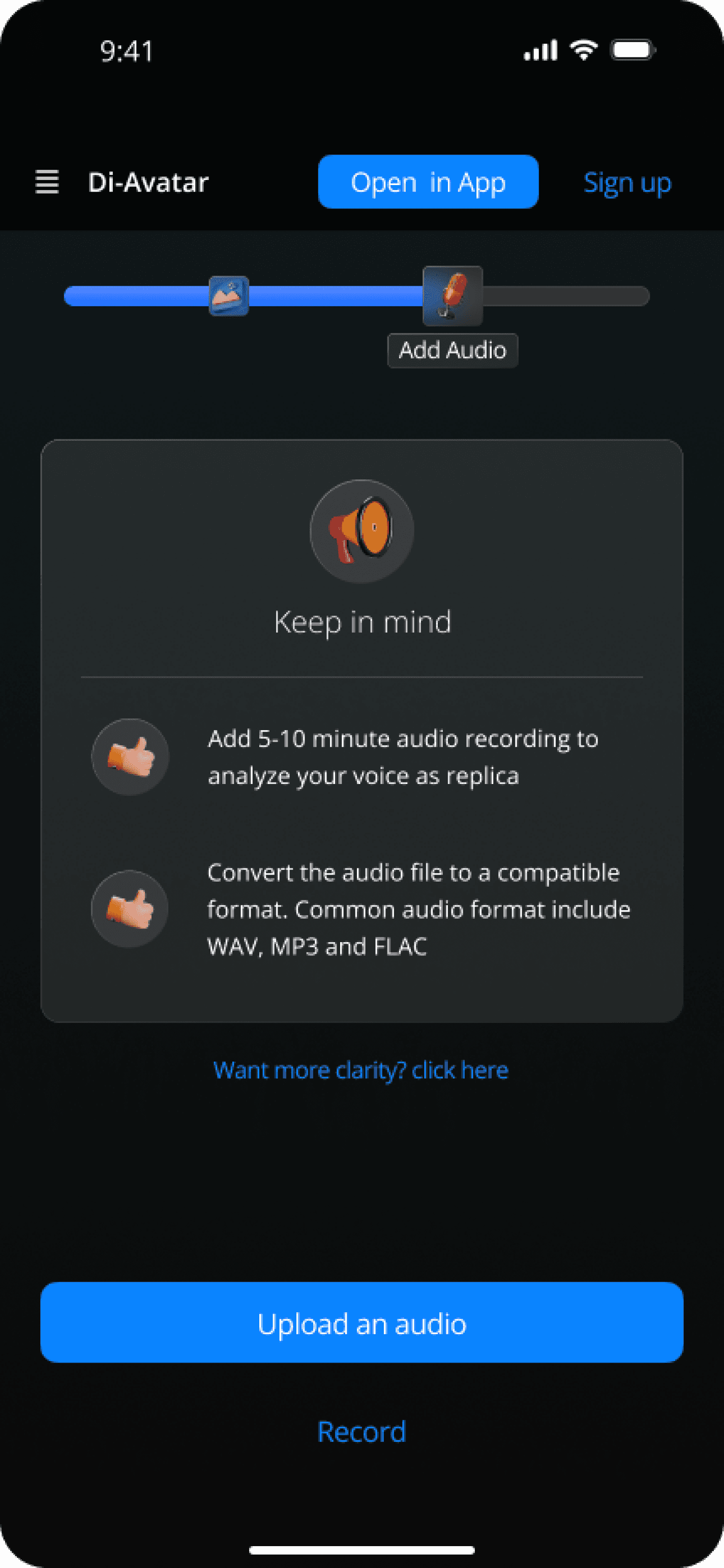
Audio Input
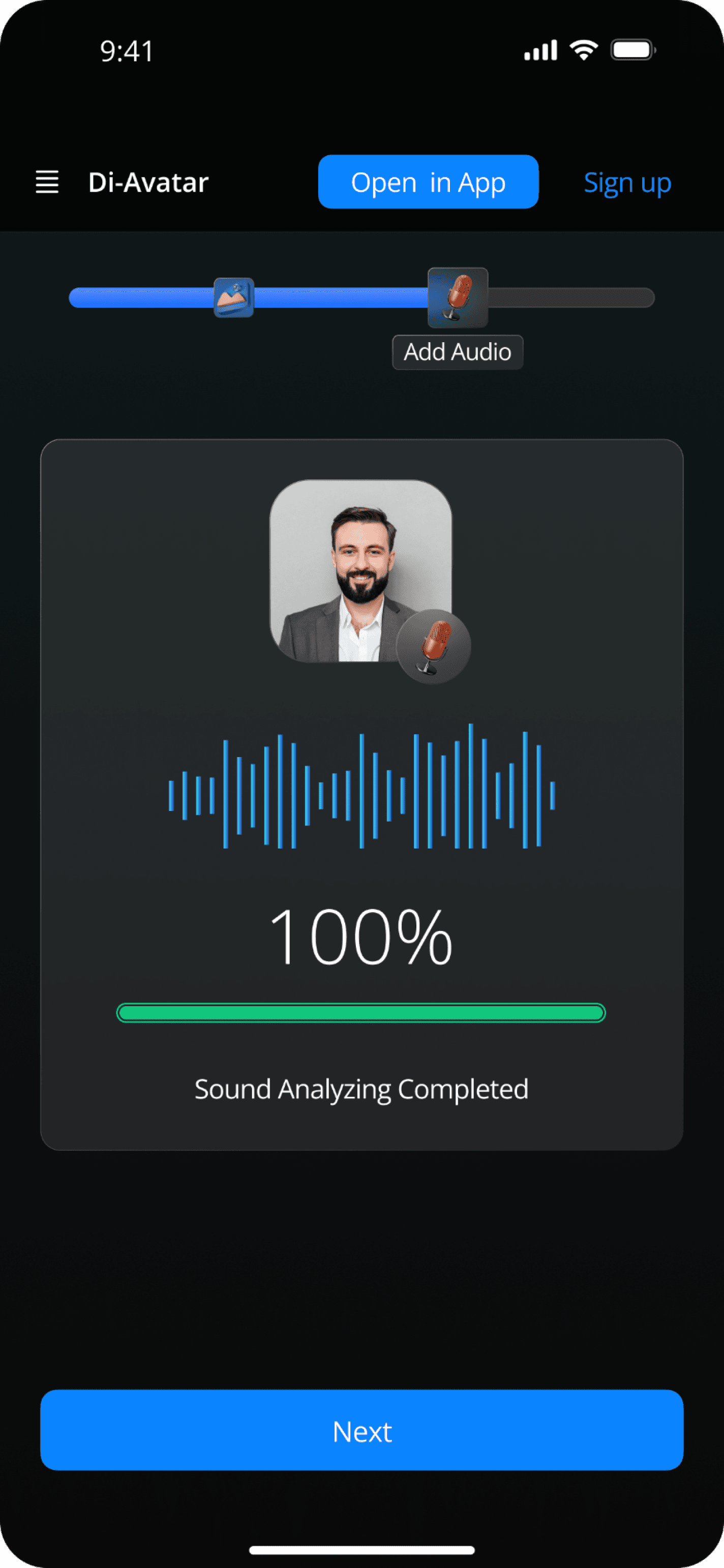
Audio Complete
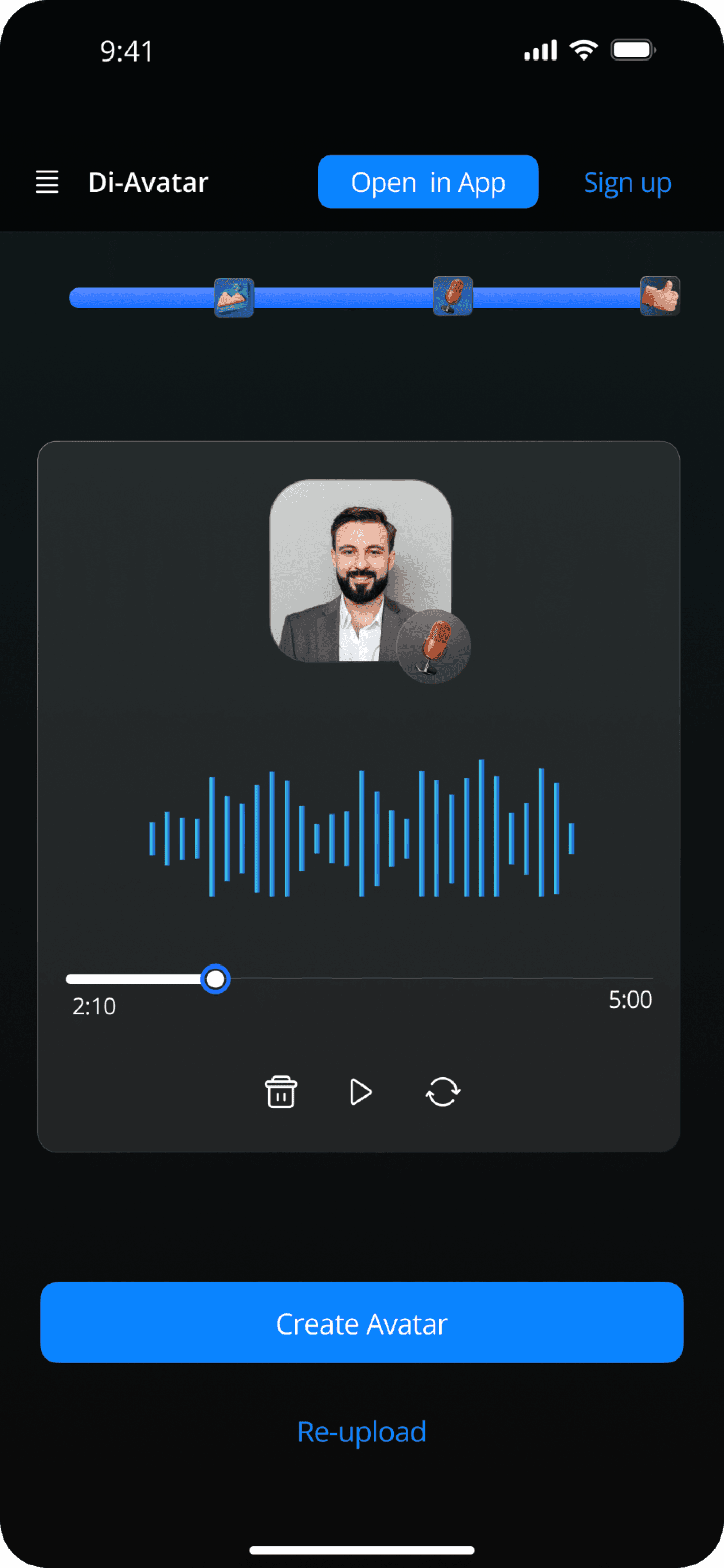
Overview
03
Avatar Generation
Progress indicators maintain trust during AI processing of the digital twin.
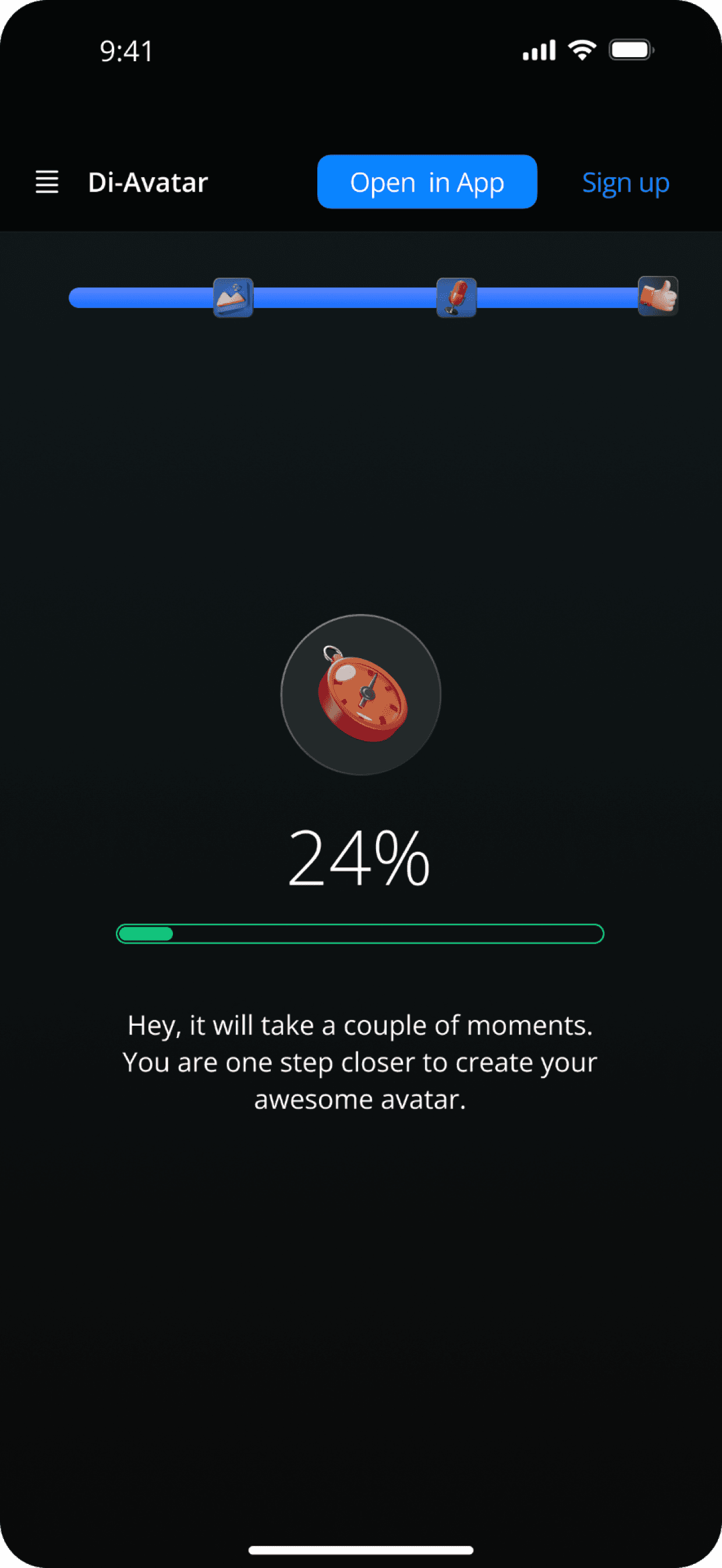
Processing
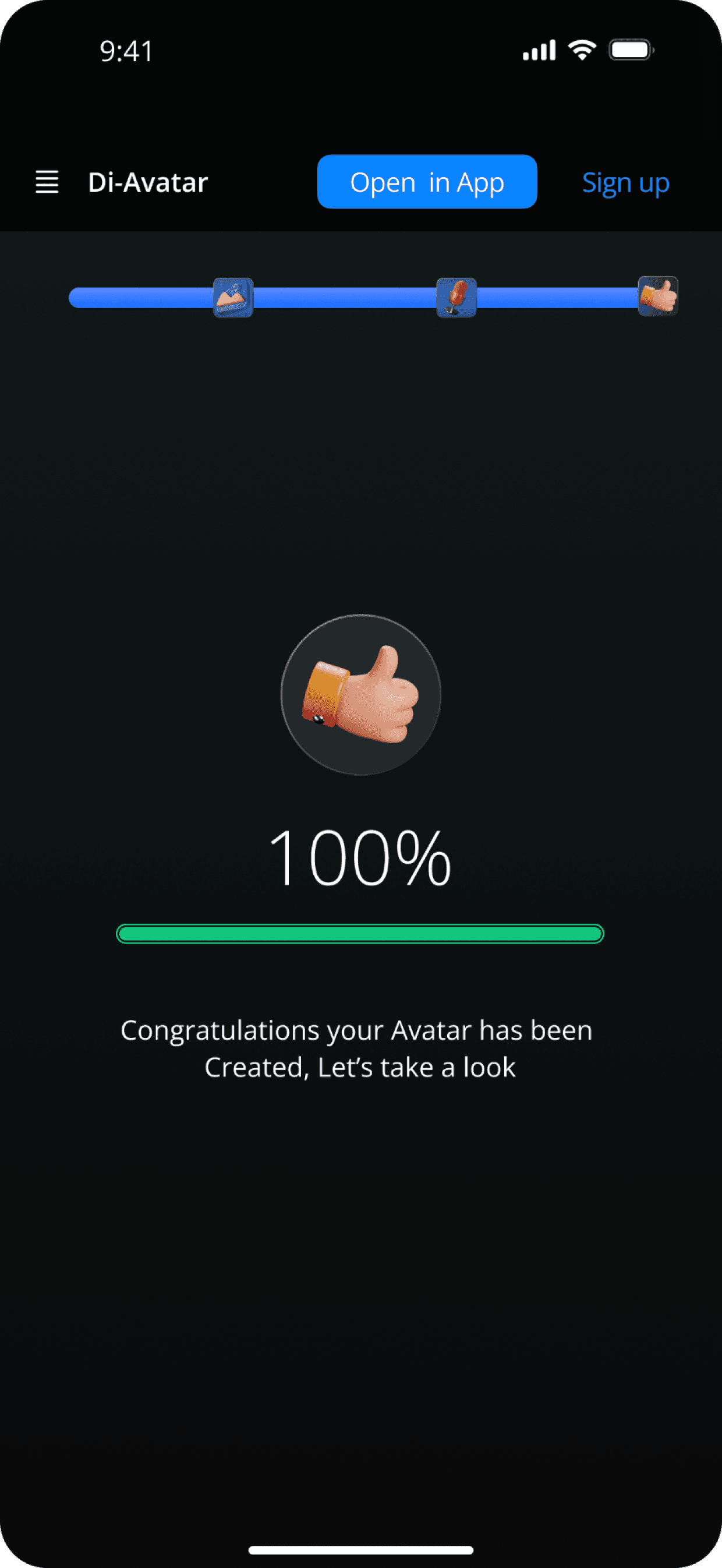
Complete
04
Emotion Control
The emotion slider lets users select expressions and preview avatar changes in real-time.
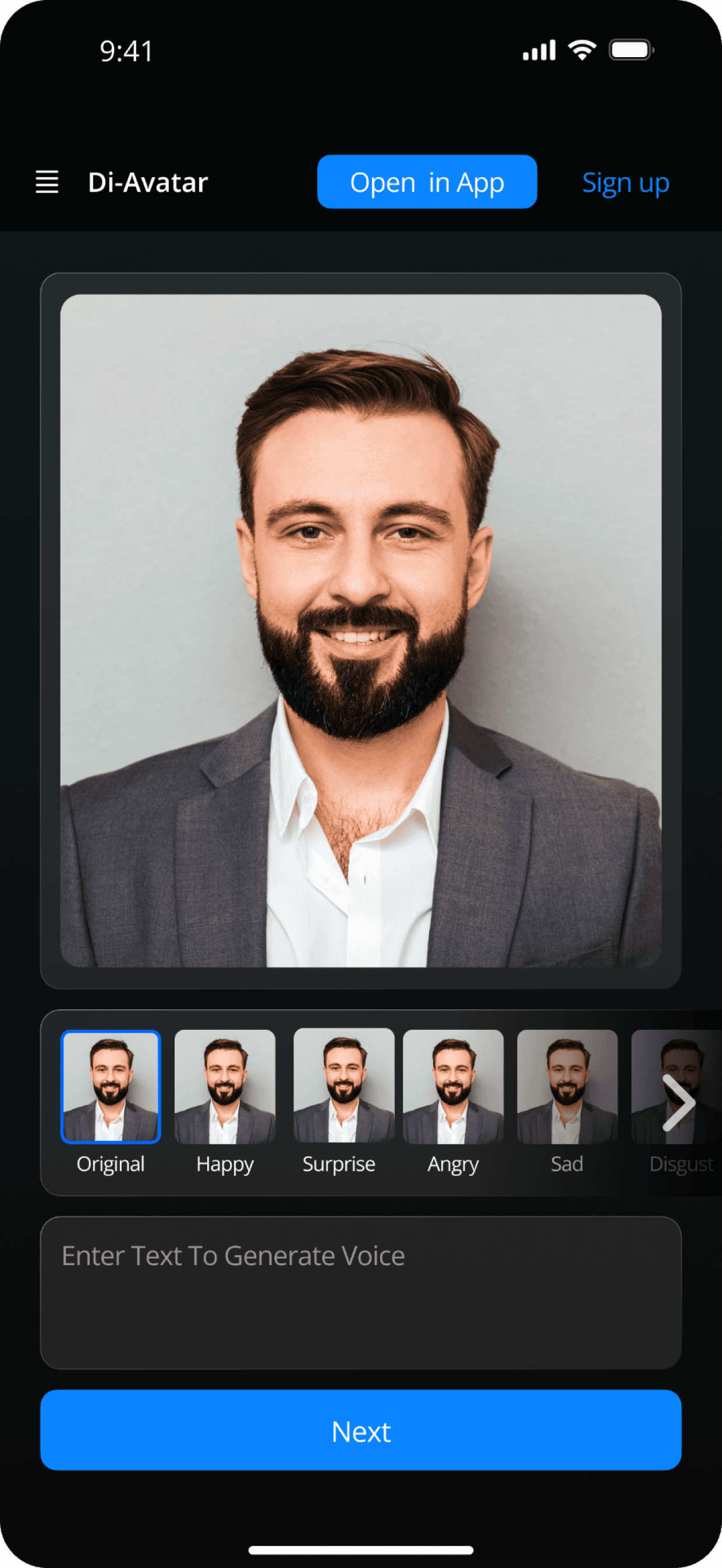
Emotion Selection
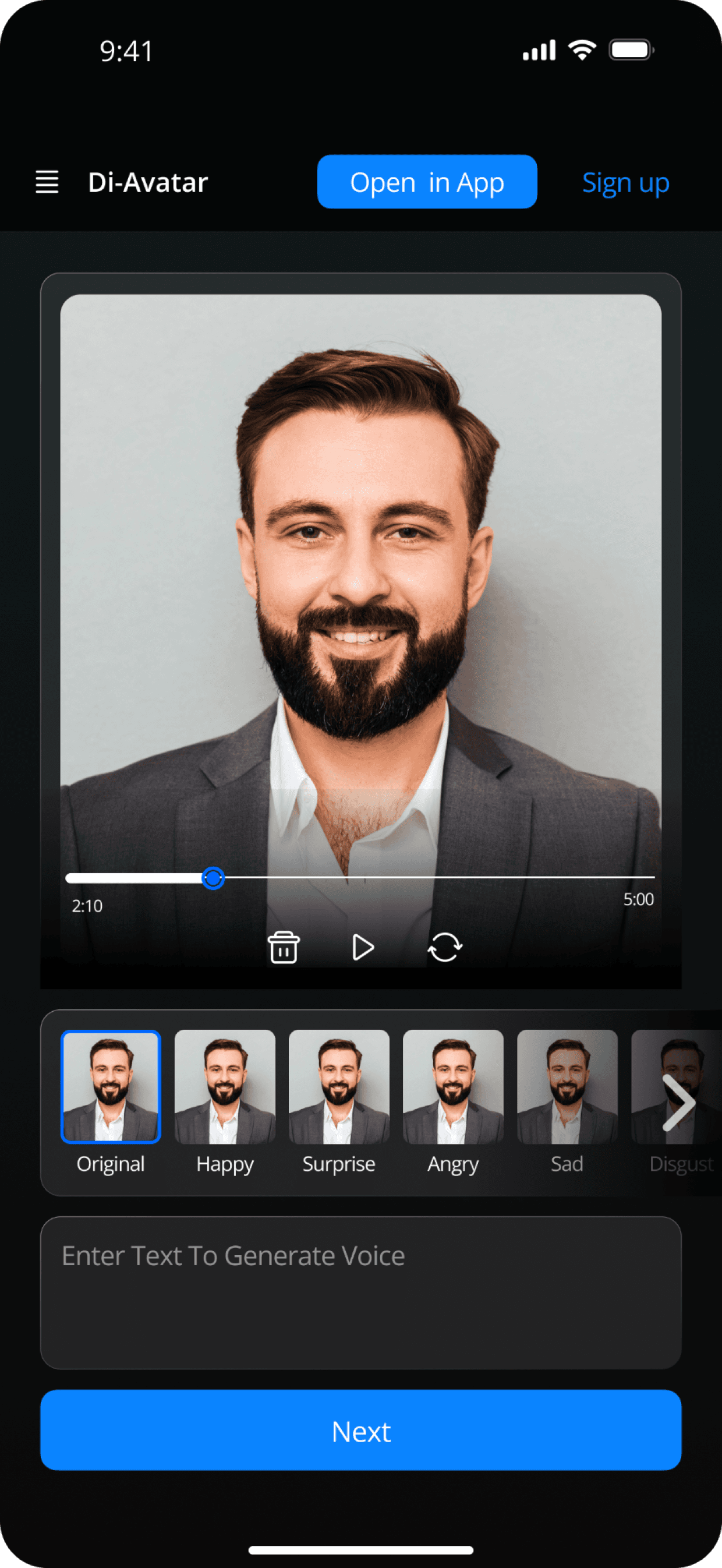
Playback Controls
05
Customization & Output
Background customization, text input with translation, and final avatar generator.
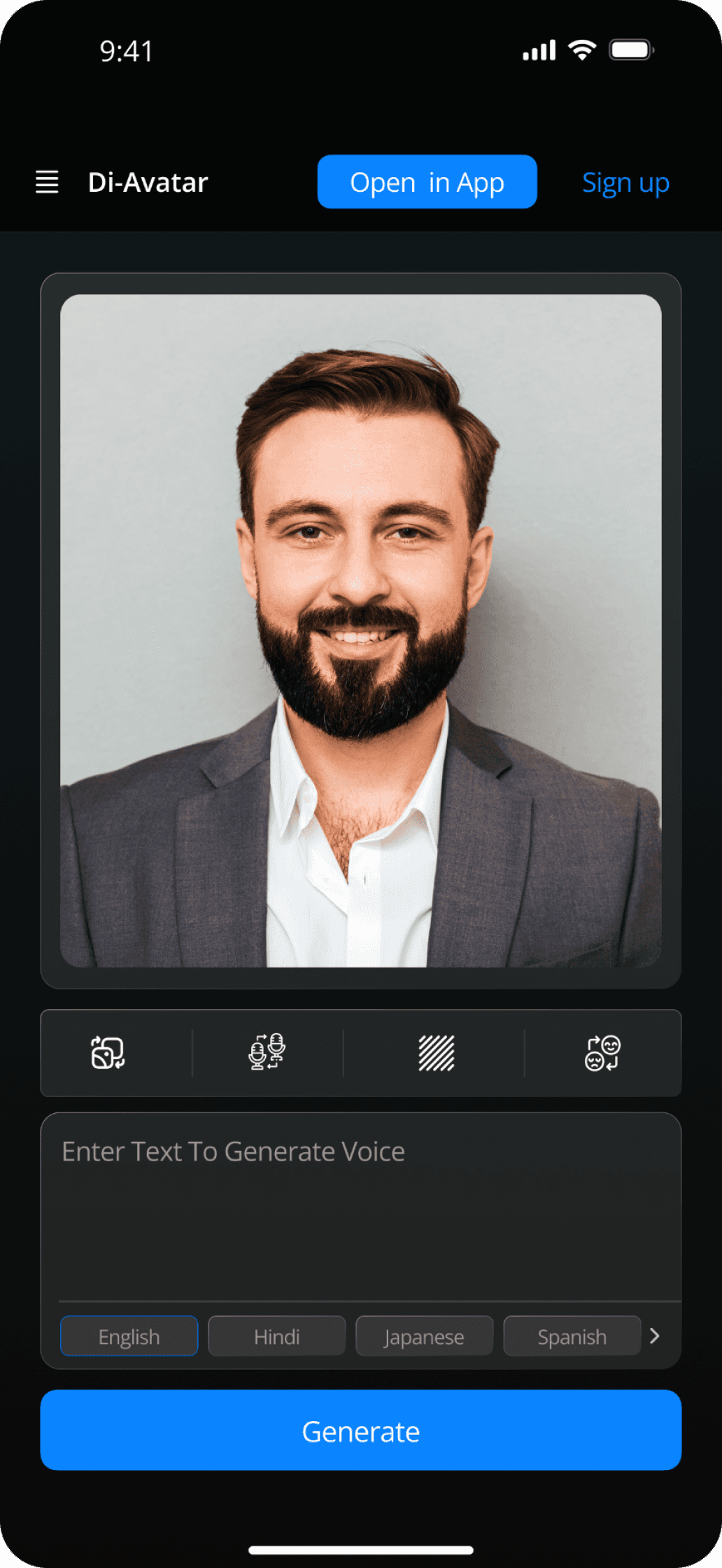
Generator
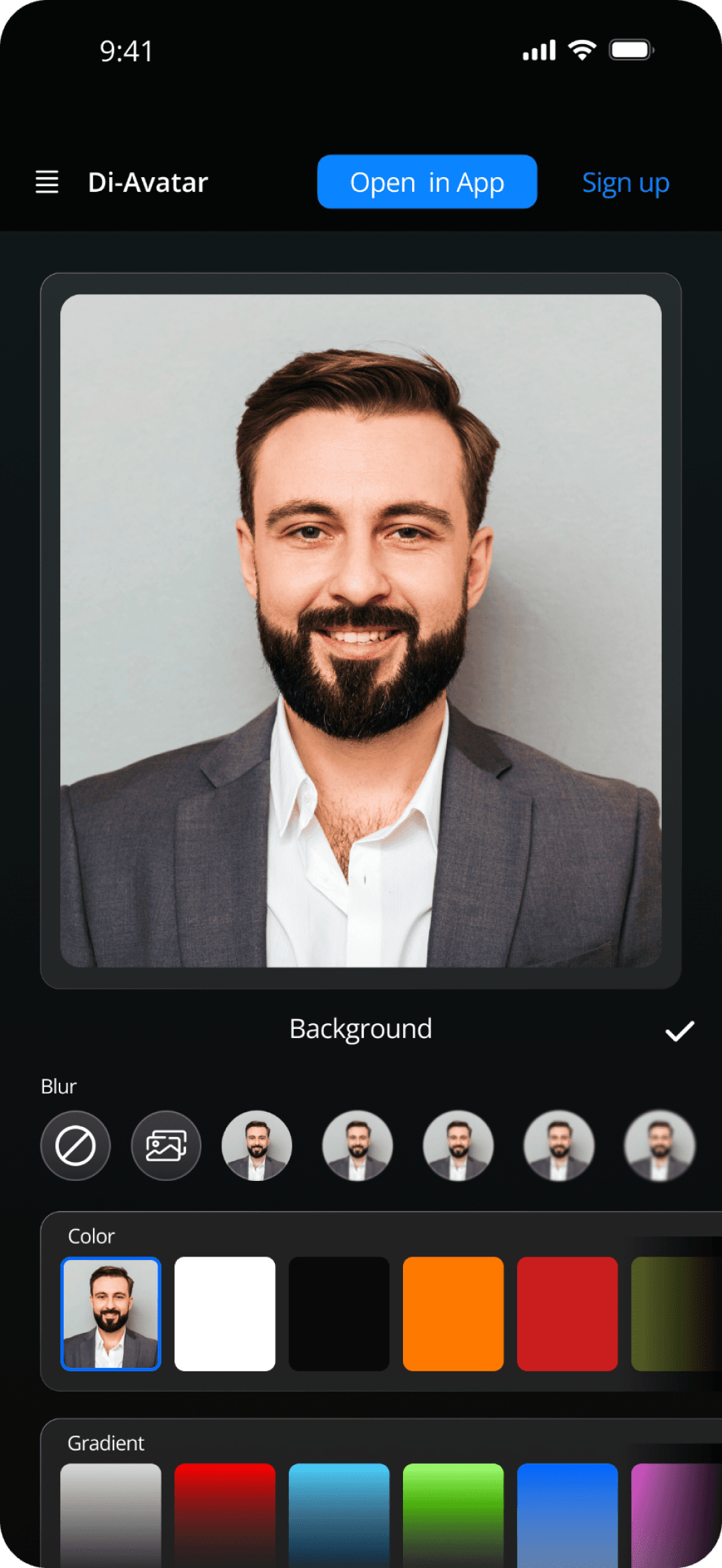
Background Light
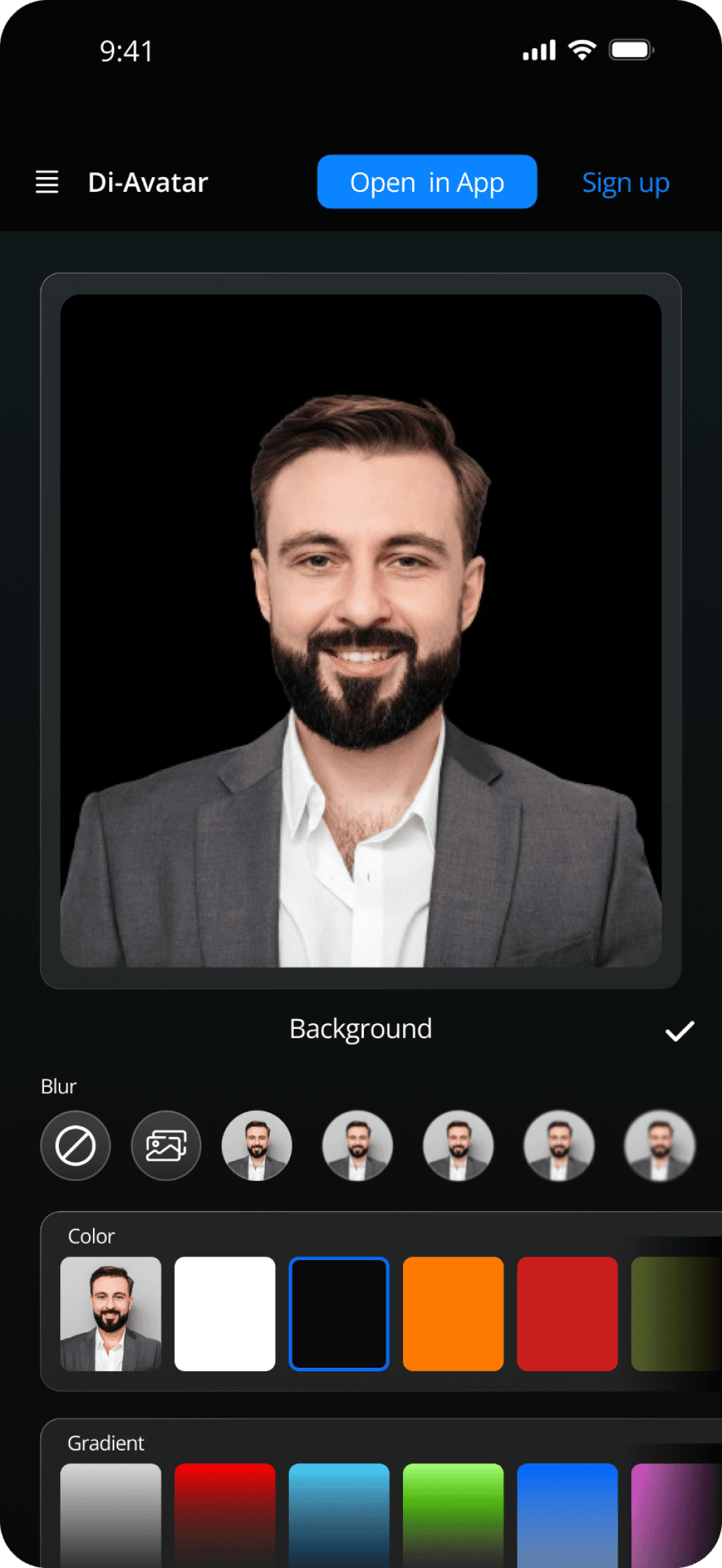
Background Dark
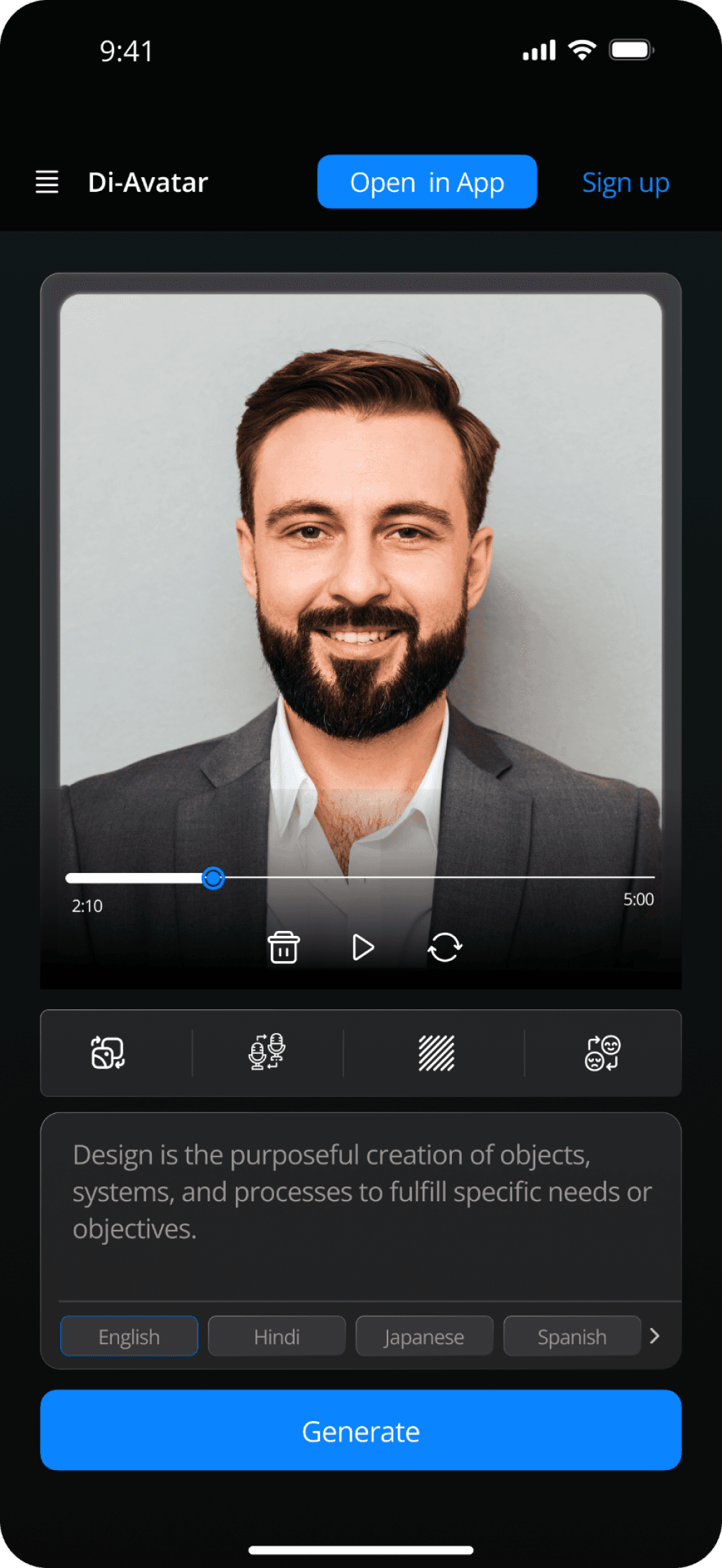
Text & Translation
💡
Design Decision
The blue accent (#0A84FF) was chosen for its association with trust and technology. Each screen
follows a consistent visual hierarchy with clear CTAs, ensuring users always know their next action.
System
Design System
A consistent visual language ensures scalability and maintainability across the
product.
Color Palette
Primary Blue
#0A84FF
Background
#0D0F12
Card
#13161A
Text Primary
#FAFAFA
Text Muted
#71717A
Border
#27272A
Typography Scale
Display
48px
700
Hero titles
Heading 1
32px
600
Section titles
Heading 2
24px
600
Card titles
Body
16px
400
Paragraphs
Caption
12px
500
Labels, hints
Components
Buttons
Primary
Secondary
Text Link
Card Elevation
Base
Elevated
Capabilities
Core Features
Key functionality that powers the Digital Twin experience.
AI Avatar
Generation
Create personalized AI
avatars by combining
photos and voice
Emotion Slider
Control emotional
expression with an
intuitive slider
Voice Sync
Audio integration with
visual avatar
movements
Backgrounds
Choose or upload
custom backgrounds
Translation
Multi-language text
support
Accessibility
Usability Considerations
Design decisions that ensure the product is usable by as many people as
possible.
Contrast Ratios
All text meets WCAG AA standards with 4.5:1
minimum contrast on dark backgrounds.
Tap Targets
Interactive elements are minimum 44×44px for
comfortable touch interaction.
Progressive Disclosure
Complex information is revealed gradually to
reduce cognitive load.
Clear CTAs
Action buttons use consistent styling and explicit
labels for clarity.
Transparency
Known Limitations
Being honest about scope and constraints.
AI behavior is conceptual — no real machine learning was implemented
No backend integration — all interactions are simulated
Emotion slider output is illustrative, not functional
Reflection
Key Learnings
Takeaways from this 48-hour design challenge.
Time Pressure Design
Constraints force prioritization — focus on what
matters most to users.
IA Clarity
Pre-defined information architecture accelerated
decisions but limited exploration.
Interaction-First Thinking
Starting with micro-interactions created a more
cohesive final experience.
AI Trust Design
Transparency and control are essential when
designing AI-powered features.
Thanks for viewing
Let's Create Something
Extraordinary
I'm passionate about crafting digital experiences that blend intuitive
design with cutting-edge technology. Interested in collaborating or
just want to say hello?
Designed & Crafted by
Aatif Khan